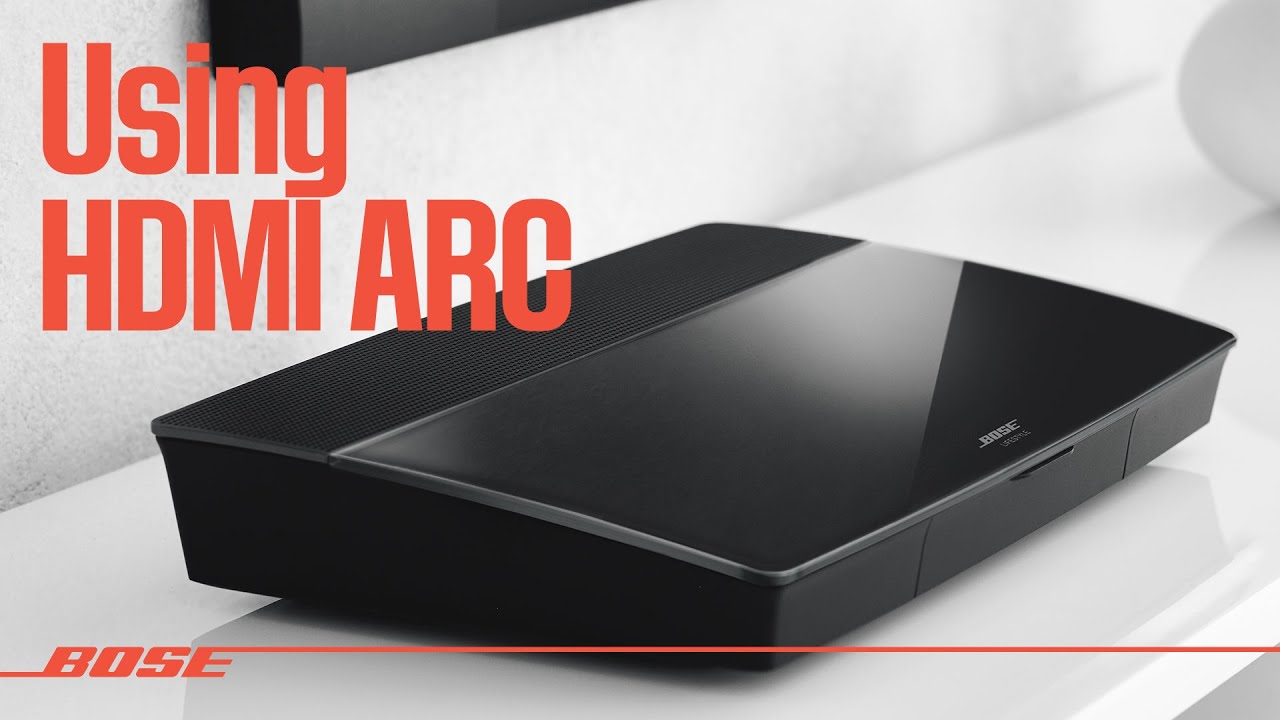
How to Pair AV35 Remote and Change Language.
Автор: USAV Solutions – Bose Repair & Support
Загружено: 2023-05-03
Просмотров: 5367
Описание:
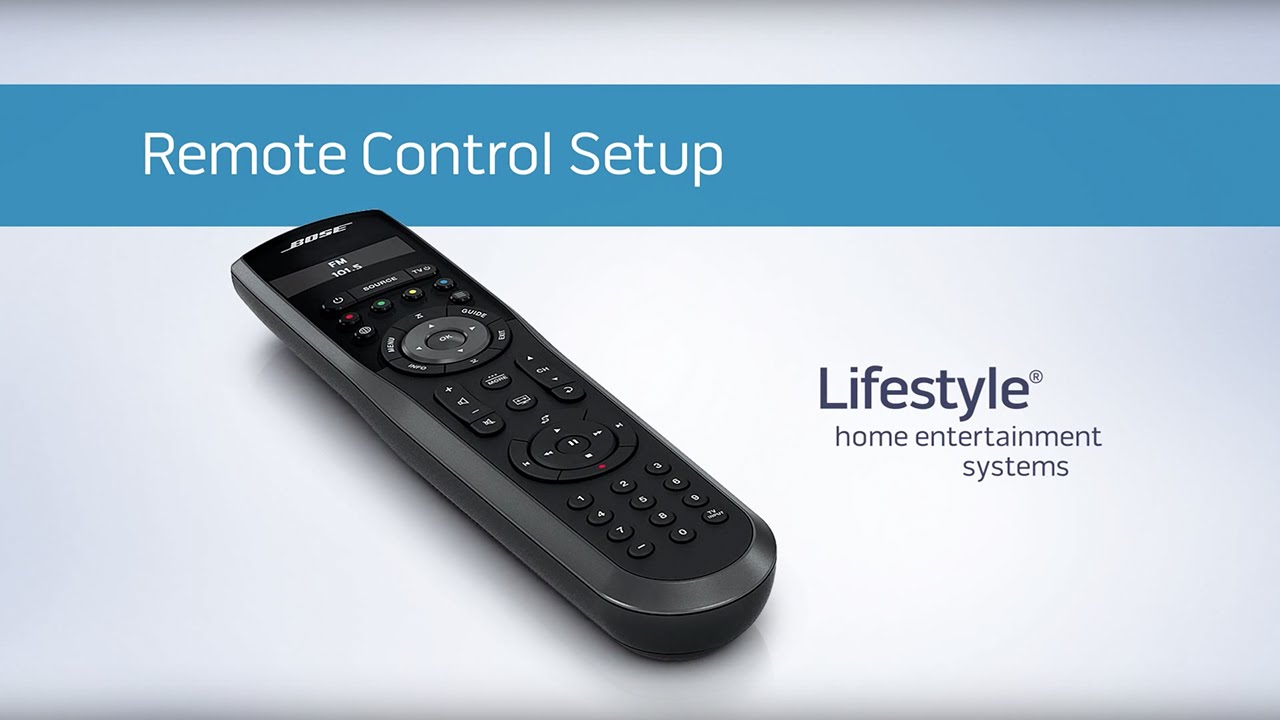
How to pair remote:
1: Turn on the AV 35
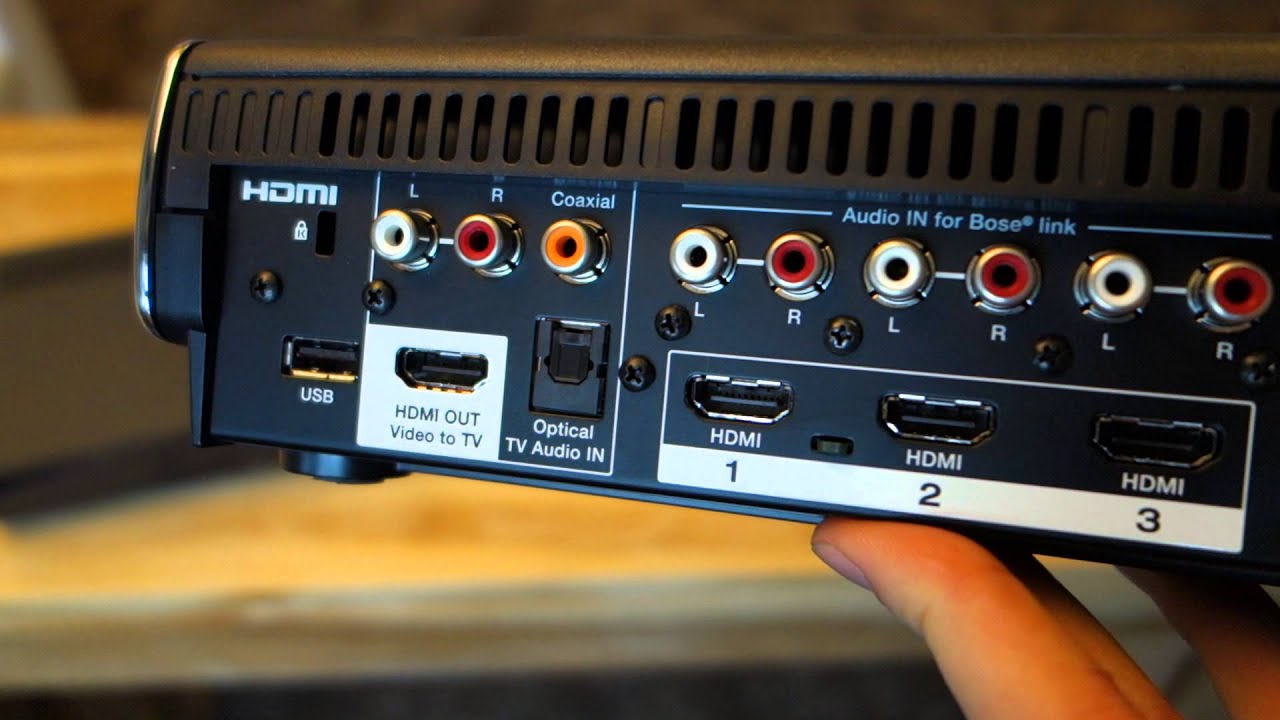
2: hold "OK" on the remote and then hold "Mute" on the AV 35 (should be the 3rd button.
3: Wait until the green light on the left corner blink or flash. After which you remote is successfully paired.
How to Change language:
1: Turn system on then press set up, last button on the right corner.
2: You will either get the set up prompt or pre-set up prompt. If you are not at the screen display in the video, continue pressing set up until you reach that screen.
3: Once you are the desirable screen, language will be the first prompt so Press Ok, After which just select which langue you want and you are good to go.
For further assistance please refer to our comments or call us @ 7145966888
For any specific product visit our website: https://usavshop.com/
For message inquiries please visit our Facebook Page: / usavsolutions
Повторяем попытку...

Доступные форматы для скачивания:
Скачать видео
-
Информация по загрузке: