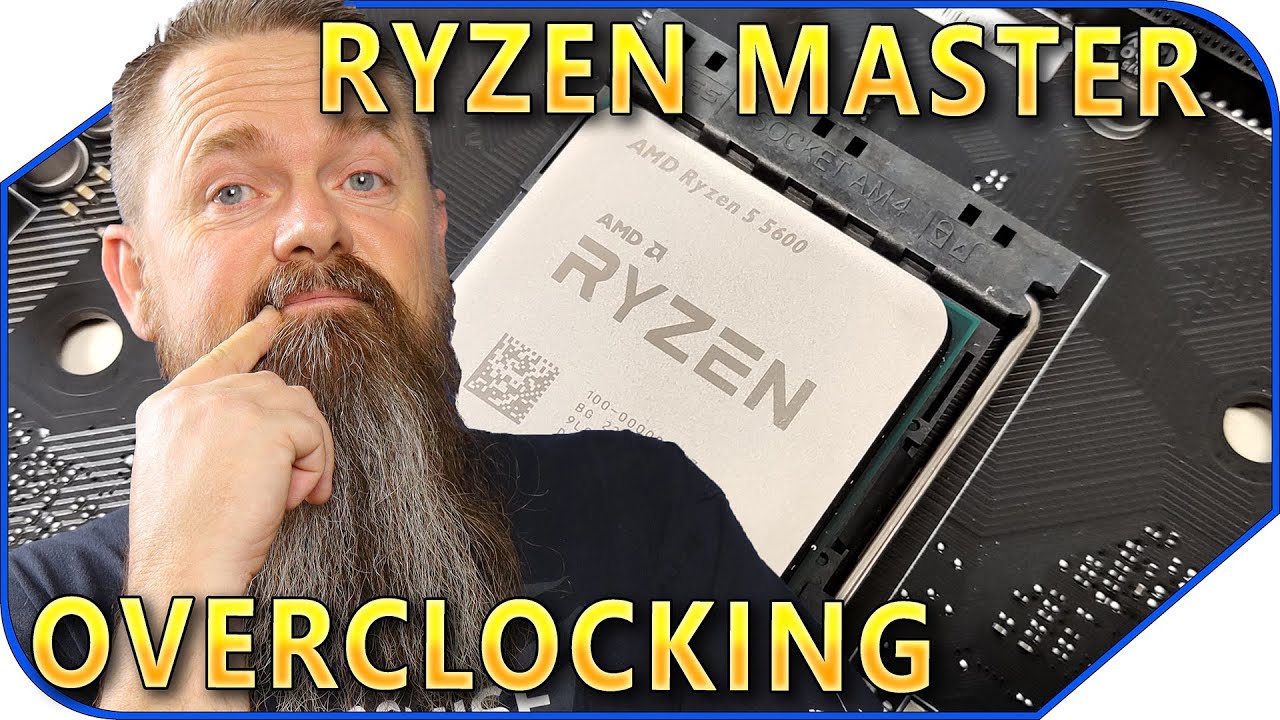
How to Overclock Ryzen 7 1700x and MSI X370 Gaming Pro Carbon
Автор: i Sandov
Загружено: 2017-05-02
Просмотров: 19793
Описание:
*update 5/6/2016 - I'm having a lot of issues running the RAM at 3200. I have had much better luck just running it at 2933 in the A-XMP profile 1.
Tips:
These settings are very similar to what you would need on a Ryzen 1500x. I had a 1500x for about a week and decided to go with the 1700x for the additional cores. 8 cores and 16 threads makes for very fast rendering. I don't game much, but it seems to handle that good as well.
Do not try to do any overclocking using both the Ryzen Master program and the Bios. It gets complicated and confused. (just use the BIOS, it is easy)
If you mess up, just hit F6 in the BIOS to reset everything to factory defaults and start from scratch
All things done here should be done at your own risk.
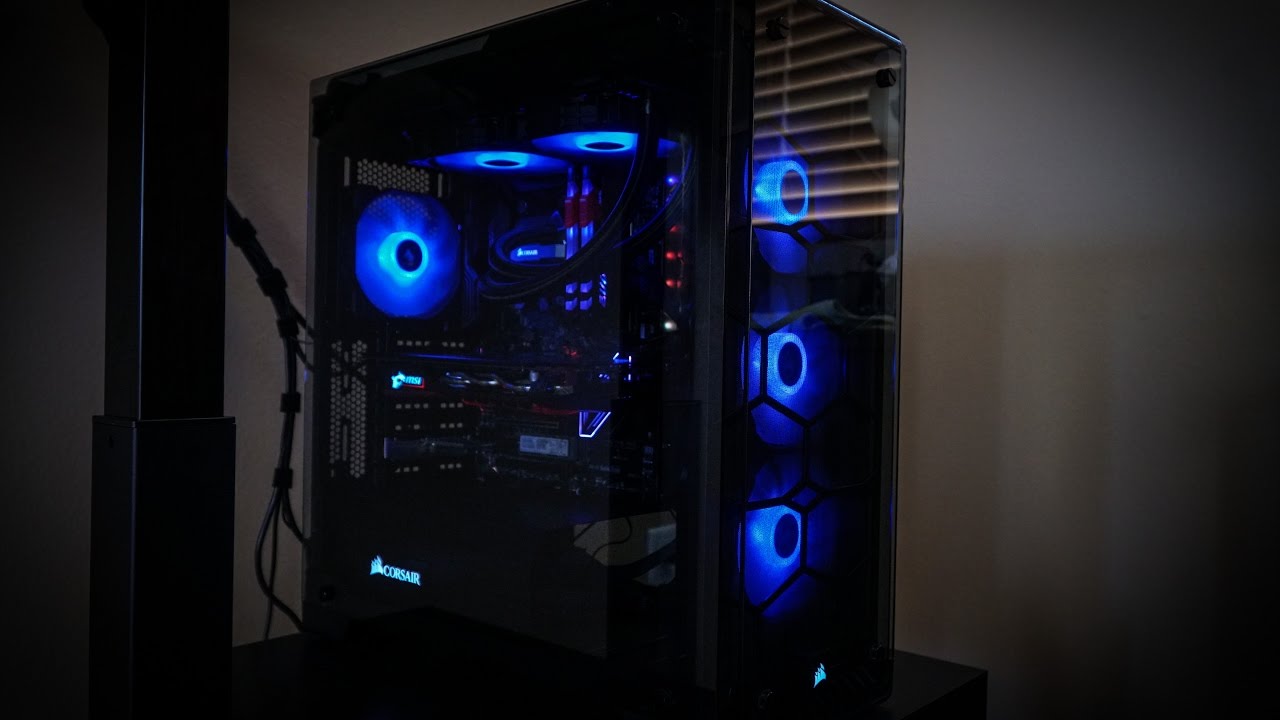
This computer has:
Corsair H100iGTX 240mm AIO liquid cooler
MSI X370 Gaming Pro Carbon
AMD Ryzen 7 1700X
GEIL 3200mhz DDR4 x 16gb
ADATA 256GB NVMe Boot Drive
Samsung PM961 1TB Nvme game drive
Corsair 570X case
Thermaltake 650W Smart PSU
MSI GTX 1060 Gaming X 6G
Повторяем попытку...
Доступные форматы для скачивания:
Скачать видео
-
Информация по загрузке: