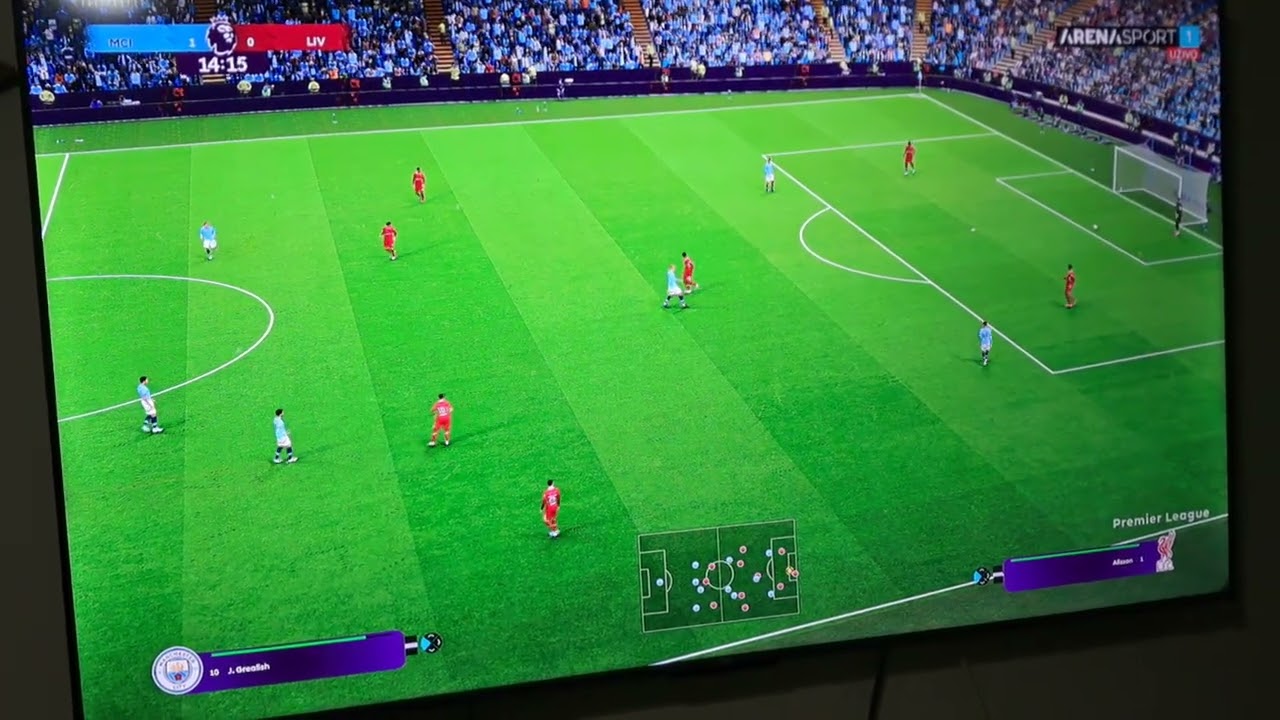
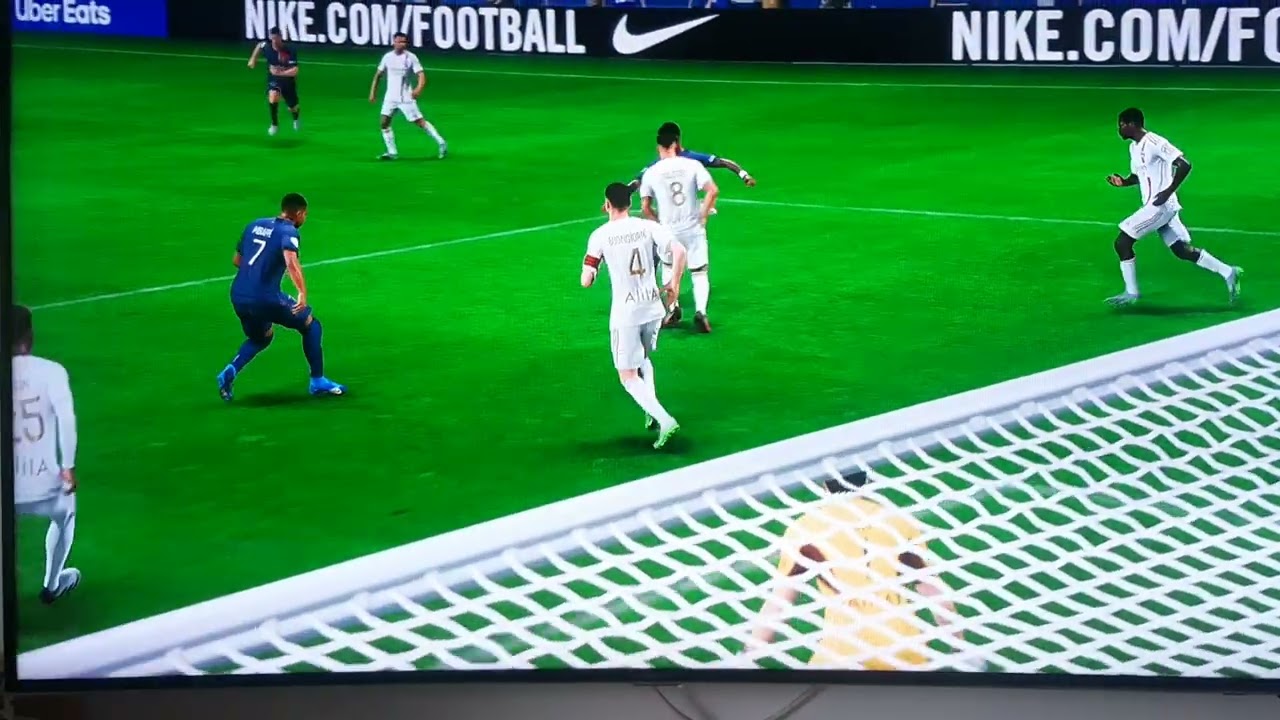
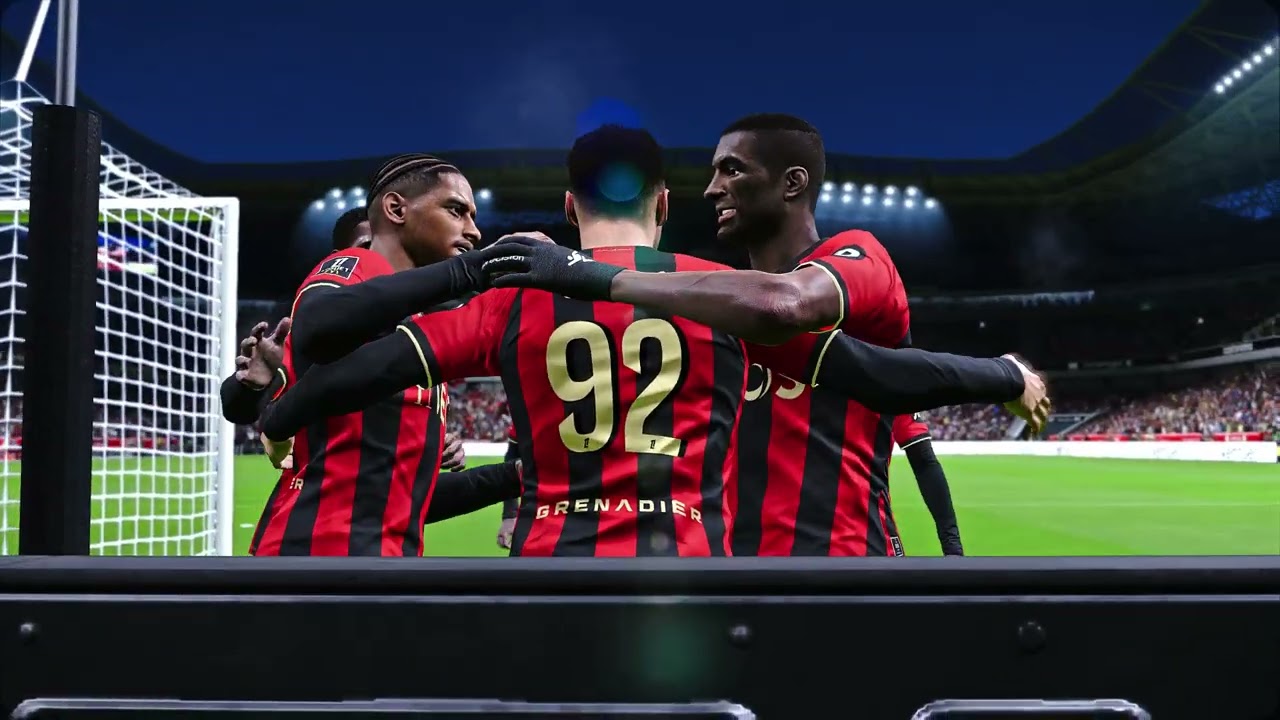
PES21+PES2017 GAMEPLAY MOD
Автор: Hakan Yüksel
Загружено: 2025-11-16
Просмотров: 180
Описание:
Please note that we need to optimize the system before installing mods.
Any computer errors will be reflected in the game.
It's a good idea to run these commands once to ensure the user has all their original (intact) Windows system files.
I want my mods to work effectively on every user.
Only once.
Go to the CMD prompt and type the following commands in order:
SFC /scannow
DISM /Online /CleanupImage /RestoreHealth
After completing these steps, restart your computer.
After turning on your second computer, perform the necessary operations for the game. We can then proceed to copy the mods to the game. NOTE: For each mod, remember to delete the files SYSTEM00000000
GRAPHIC00000000
from the My Documents KONAMI folder when you launch the game.
First, copy this to the appropriate location.
Type it in the sidebar.
https://drive.google.com/file/d/1N8eP...
old method installation
• old first version system001 and dt13 dt19 ...
THOSE WHO HAVE GOOGLE DRIVE DOWNLOADING PROBLEMS SHOULD WATCH THIS VIDEO
• How to fix Google Drive Sorry, you can't v...
https://drive.google.com/file/d/1DUHd...
Повторяем попытку...

Доступные форматы для скачивания:
Скачать видео
-
Информация по загрузке: