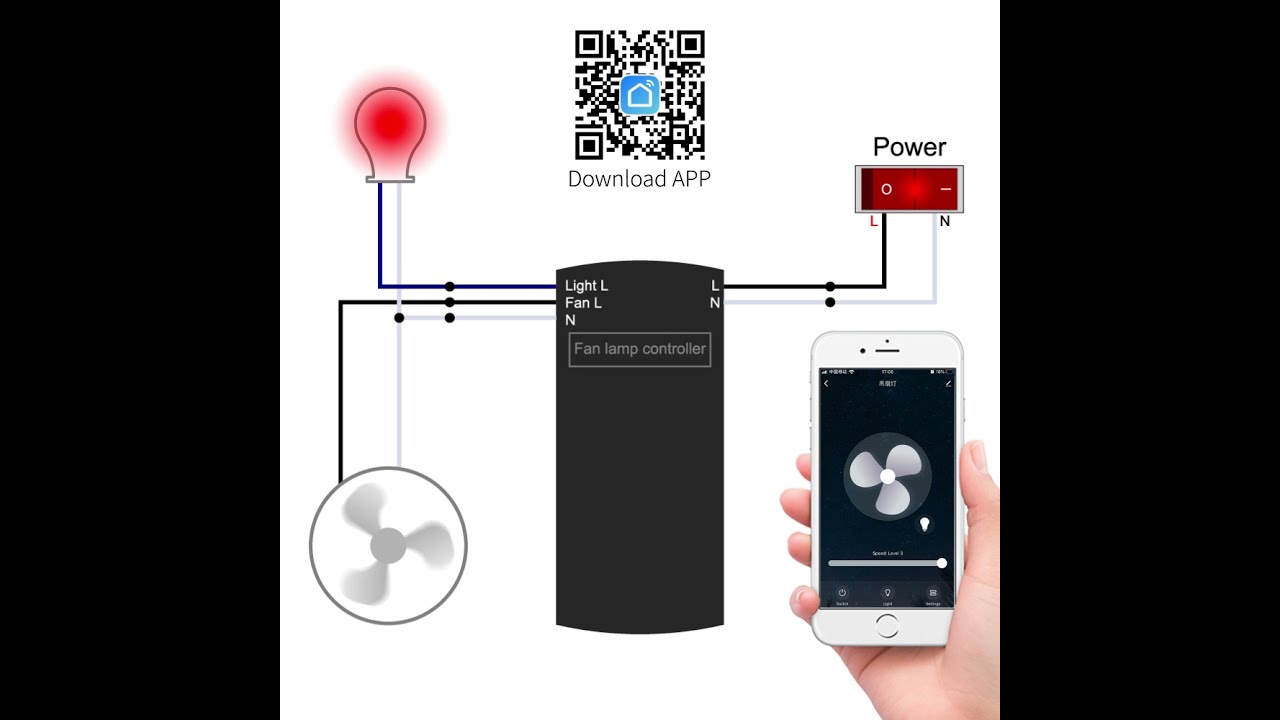
How to use : WIFI ceiling fan remote control kit to pair Smart Life APP
Автор: qiachip.com
Загружено: 2021-08-26
Просмотров: 17789
Описание:
@tuyasmart5602 @amazon @remotecontrol9279
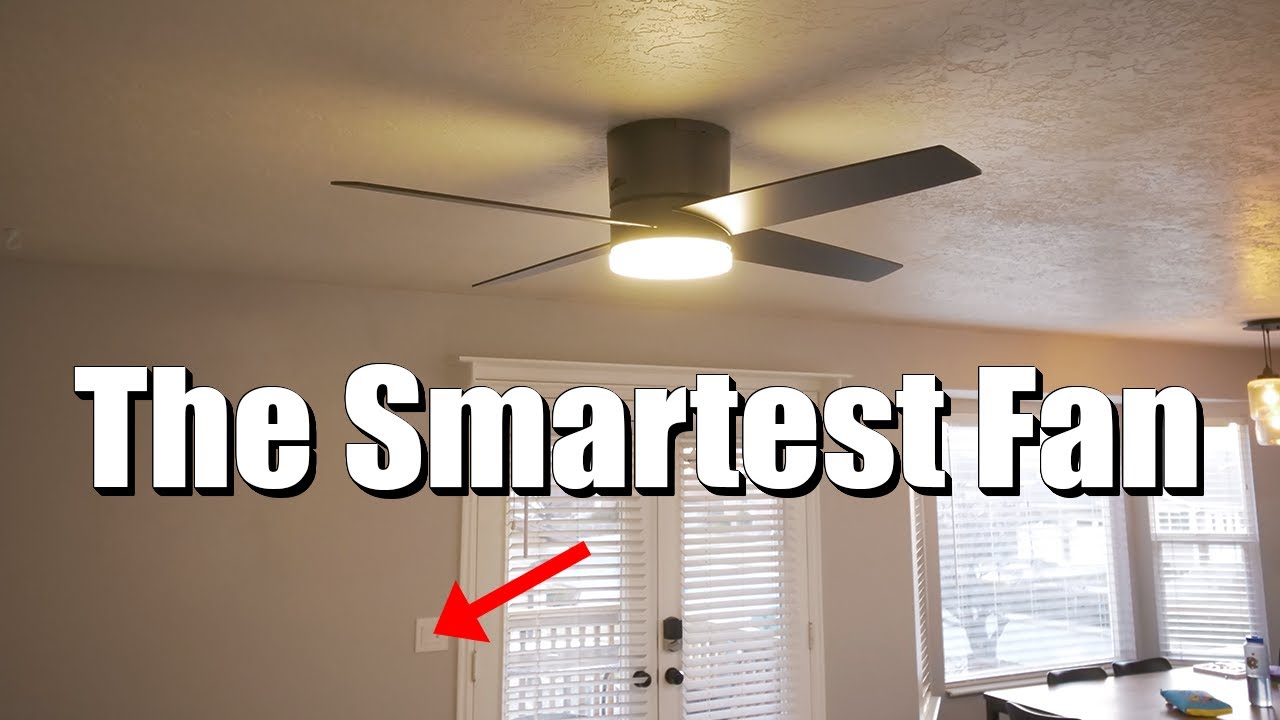
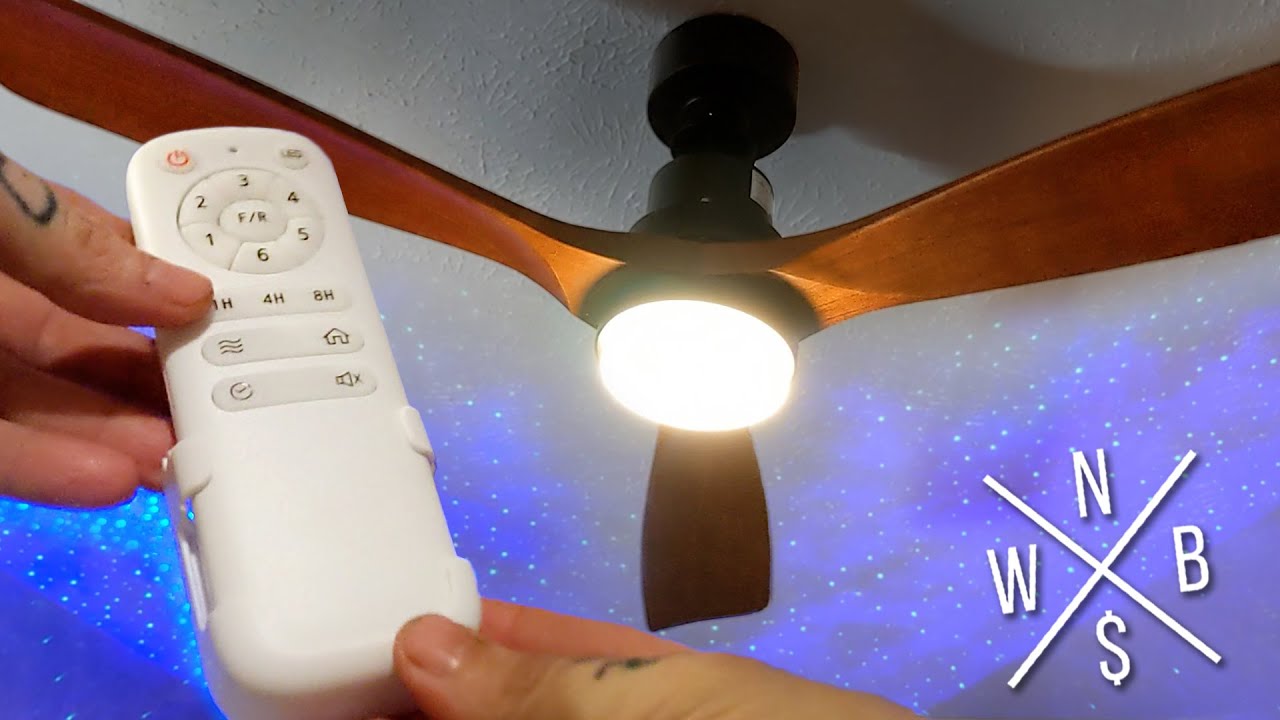
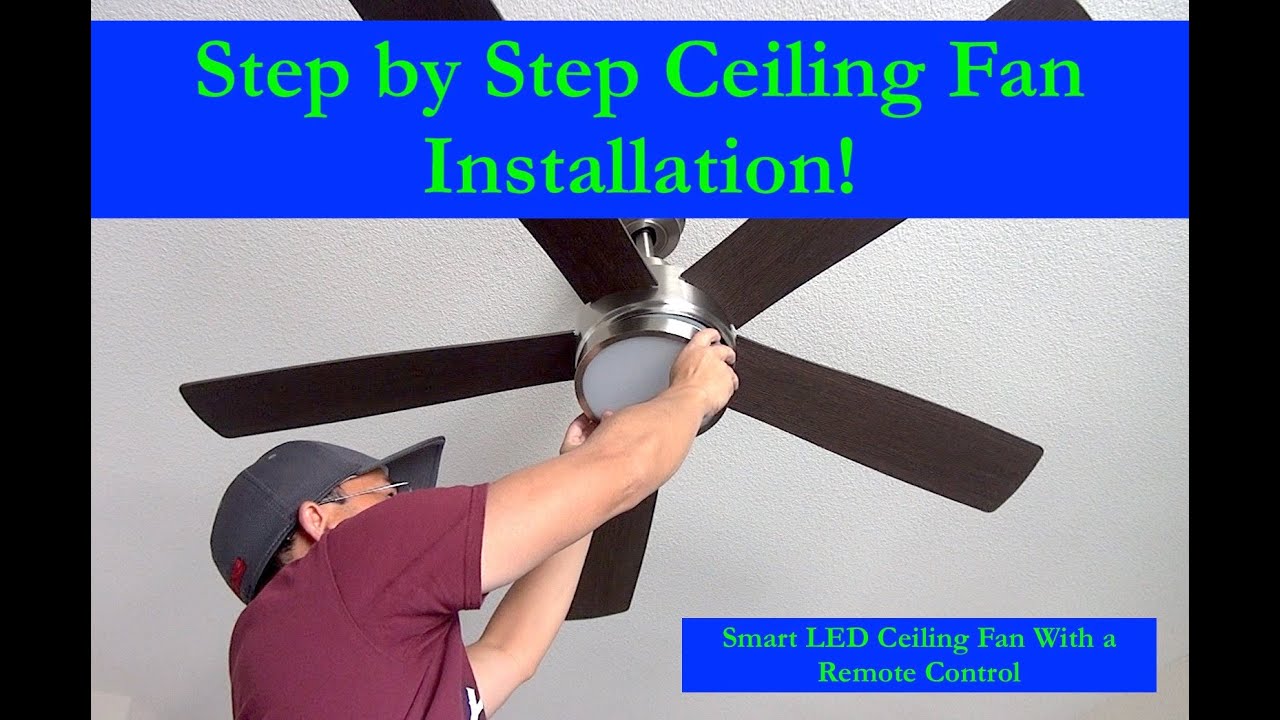
This Wi-Fi ceiling fan remote control kit is specifically works with almost 95% regular ceiling fans, such as Hampton Bay and Harbor Breeze fans.
They can be connected to smart life. They will be immediately recognized by Alexa and respond to voice commands and smart home automation.
Mobile App Pairing Instructions:
Step one: Initiate pairing status
Initiate pairing mode by Pressing LIGHT & HI together for at least 10 seconds until you hear along beep sound from the receive.
Step two: Finishing the pairing progress in Mobile App
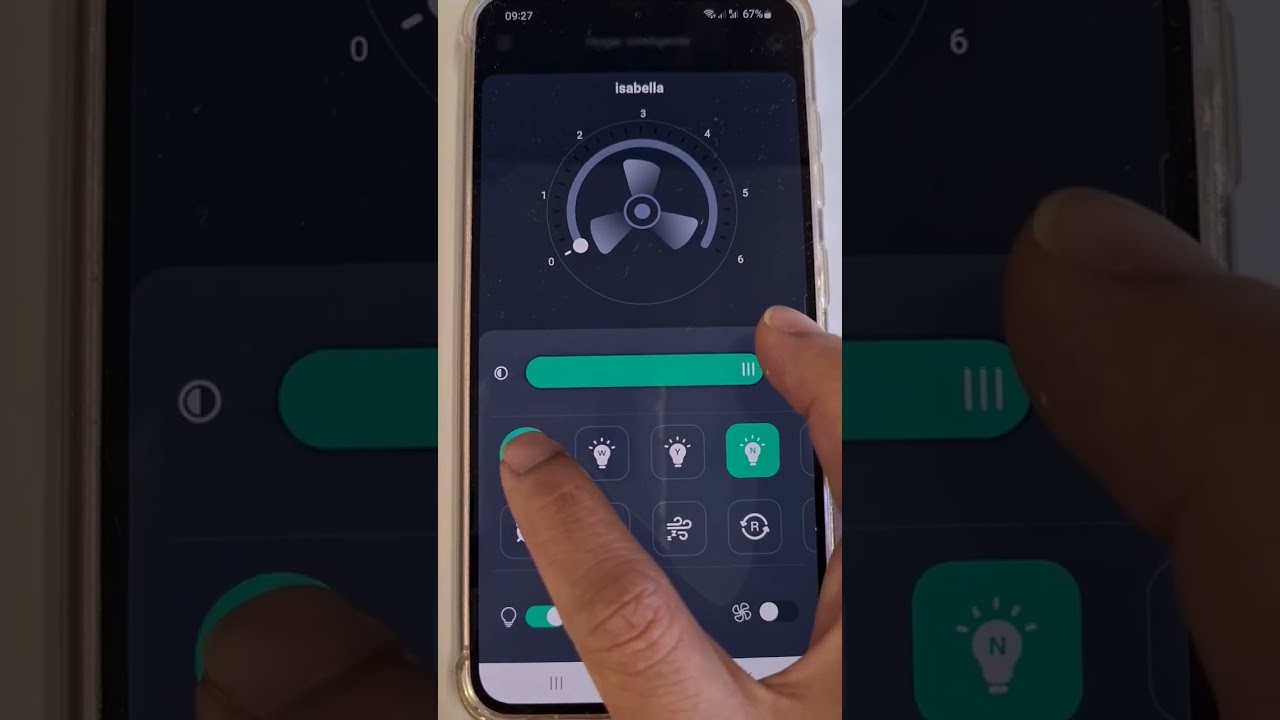
Download and Open “Smart Life” Mobile App.
Press the + button in the top right corner of the mobile App.
under “Add Manually” select Home Appliances.
Select Fan.
Click “Confirm indicator rapidly blink” and type in your WiFi name & password then proceed to click “OK”
After the loading screen go back to homepage and you should be able to find your device there.
Don’t have a ceiling fan remote control kit yet? Click the link below to purchase:
with WIFI : https://www.amazon.com/dp/B07RYT7J8S
without WIFI(ONLY RF):https://www.amazon.com/dp/B07DD9F1BK
Повторяем попытку...
Доступные форматы для скачивания:
Скачать видео
-
Информация по загрузке: