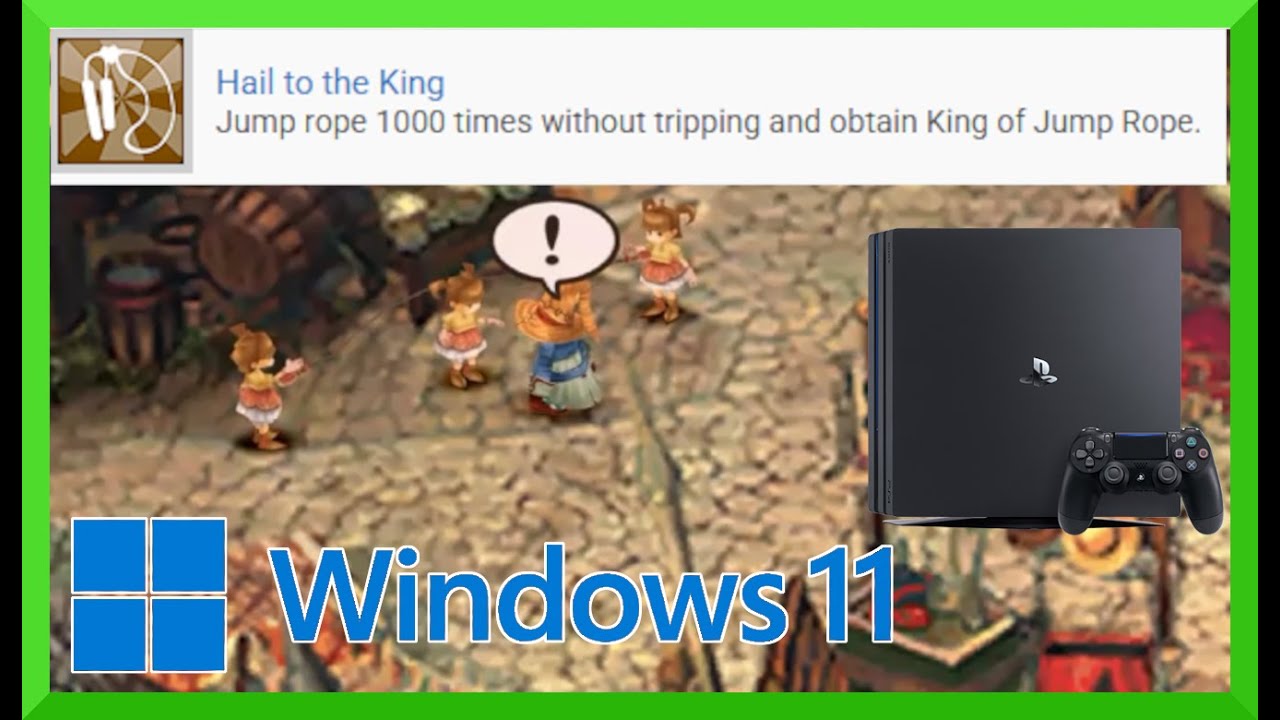
"Hail to the King" Jump Rope Trophy done on PS4 w/ Remote Play & PC Script!
Автор: Klair Gaming
Загружено: 2017-10-02
Просмотров: 68998
Описание:
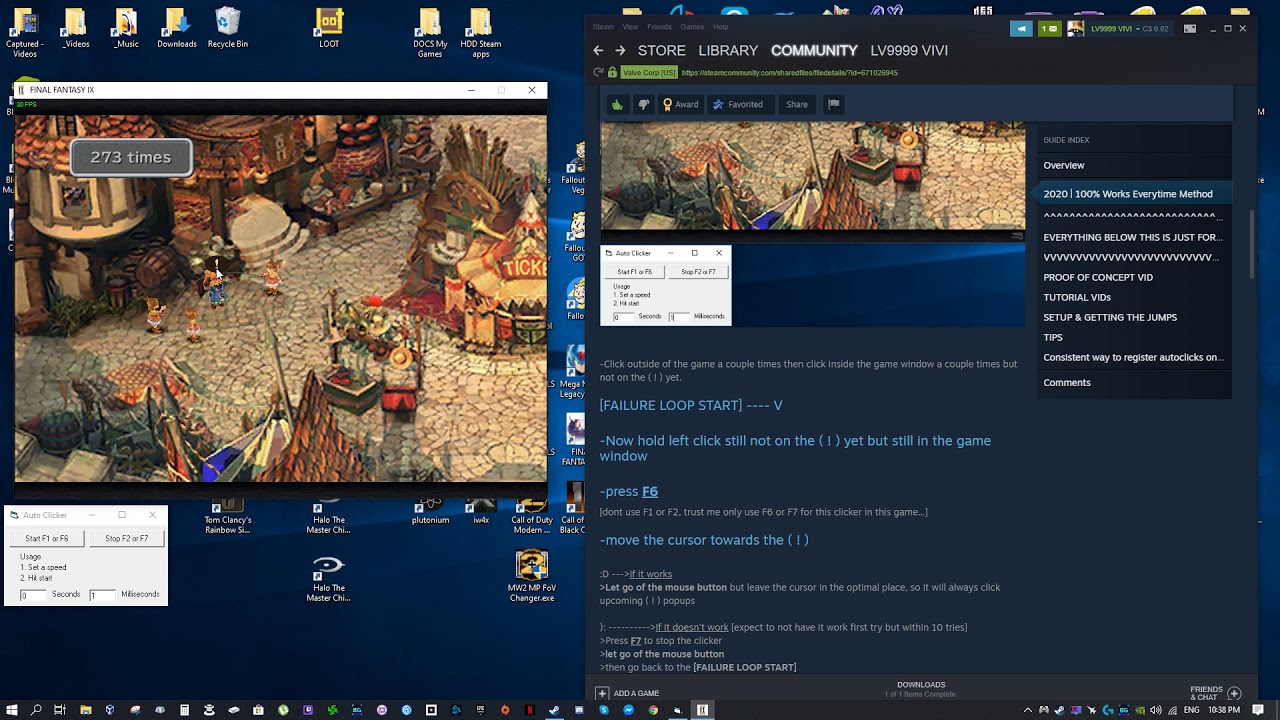
"Hail to the King" Jump Rope trophy on PS4 done w/ PS4 Remote Play & Script!
All credit to Septomor from PlayStationTrophies.org for the script and permission to do this video.
LINKS:
SCRIPT :
https://github.com/septomor/FF9-Jump-...
PS4 Remote Play:
https://remoteplay.dl.playstation.net...
AUTOHOTKEY:
https://autohotkey.com
SciTE4AUTOHOTKEY:
https://fincs.ahk4.net/scite4ahk/
1. Install PS4 Remote Play
2. Download & install AutoHotKey and SciTE4AutoHotkey
3. Grab script from website and copy/paste into new file on SciTE4AUTOHOTKEY then save to desktop
5. Start Remote Play and connect to your ps4, open FF9, and go to the jump rope game.
6. Find the file with "H" on the front and double click to start the script.
7. Click on the remote play window and press T to start script (Should say "started")
8. When Vivi is position, press ESC to run the script and Vivi will Auto Jump.
MUST HAVE FOR BEST RESULTS:
Wired connection for both PC and PS4 to Router
Home network with minimal traffic interference.
Edit the script latency as should to adjust balances in order to achieve best results. Best of Luck!
Original Thread = https://www.playstationtrophies.org/f...
Повторяем попытку...

Доступные форматы для скачивания:
Скачать видео
-
Информация по загрузке:








![Omega Weapon [No Invincibility Items] & more... [COMMENTATED] - Final Fantasy VIII Remastered](https://imager.clipsaver.ru/uLnPDO4P48Q/max.jpg)