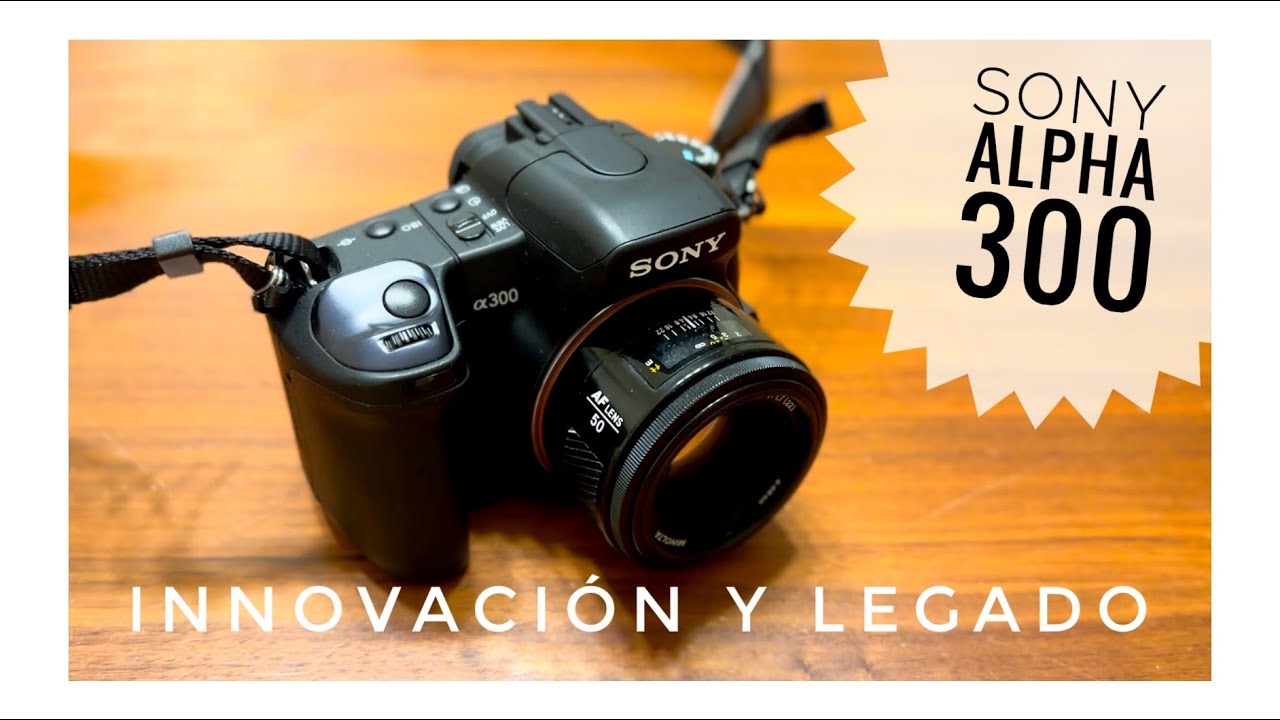
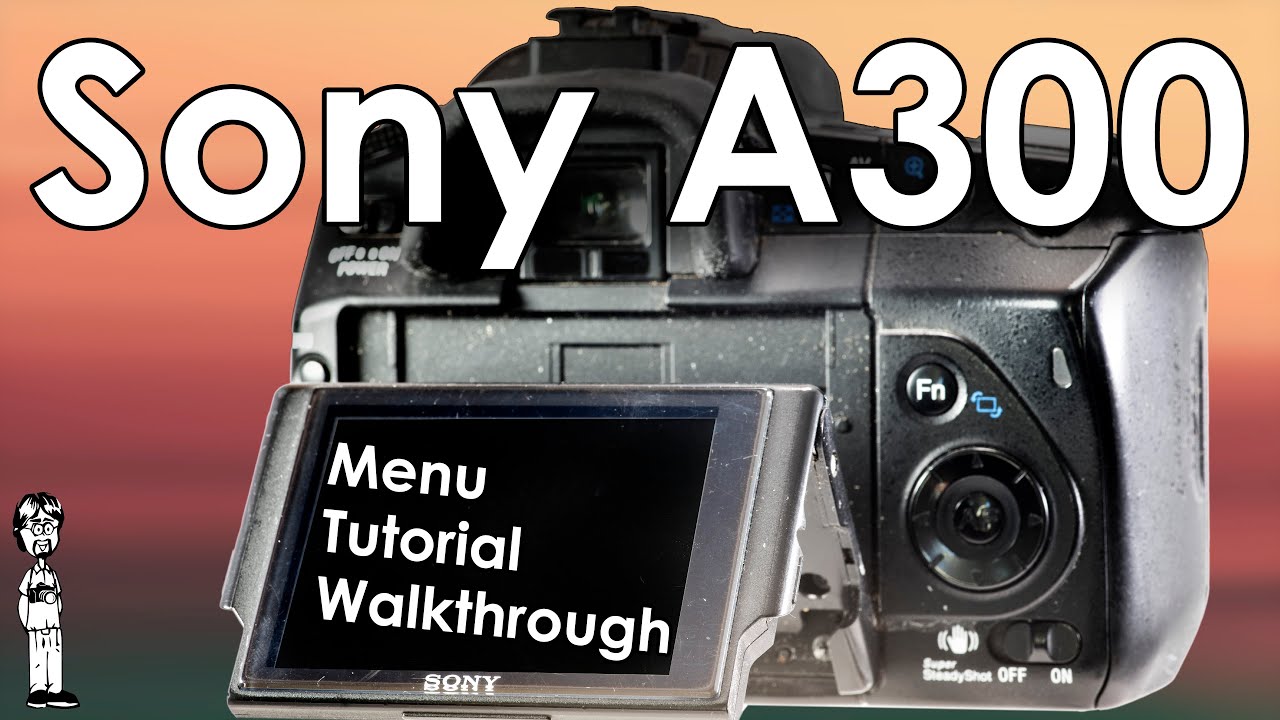
Sony A300 Video 3: Menu Walkthrough, Setup Guide, and Function Explanations
Автор: David Hancock
Загружено: 2025-05-19
Просмотров: 2033
Описание:
Welcome to the comprehensive guide to navigating the Sony A300’s menu system—a digital gateway to tailoring every aspect of your shooting experience. Begin by pressing the dedicated menu button to reveal the four main tabs: Recording, Custom, Playback, and Setup. You navigate these screens by using the crosspad and confirming your selection with the center (AF) button.
In Recording Menu 1, you encounter several critical settings. The Quality settings control your image file types and compressions; and Creative Style enables you to adjust color, contrast, and tone. Within this tab, Flash Control offers advanced adjustments. Notably, the ADI function leverages data from D lenses to fine-tune flash output, while the pre-flash option uses rapid bursts to calculate the optimal exposure—though be aware that reflective surfaces might occasionally throw off these readings. Flash compensation (flash comp) then allows you to make delicate brightness adjustments, ensuring your flash lighting remains perfectly balanced with ambient light.
Shifting to Recording Menu 2, additional operational controls are at your fingertips. Here, you decide between AF priority modes—setting focus before exposure—and you can activate the AF illuminator for supplemental light when needed. The Long Exposure NR (noise reduction) and High-ISO NR settings work hand in hand to smooth out image noise under demanding shooting conditions. Should you wish to return to the default state, the Rec. mode reset offers a straightforward path to restore your settings.
The Custom Menu is your portal to personalization. Within this realm, options like Eye-start AF activate automatically when you look into the viewfinder, while the Control Dial Setup permits customization of physical controls for a more tailored shooting experience. Red-eye reduction minimizes common portrait issues, and Auto Review gives you quick image feedback immediately after capture. Additionally, a smart option ensures that when the LV/OVF switch is set to OVF, simply looking into the viewfinder turns off the LCD—helping you stay immersed in the scene.
Next, in Playback Menu 1, file management becomes a breeze. You’re given options to delete, format, or protect your images, alongside DPOF (Digital Print Order Format) setup for printing, Date Imprint for stamping your images with the shooting time and date, and Index Print to generate an organized visual summary. In Playback Menu 2, the focus shifts to the viewing experience: you can adjust the playback display, set up a slideshow, and control the interval timing between images to review your portfolio at your leisure.
The Setup Menus round out the camera’s configurability and are divided into three parts. Setup Menu 1 allows you to adjust LCD brightness, information display time, power save settings, video output formats, language, and even the date and time—all crucial for a seamless shooting session. In Setup Menu 2, you manage file numbering, folder names, and organizing your images by creating or selecting folders; you can also configure the USB connection setup and adjust audio signals (the beeps) to your delight. Finally, Setup Menu 3 addresses maintenance and calibration: Pixel Mapping ensures optimal sensor performance, the Cleaning function helps you remove any sensor dust, and the Reset option restores all settings back to factory defaults should you need a fresh start.
This intricate menu system is designed to empower you, offering both essential controls and advanced customization. Whether you adjust a setting to refine your photographic style or restore default configurations after experimentation, this walkthrough guides you through each step with clarity and precision. With mastery of the menu system, the Sony A300 becomes not just a camera, but an extension of your creative vision—a tool that adapts to and supports your artistic journey in every shooting scenario.
(Narrative written by AI)
Join this channel to get access to perks:
/ @davidhancock
Video Index:
0:00 - Intro
0:16 - Navigating the Sony A300 Menu System
1:11 - Sony A300 Recording Menu 1
8:00 - Sony A300 Recording Menu 2
10:32 - Sony A300 Custom Menu
14:12 - Sony A300 Playback Menu 1
15:27 - Sony A300 Playback Menu 2
16:20 - Sony A300 Setup Menu 1
18:19 - Sony A300 Setup Menu 2
20:42 - Sony A300 Setup Menu 3
Sony A300 Video 1: Interface and Layout Review
• Sony A300 Video 1: Interface and Layout Re...
Sony A300 Video 2: Operation and Use, Change Batteries, Lenses, and PASM Modes
• Sony A300 Video 2: Operation and Use, Chan...
Sony A300 Video 3: Menu Walkthrough, Setup Guide, and Function Explanations
• Sony A300 Video 3: Menu Walkthrough, Setup...
References:
https://en.wikipedia.org/wiki/Sony_Al...
https://www.photoreview.com.au/review...
https://www.photoreview.com.au/review...
https://www.sony.com/electronics/supp...
Повторяем попытку...
Доступные форматы для скачивания:
Скачать видео
-
Информация по загрузке: