How to Reset Trip A and B Data in Alfa Romeo MiTo ( 2008 – 2018 ) - Clear Driving Info
Автор: HardReset_info CARs
Загружено: 2024-04-14
Просмотров: 1328
Описание:
Find out more info about Alfa Romeo MiTo ( 2008 – 2018 ) :
/ @hardreset_info_cars
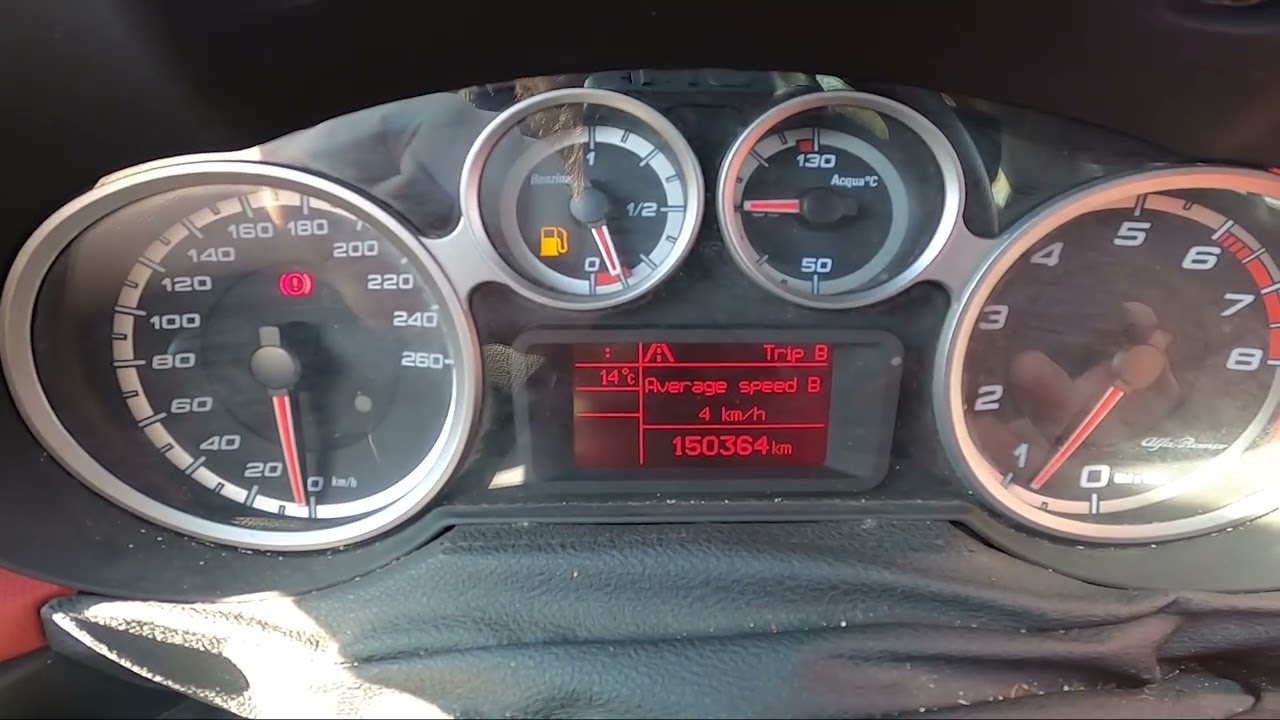
Would You like to know how to Reset Trip B data in the Alfa Romeo MiTo? This car has a function that collects data in two sections called Trip A, and Trip B. In those sections, You'll find info about the fuel consumption, distance, and range. Follow the video above to learn how to Reset Trip B data in Alfa Romeo MiTo!
How to Reset Trip A data? How to Clear Trip B data? How to Remove Trip Data?
#ResetTripBinfo #ResetTripAinfo #ClearTripAinfo #ClearTripBinfo #RemoveTripAinfo
Years of Production:
2008, 2009, 2010, 2011, 2012, 2013, 2014, 2015, 2016, 2017, 2018
Generation:
I Gen - ( 2008 – 2018 )
Series:
Hatchback 3d (2008 - 2013)
Hatchback 3d Facelifting (2013 - 2016)
Hatchback 3d Facelifting 2016 (2016 - 2018)
Follow us on Instagram ► / hardreset.info
Like us on Facebook ► / hardresetinfo
Tweet us on Twitter ► / hardreseti
Support us on TikTok ► / hardreset.info
Use Reset Guides for many popular Apps ► https://www.hardreset.info/apps/apps/
Повторяем попытку...
Доступные форматы для скачивания:
Скачать видео
-
Информация по загрузке: