Скачать
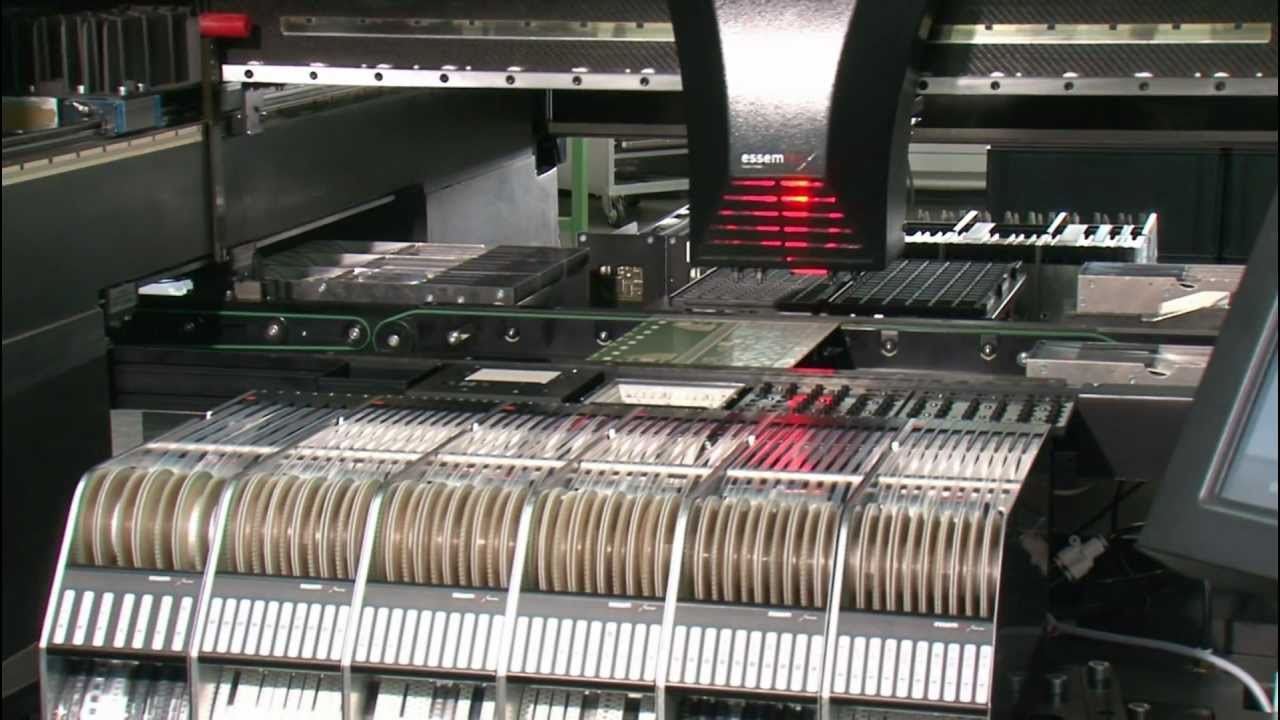
How to set Auto Calibrate Mark point - CHMT528P, 530P4, 560P4 - Charmhigh pick and place machine
Автор: Kimi Liu_Charmhigh SMT
Загружено: 2017-04-04
Просмотров: 3505
Описание:
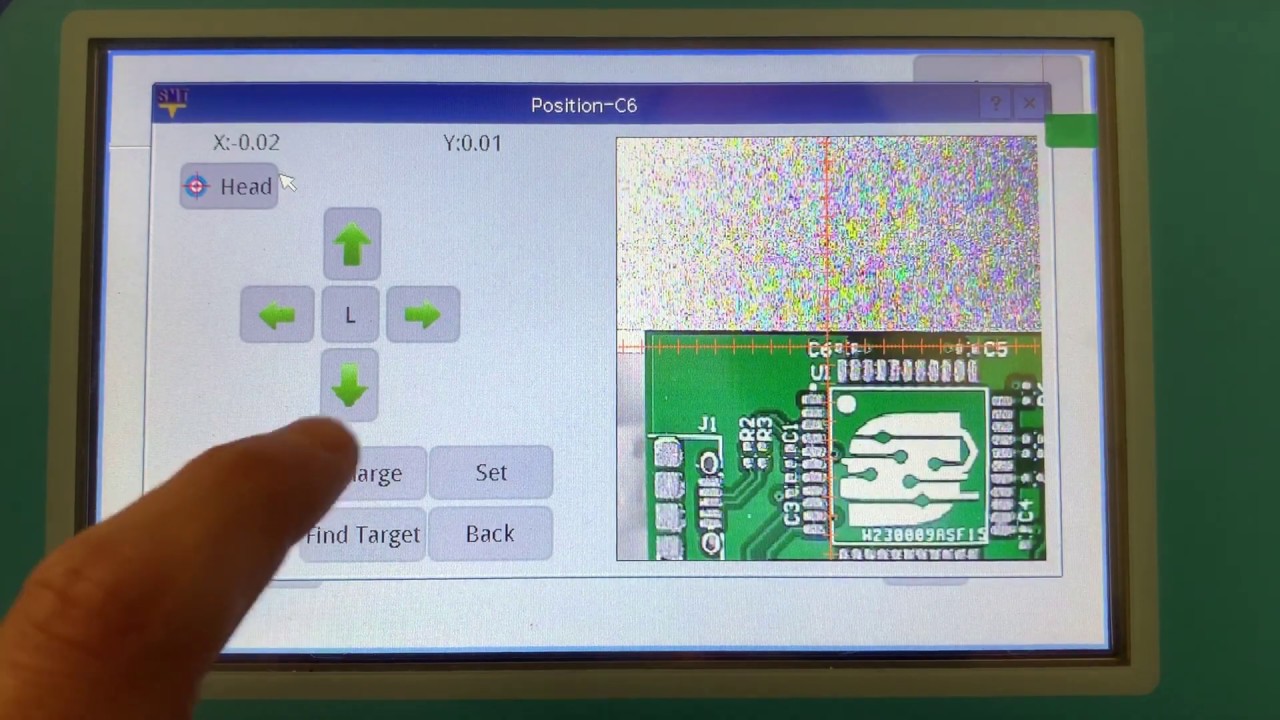
How to set "Auto Calibrate Mark3 point" : (CHMT528P, CHMT530P4, CHMT560P4 Model)
1. Open the "Auto Calib. PCB" function in "Set" mode ;
2. Run - Edit work file -- PCB calibration -- Press"EC" --- calibrate the 3 componnents position , make the cross in the center of the component ---- "Save" the value;
3. Press"Mark point" --- "Edit" the mark3 point position --- you can choose any bonding pad as Mark Point to creat the point ---- "Save" the value;
4. Load the work file.
Не удается загрузить Youtube-плеер. Проверьте блокировку Youtube в вашей сети.
Повторяем попытку...
Повторяем попытку...

Доступные форматы для скачивания:
Скачать видео
-
Информация по загрузке: