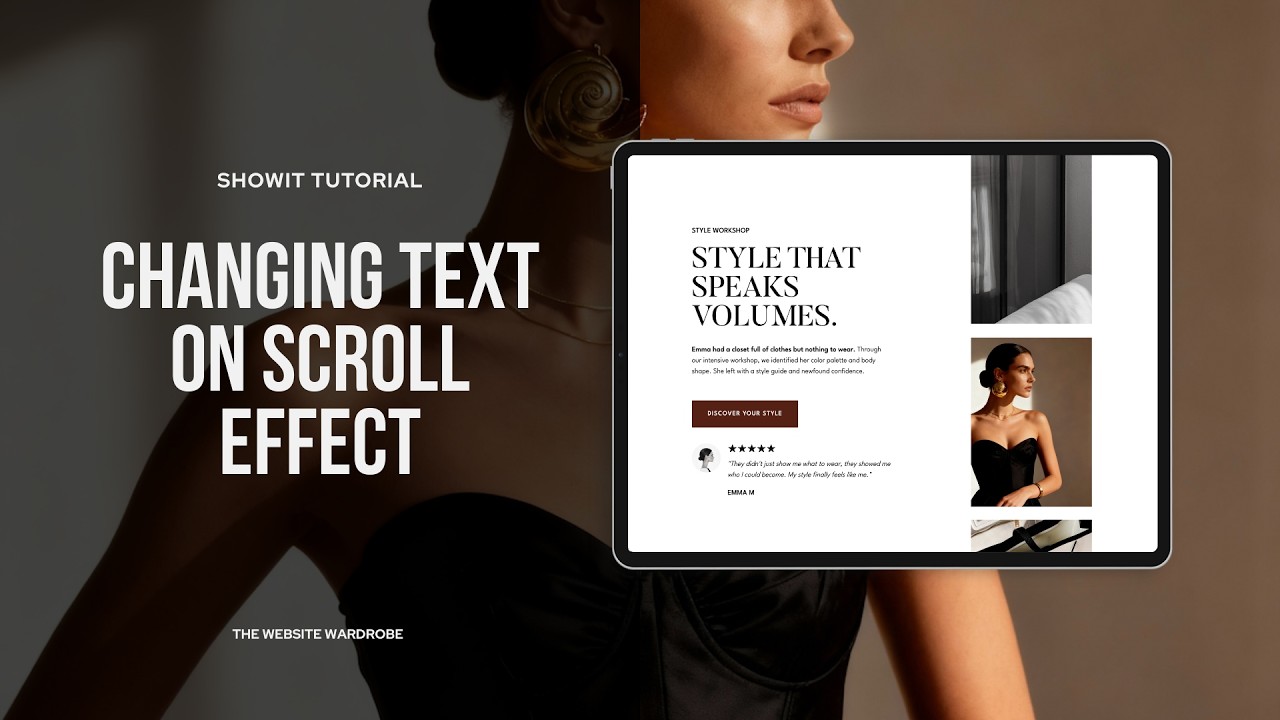
FREE SHOWIT TUTORIAL | How to Create a Reverse Stacking Effect
Автор: The Website Wardrobe | Free Showit Tutorials
Загружено: 2026-03-05
Просмотров: 53
Описание:
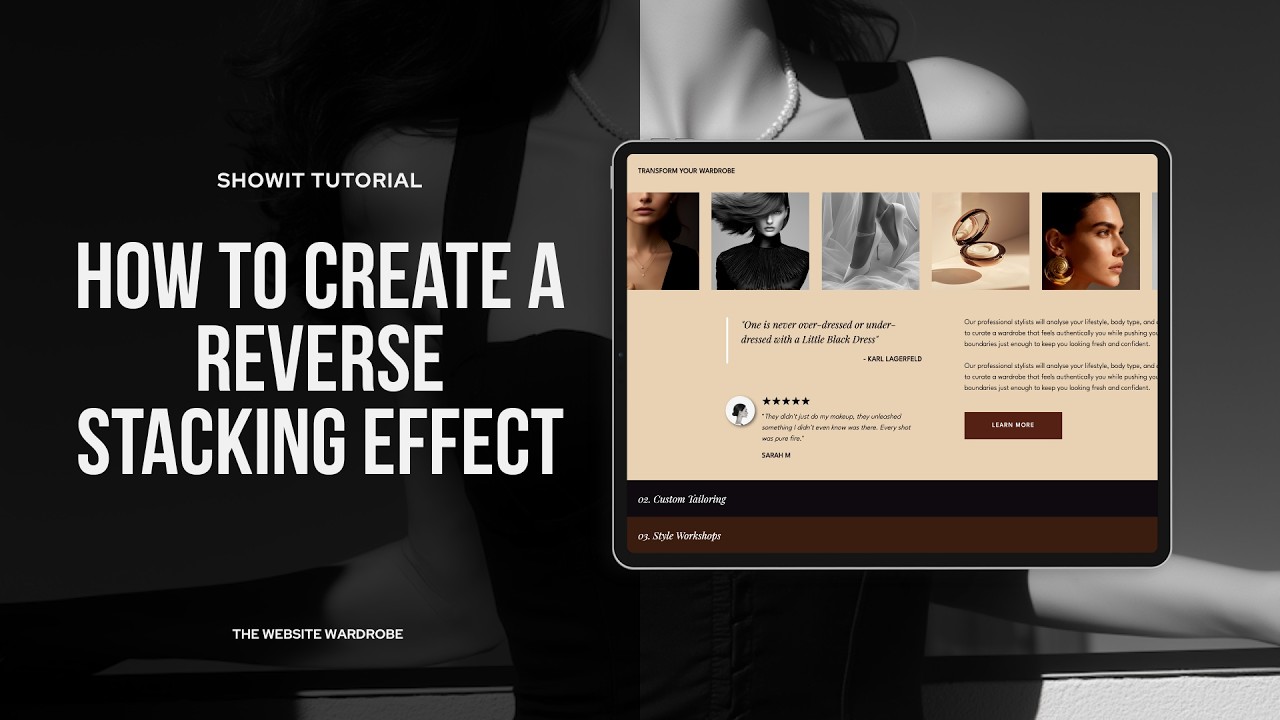
FREE SHOWIT TUTORIAL | How to Create a Reverse Stacking Tabs Effect (Showit Canvas)
Want your Showit website to feel cinematic, intentional, and expensive? The Reverse Stacking Tabs effect layers each service panel on top of the last as visitors scroll — a sophisticated reveal that makes designers' websites look and feel premium.
In this free Showit tutorial, I'll walk you through exactly how to use the Reverse Stacking Tabs Showit Canvas to showcase services, portfolio work, or project case studies — without building anything from scratch.
WHAT YOU'LL LEARN:
→ How the Reverse Stacking Tabs canvas works inside Showit
→ How to customise each panel (service title, description, image gallery + CTA)
→ Tips for making your Showit website feel high-end and intentional
GET THE CANVAS:
Download the Reverse Stacking Tabs Showit Canvas → https://thewebsitewardrobe.com/showit...
CHAPTERS:
0:00 Introduction
0:18 What is the Reverse Stacking Effect?
0:39 How the Reverse Stacking Canvas is Structured
1:52 Canvas Sizes
4:59 Reverse Stacking Canvas Settings
6:25 Canvas Offset Settings
8:56 Adding a Fourth Tab to the Stack
HELPFUL TUTORIALS:
▸ How to Import a Showit Canvas → • FREE SHOWIT TUTORIAL | Importing Your Temp...
ABOUT THE WEBSITE WARDROBE:
The Website Wardrobe is a premium Showit canvas library for web designers who don't do basic. Browse the full canvas library at https://www.thewebsitewardrobe.com
📌 Follow on Pinterest → /thewebsitewardrobe
This video features AI-generated audio and video. All concepts, strategy, and expertise are my own — AI just helps me bring them to life faster.
Some links below are affiliate links. If you purchase through them, I earn a small commission at no extra cost to you.
Повторяем попытку...
Доступные форматы для скачивания:
Скачать видео
-
Информация по загрузке: