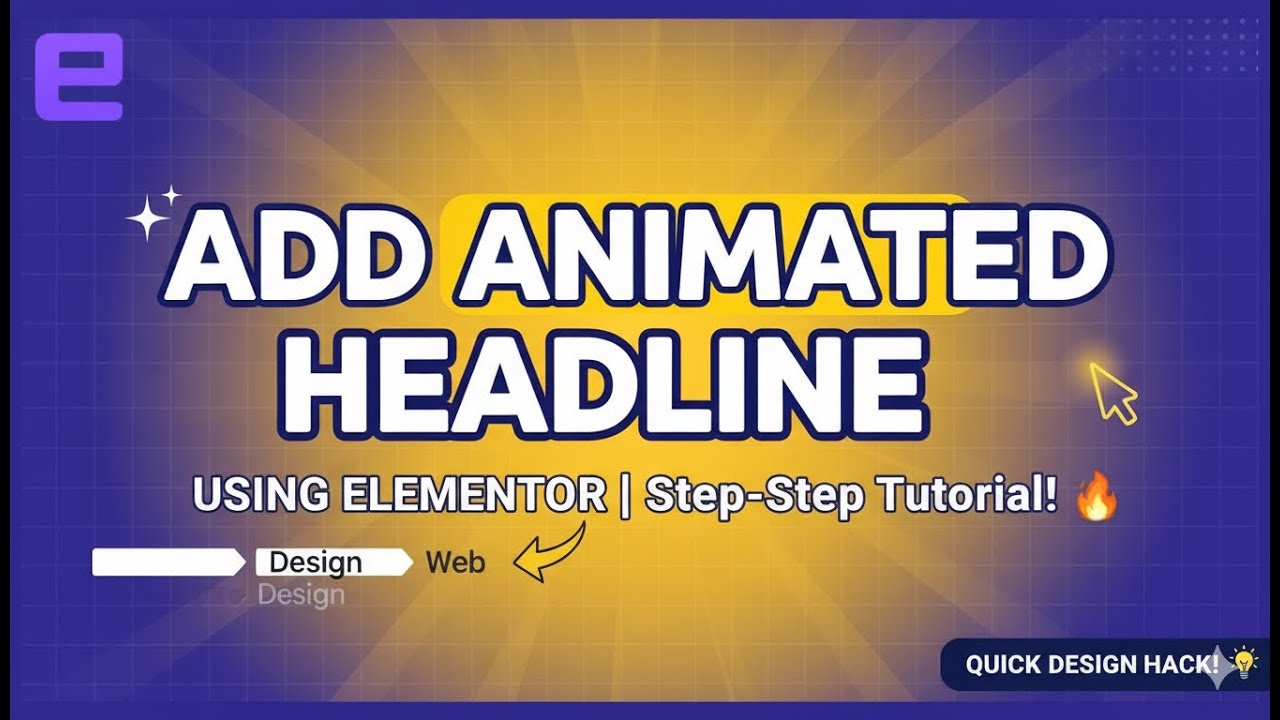
✨ Add Animated Headline Using Elementor | Step-by-Step Tutorial 🔥
Автор: Soft Tech 360
Загружено: 2026-01-23
Просмотров: 3
Описание:
Want to make your website pop at first glance? In this video, I’ll show you how to add an animated headline using Elementor the right way—no fluff, no confusion.
Animated headlines are a classic UX trick: they grab attention, tell your story fast, and boost engagement. Elementor makes it easy, and I’ll walk you through every step like a pro.
🔧 What You’ll Learn in This Video:
👉 What is Animated Headline in Elementor
👉 How to add Animated Headline widget
👉 Text animation effects (Rotate, Highlight, Typewriter)
👉 Best settings for smooth animation
👉 Common mistakes (and how to avoid them)
Whether you’re building a business website, landing page, or personal blog, this trick is pure gold. Simple tools, powerful impact—that’s the mindset.
🧠 Why Use Animated Headlines?
✔ Improves user attention
✔ Makes your site look modern
✔ Perfect for hero sections
✔ No coding required
If you’re serious about WordPress + Elementor mastery, this is non-negotiable knowledge.
👍 Like | 💬 Comment | 🔔 Subscribe
So you don’t miss practical web design tips that actually work.
🔍 Tags (comma-separated):
animated headline elementor, elementor animated text, elementor tutorial, elementor text animation, wordpress elementor, elementor pro animated headline, elementor widgets, wordpress tutorial, elementor website design, web design tips, elementor beginner tutorial, animated text wordpress
Повторяем попытку...
Доступные форматы для скачивания:
Скачать видео
-
Информация по загрузке: