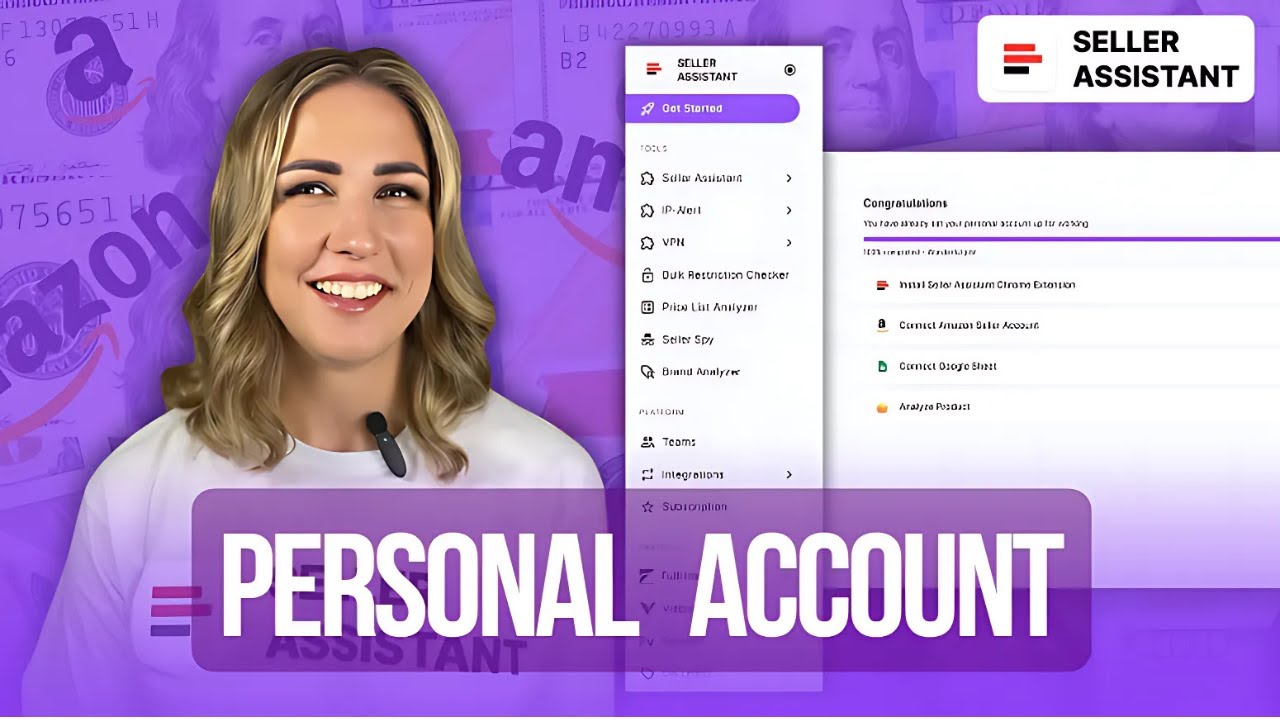
How to use Seller Assistant Personal Account
Автор: Seller Assistant | Amazon Seller Workflow Platform
Загружено: 2024-12-10
Просмотров: 263
Описание:
Hey everyone!
Here, we guide you through using Seller Assistant and all of its powerful 20+ tools and features, so you can find profitable products faster and easier.
In this video, we'll show you how to use Seller Assistant Personal Account.
🚀 What you’ll learn?
— What is Seller Assistant Personal Account?
— How does Personal Account work?
— What is the Personal Account account structure?
— What benefits for Amazon sellers does Personal Account have?
🔔 Did you know that Seller Assistant offers many tools and features? Explore all the tutorials available right here on this channel. Subscribe to our channel not to miss the release of new videos → https://saa.ink/YouTubeENG
Don’t miss the opportunity to grow your business with Seller Assistant! Activate a 14-day free trial period using the link https://www.sellerassistant.app
📌 Link to the Seller Assistant Deals marketplace https://sellerassistant.deals
📌 Find us on social media:
Instagram — / sellerassistant.app
Facebook page — / sellerassistantappeng
Facebook group — / 1407781999643682
Twitter — / sellerassistapp
LinkedIn — / 67948824
TikTok — / seller.assistant
🎯 Remember to bookmark this video so you can always come back and jump right into any section ⬇️
How does Personal Account work?
What benefits for Amazon sellers does Personal Account have?
00:00 - 00:07 Intro
00:07 - 00:26 What is Seller Assistant Personal Account?
00:26 - 01:07 What is the Personal Account account structure?
01:07 - 01:55 How to install Seller Assistant Extension?
01:55 - 02:42 How to connect Amazon Seller account to Seller Assistant?
02:42 - 04:30 How to set up export to Google Sheets?
04:30 - 05:36 Seller Assistant Extension in Personal account
05:36 - 07:48 IP Alert Extension in Personal account
07:48 - 10:29 VPN by Seller Assistant in Personal account
10:29 - 11:54 Bulk Restriction Checker in Personal account
11:54 - 13:58 Price List Analyzer in Personal account
13:58 - 15:08 Seller Spy in Personal account
15:08 - 17:04 Platform block: Teams.
19:17 - 20:33 Platform block: Integrations.
20:33 - 20:41 Platform block: Subscriptions.
20:41 - 20:49 Partners block
20:49 - 21:43 OA leads button
21:43 - 21:50 Help Center button
21:50 - 22:14 Conclusion
✅ WATCH THESE VIDEOS NEXT ✅
• How to install Seller Assistant Extension
• How to add custom notes to any Amazon prod...
• How to identify the best-selling variation...
• How to know your Amazon competitors’ stock...
• How to check Amazon product restriction | ...
• How to avoid IP complaints on Amazon | IP ...
• How to avoid Amazon products with potentia...
• How to research all Amazon seller offers |...
📌 The latest articles on the website:
Seller Assistant Extension
https://www.sellerassistant.app/blog/...
How to Buy Wholesale to Sell on Amazon?
https://www.sellerassistant.app/blog/...
Price List Analyzer by Seller Assistant
https://www.sellerassistant.app/blog/...
Save to Google Sheets Feature by Seller Assistant
https://www.sellerassistant.app/blog/...
Offers by Seller Assistant
https://www.sellerassistant.app/blog/...
Variation Viewer by Seller Assistant
https://www.sellerassistant.app/blog/...
How To Negotiate Prices With Amazon FBA Wholesale Suppliers
https://www.sellerassistant.app/blog/...
Amazon Dropshipping 2024 Guide
https://www.sellerassistant.app/blog/...
What Are Online Arbitrage Deals? Where To Find Them?
https://www.sellerassistant.app/blog/...
Virtual Assistant Account by Seller Assistant
https://www.sellerassistant.app/blog/...
Amazon FBA and FBM Fees
https://www.sellerassistant.app/blog/...
Повторяем попытку...
Доступные форматы для скачивания:
Скачать видео
-
Информация по загрузке: