Скачать
How to use Night-time mode and Sleep timer on your Dyson Purifier Cool™ purifying fan
Автор: Dyson
Загружено: 2021-05-11
Просмотров: 24620
Описание:
How to set Night-time mode and use the Sleep Timer functions on your Dyson Purifier Cool™
purifying fan.
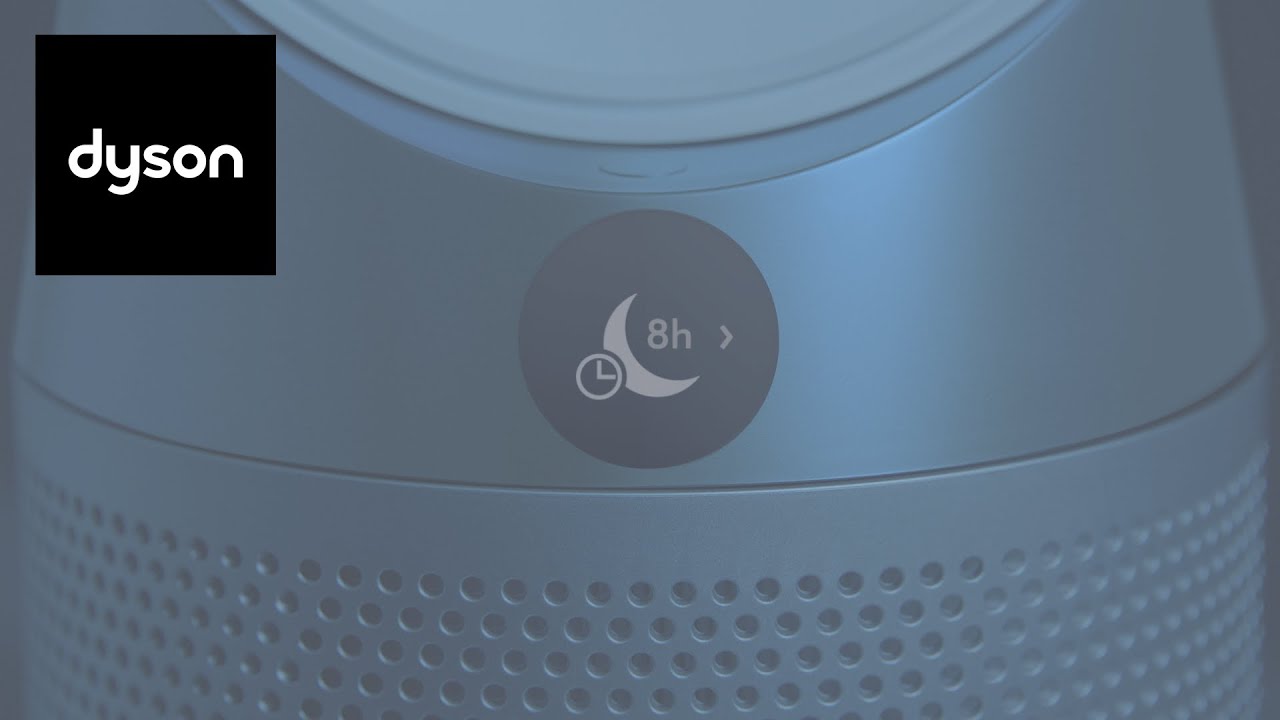
To set the sleep timer, press the Night-time mode and Sleep timer button to select the number of hours you want your purifying fan to run. The LCD screen will then dim, and your machine will switch off automatically to the end of the selected time.
To set Night-time mode, press the Night-time mode and Sleep timer button on your remote until the moon icon displays. The LCD screen will then dim.
Dyson experts are on hand to help, so leave us a comment if you'd like some advice.
Не удается загрузить Youtube-плеер. Проверьте блокировку Youtube в вашей сети.
Повторяем попытку...
Повторяем попытку...
Доступные форматы для скачивания:
Скачать видео
-
Информация по загрузке: