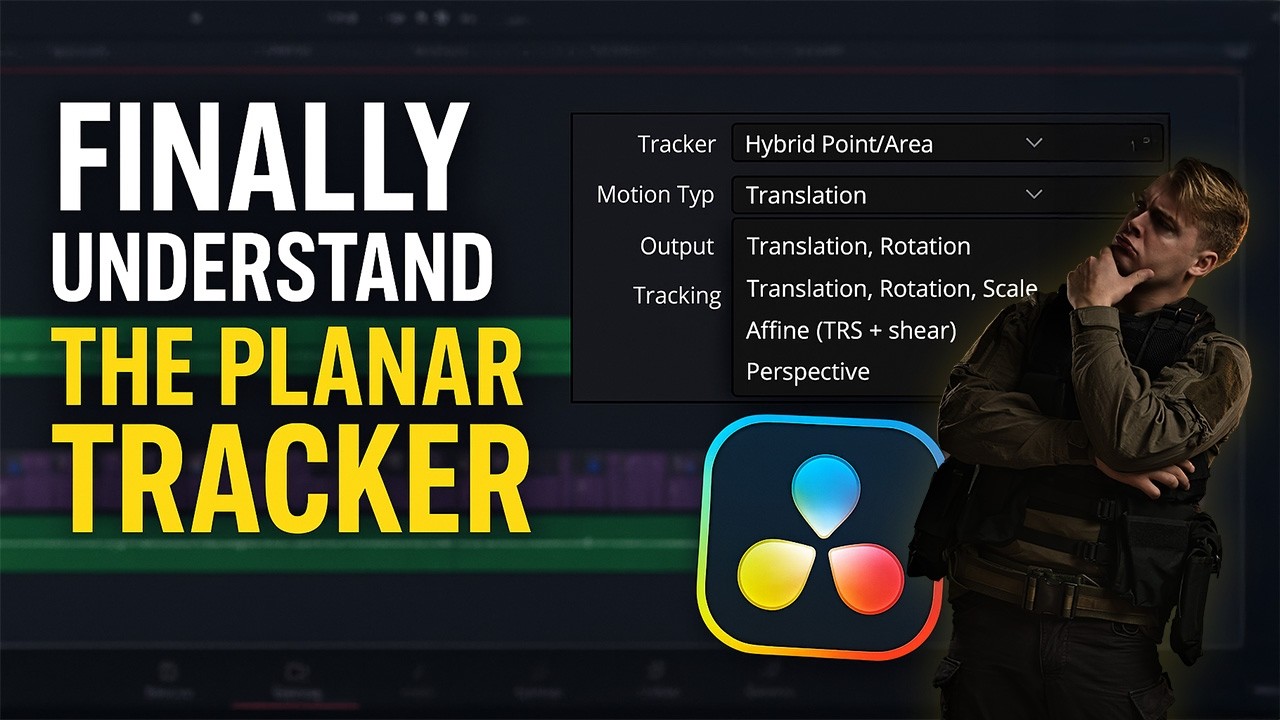
Stick ANY Image On Surface Using Planar Tracker in DaVinci Resolve 19!
Автор: decodED.
Загружено: 2025-03-29
Просмотров: 1369
Описание:
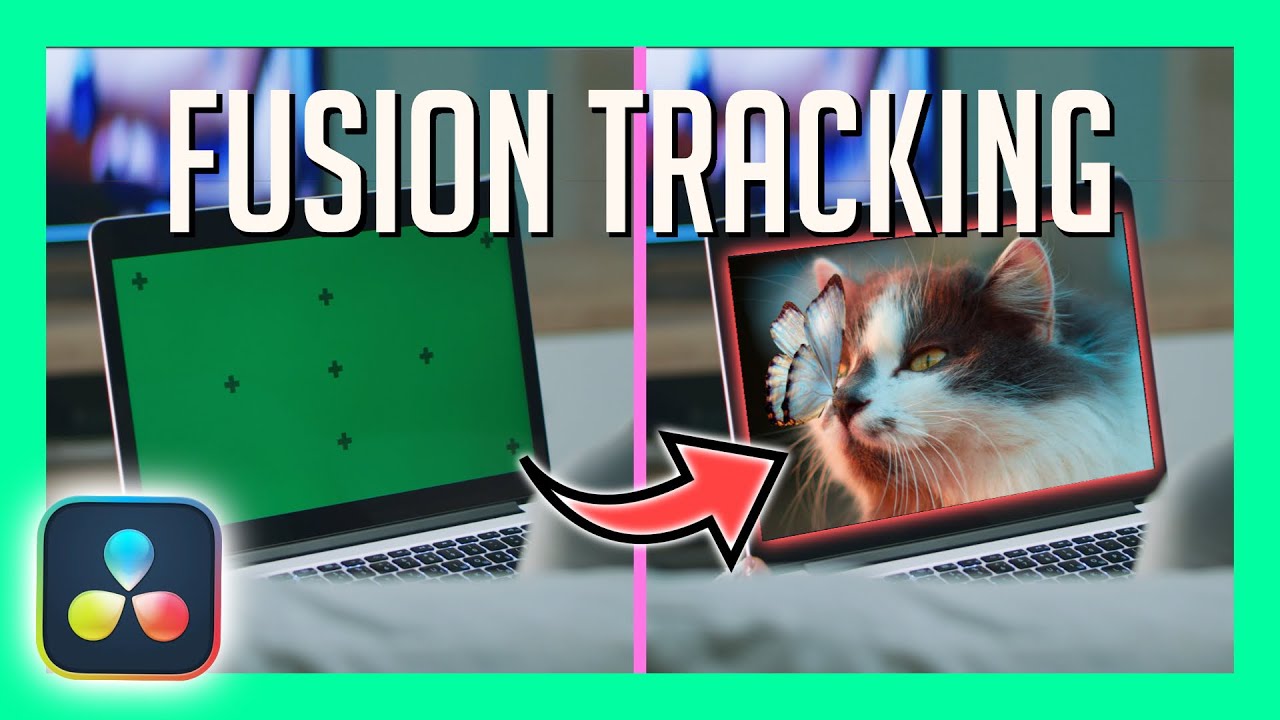
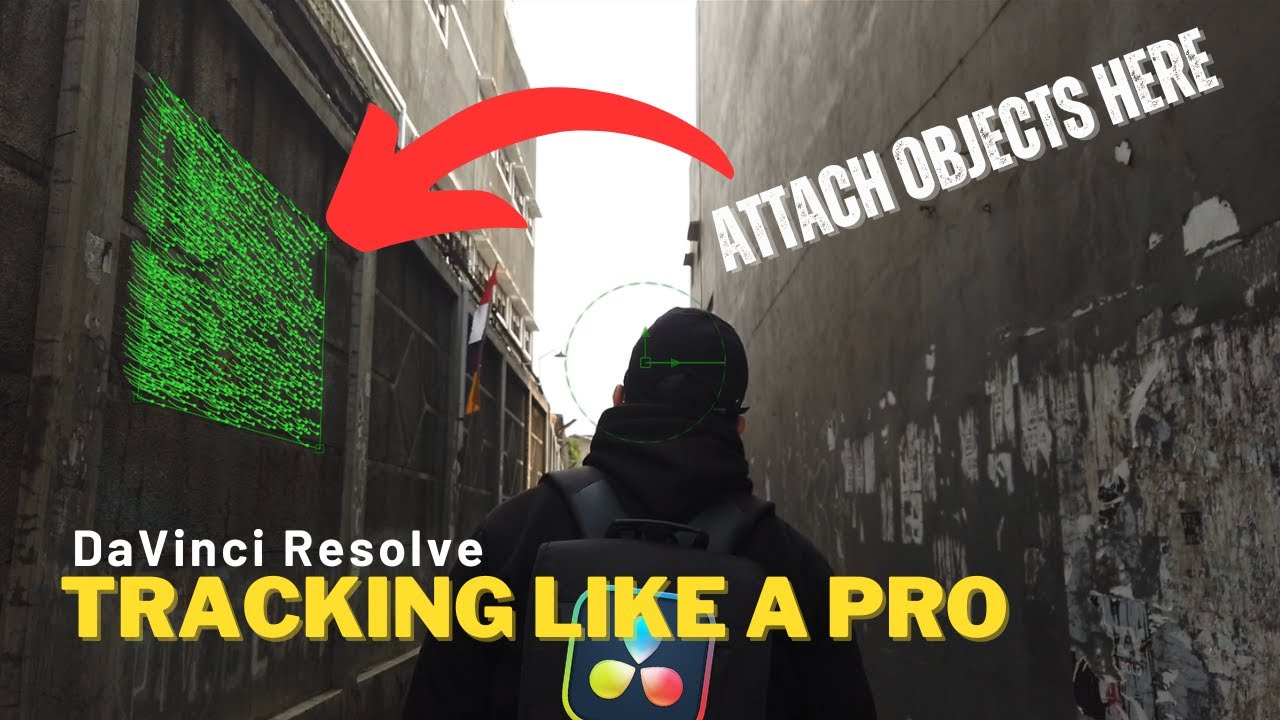
Learn to use planar tracker tool to stick image onto a surface using DaVinci Resolve 19 under 2 minutes!
Subscribe for Upcoming Tutorials - @decod_ED
Playlist on DaVinci Resolve 19 - • DaVinci Resolve 19 for Absolute Beginners
Note: This is a video tutorial for the complete beginners!
📌 Learn how to use the Planar Tracker Tool in DaVinci Resolve 19 to make ANY Image stick to any surface! In this easy-to-follow tutorial, I’ll show you how to track a selected surface and seamlessly place text on it, giving a realistic, stuck-on look. Perfect for adding dynamic text effects to your videos — watch now and level up your editing skills! 🎥
decodED creates content on video editing/content creation software tutorials such as DaVinci Resolve, Adobe Premiere Pro and Adobe After Effects as well as unboxing, overview and review of tech gadgets.
🔔Found this video helpful? Like, share and subscribe to my YouTube channel for more tutorials like this!
🔗 Channel: @decod_ED
↗️ Don't forget to share the video!
#davinciresolve #davinciresolve19 #videoediting #videography #cinematic #videoeffects #blackmagicdesign #youtube #contentcreation #howto #stepbystep #tutorial #download #install #software #tracker #text #davinci #surface #fusion #image #guide #adobepremierepro #adobeaftereffects
Повторяем попытку...
Доступные форматы для скачивания:
Скачать видео
-
Информация по загрузке: