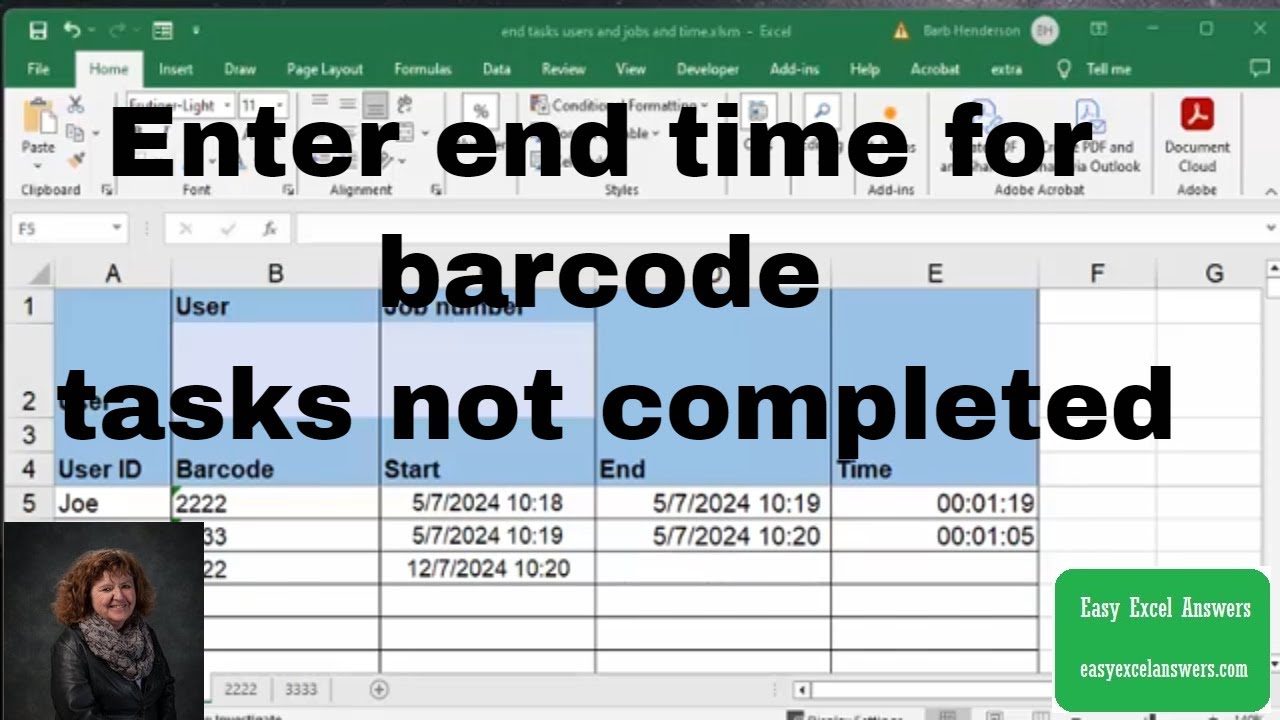
Enter end time for barcode tasks not completed by end of day in Excel
Автор: Barb Henderson
Загружено: 2024-07-14
Просмотров: 924
Описание:
Enter end time for barcode tasks not completed by end of day in Excel
Free templates and templates with code are available for purchase for $50 USD
https://www.easyexcelanswers.com/temp...
Addition Templates may be available on request
Click this link to check out my one-on-one training http://www.calendly.com/easyexcelanswers
For more help visit my website www.easyexcelanswers.com or email me at [email protected].
Contact me regarding customizing this template for your needs.
Click for online Excel Consulting http://www.calendly.com/easyexcelanswers
Are you struggling to update your Microsoft SQL Server data?
I recommend using well-known Excel to update and manage your data in SQL Server using the SQL Spreads Excel add-in.
Click https://sqlspreads.com/?pid=barbhende... to find out how SQL Spreads works best for non-technical end users and download our free 14-day trial. You will get two months free when purchasing an annual subscription using our link.
I am able to provide online help on your computer at a reasonable rate.
Check out Crowdcast for creating your webinars
https://app.linkmink.com/a/crowdcast/83
I use Tube Buddy to help promote my videos
Check them out
https://www.Tubebuddy.com/easyexcelan...
Follow me on Facebook
/ easyexcel.answers
IG @barbhendersonconsulting
You can help and generate a translation to you own language
http://www.youtube.com/timedtext_cs_p...
*this description may contain affiliate links. When you click them, I may receive a small commission at no extra cost to you. I only recommend products and services that I've used or have experience with.
How to insert VBA code in Excel • How to insert VBA code in Excel
Private Sub Workbook_Open()
Call endtime
End Sub
Sub endtime()
Dim r As Long
Dim Starttime, endtime As Date
r = 5
'endtime = Sheet1.Cells(r, 4).Value
For r = 5 To 20
Starttime = Sheet1.Cells(r, 3).Value
If Starttime = "" Then Exit Sub
If Sheet1.Cells(r, 4).Value = "" Then
If CDate(Starttime) less than Date Then
Sheet1.Cells(r, 4).Value = (Date - 1) & " " & "17:00"
Timein = CDate(Cells(r, 3).Value)
Timeout = CDate(Cells(r, 4).Value)
Total = TimeValue(Timeout) - TimeValue(Timein)
Debug.Print Total
Debug.Print Format(Total, "hh:mm:ss")
Sheet1.Cells(r, 5).NumberFormat = "hh:mm:ss"
Sheet1.Cells(r, 5).Value = Total
Debug.Print "Number of hours = " & Total * 24
jobn = Sheet1.Cells(r, 2).Value
sname = Sheet1.Cells(r, 1).Value
Call totalhours(jobn, sname, Total)
End If
End If
Next r
End Sub
Повторяем попытку...
Доступные форматы для скачивания:
Скачать видео
-
Информация по загрузке:





