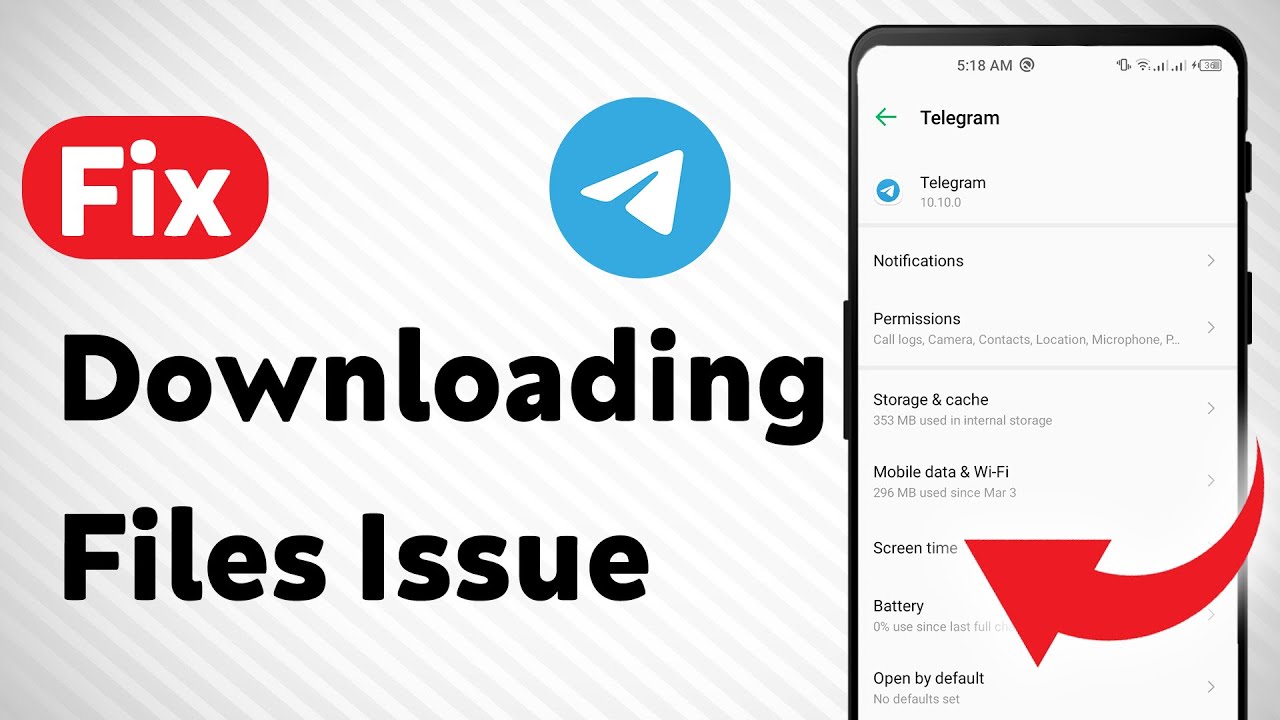
How to Fix Telegram Not Downloading Files (Updated)
Автор: Smart Fixer
Загружено: 2024-06-25
Просмотров: 9510
Описание:
Learn how to fix Telegram not downloading files with these easy steps:
1. Check Your Internet Connection:
• Switch to a Wi-Fi network if you're using cellular data.
• Restart your router and ensure good signal strength.
• Consider toggling airplane mode to refresh your internet connection.
2. Force Stop and Reopen the app: Go to Settings → Apps → Telegram → Force Stop.
3. Turn On "Save to Camera Roll": Ensure the option is enabled in Telegram settings.
4. Check Telegram Storage Permission: Grant Telegram storage and gallery permission on Android.
5. Free Up Storage Space: Delete unnecessary files to create more storage space on your device. 6. Ask the Other Person to Resend: If unable to download a specific file, ask the sender to resend it.
7. Update Your Phone's Date and Time: Update date and time settings on your Android device. 8. Clear Telegram Cache: Go to device settings, find Telegram, and clear its cache.
9. Restart Your Phone: A simple restart can resolve issues.
10. Update Telegram: Make sure you're using the latest version.
11. Update Your Device: Keep your phone's operating system up to date.
12. Reinstall Telegram: As a last resort, uninstall and reinstall Telegram.
Don't let download issues ruin your messaging experience.
#Telegram #FileDownload #TechTips
For advertiser contact us via email : [email protected]
Повторяем попытку...
Доступные форматы для скачивания:
Скачать видео
-
Информация по загрузке: