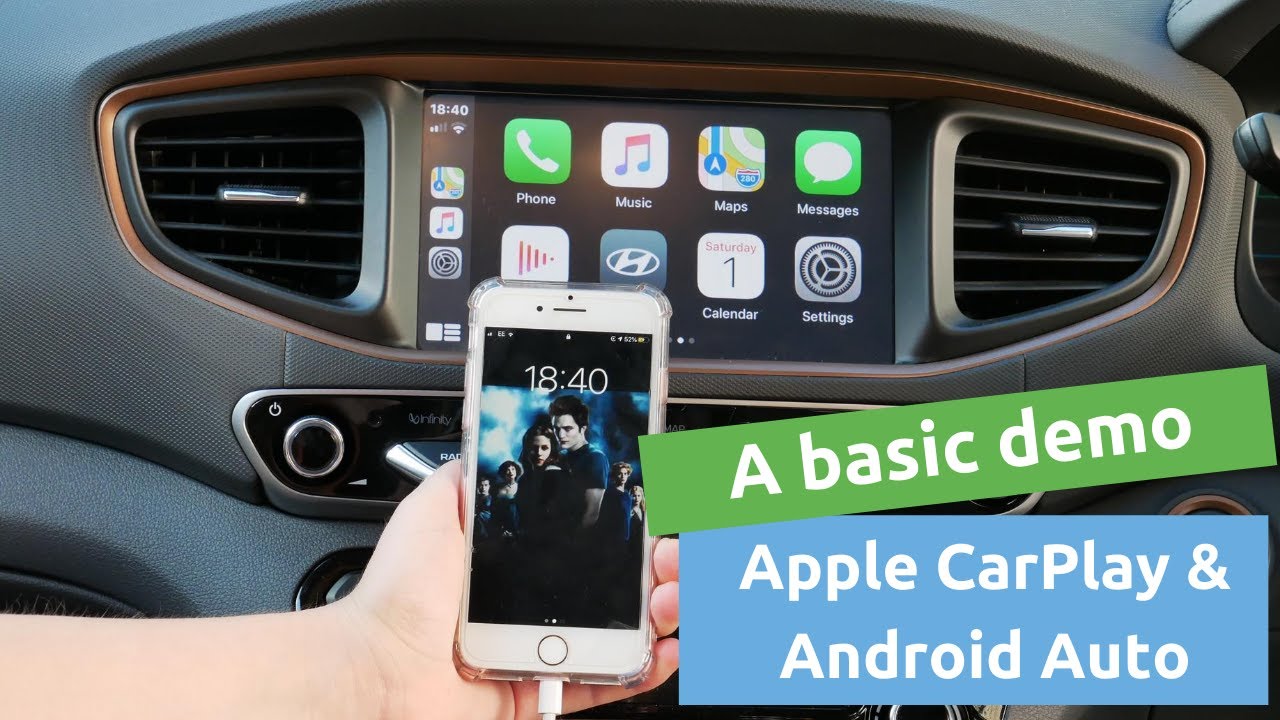
How to change IONIQ Hybrid Basic Head Unit to Hyundai IONIQ Hybrid Mobis Genuine Head Unit.
Автор: Frenky Tan
Загружено: 2020-09-26
Просмотров: 14448
Описание:
UPDATE:
I missed out some steps:
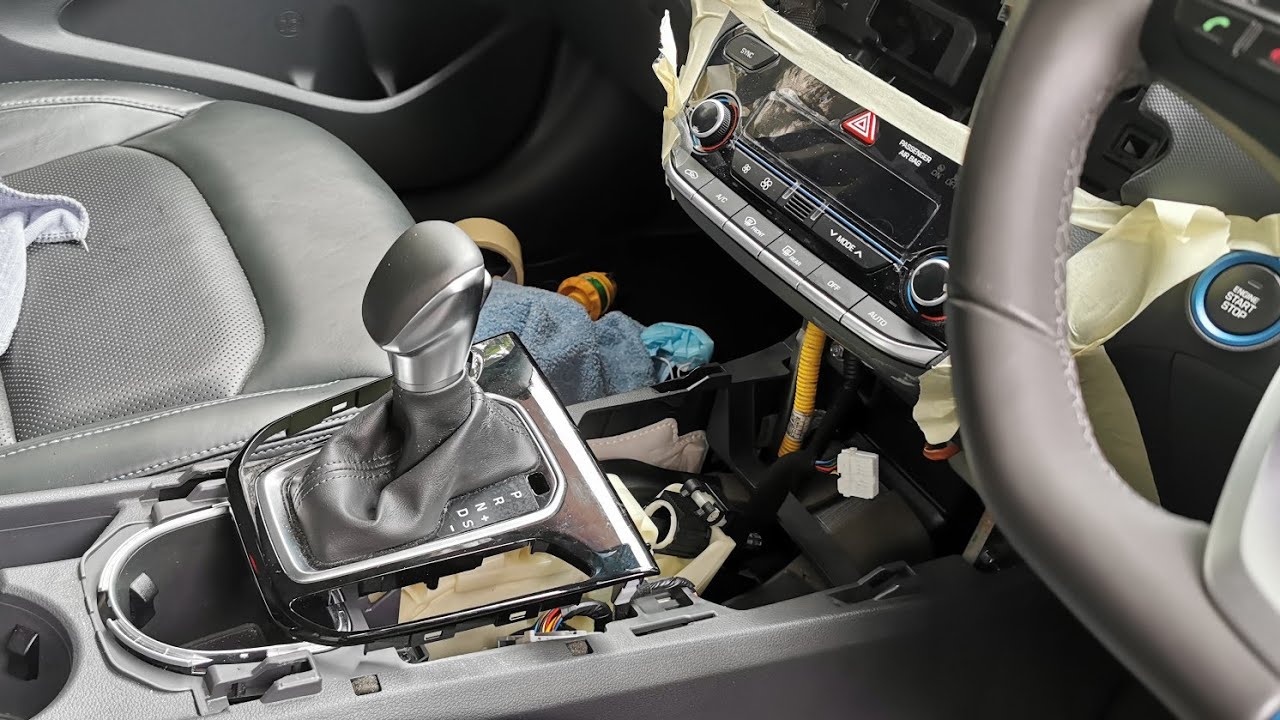
1. After pry open the black glossy panel plastic button below the knob, please reach out the two cables underneath it and remove it.
2. Taking out the center console doesn't need the to remove the head unit.
This video is the change directly from the main harness diagram with basic OEM head unit to Hyundai Mobis OEM Genuine Head Unit.
Since there no more warranty (2 years for audio) provided by local Hyundai.
It's time to ditch the old basic head unit to better one.
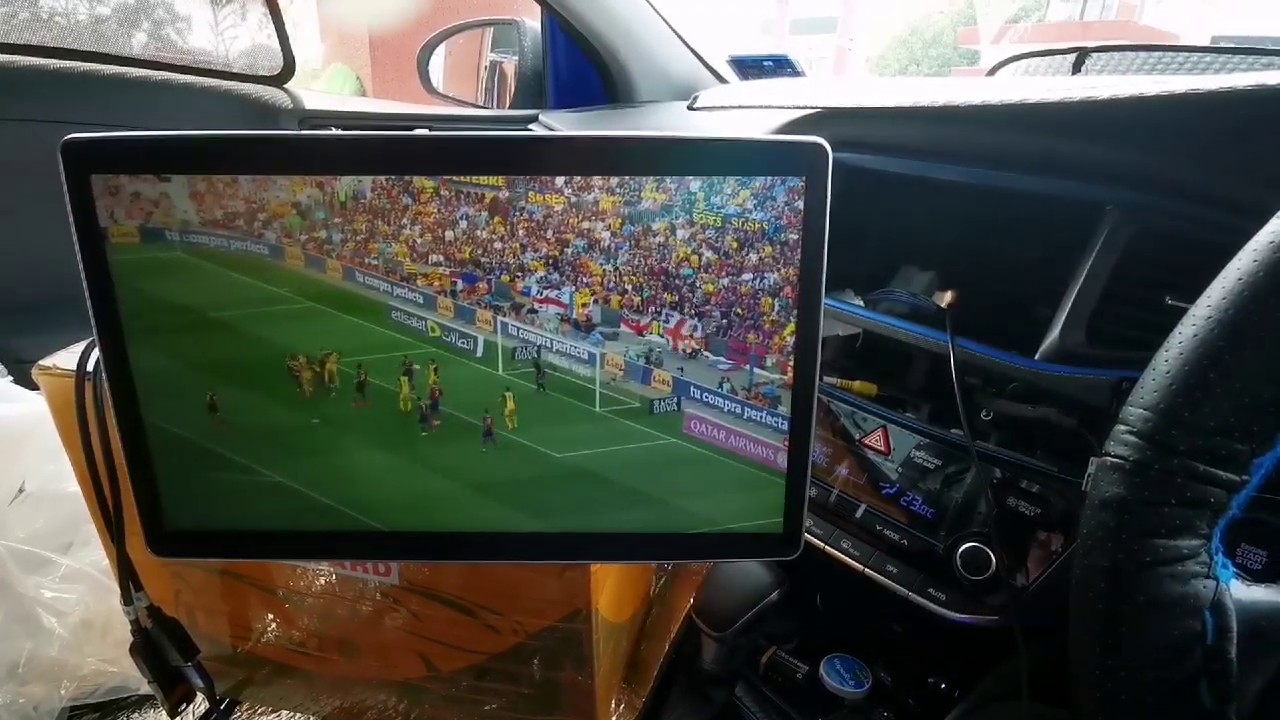
I choose to replace it with Hyundai Mobis Genuine Head Unit with support Android Auto and Apple CarPlay, not China aftermarket head unit.
Reason because might have more prolonged life compared to aftermarket Android. Usually Android aftermarket head unit only can keep up 2 step up frameworks update.
Unit version taken from USA model.
Old OEM basic Head Unit:
Part No: 96180-G2300PGB
Model: AC11062GG
HW ver: M30420012551
Released: 1st batch IONIQ in Malaysia.
New OEM Mobis Head Unit:
Part No: 96160-G2050-PGB
Model: TQ8-AVBB0G2AN
Повторяем попытку...

Доступные форматы для скачивания:
Скачать видео
-
Информация по загрузке: