How to Talk to Grok AI Using Voice Mode (Hands-Free Interaction) | FULL GUIDE | 2026
Автор: Official Help Desk
Загружено: 2026-02-05
Просмотров: 129
Описание:
How to Talk to Grok AI Using Voice Mode (Hands-Free Interaction) | FULL GUIDE | 2026
Want to talk to Grok AI using Voice Mode? This guide shows you how to activate voice interaction, allowing you to speak naturally and have Grok respond with a spoken reply. It's one of the fastest ways to interact with Grok AI hands-free.
✅ What you’ll learn
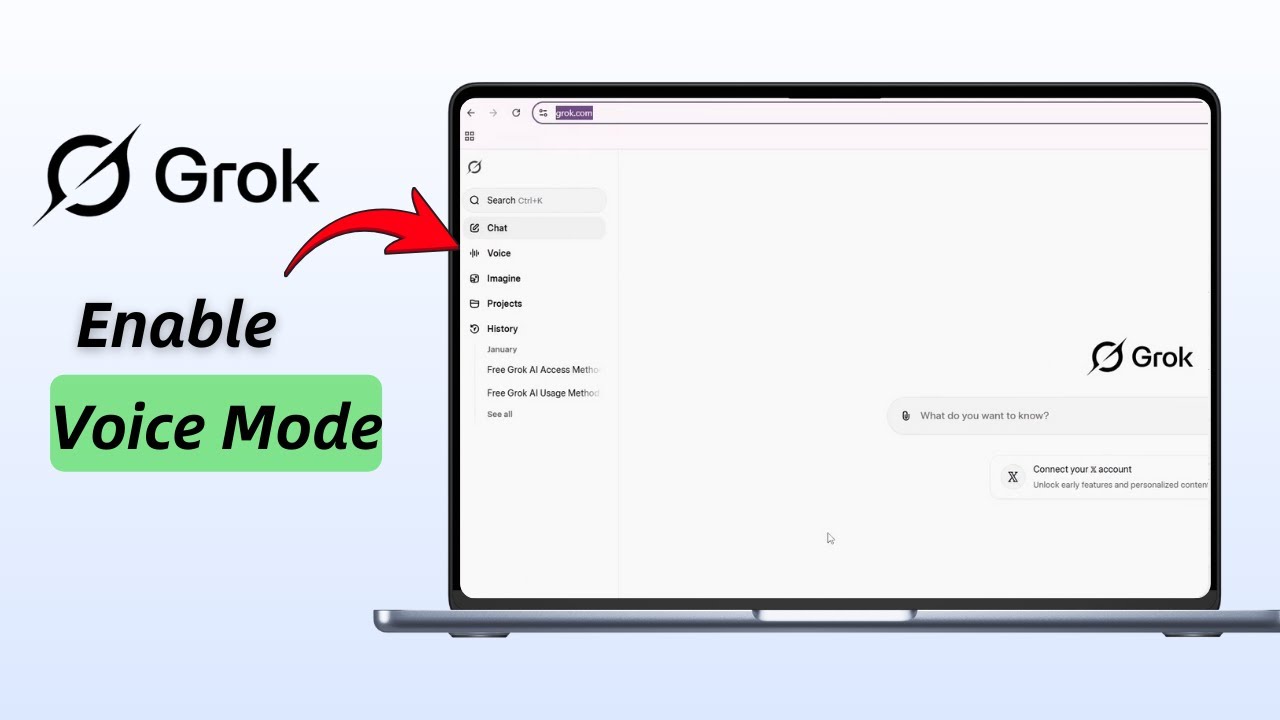
How to enable Voice Mode on Grok AI
Allow microphone access and adjust settings
Start a conversation using only your voice with Grok AI
Timestamps
00:05 Intro
00:15 Log into Grok AI and enable Voice Mode
00:35 Start speaking and interact hands-free with Grok
Steps
Open your preferred browser
Navigate to grok.com and log in
On the left side, select the Voice option
Allow microphone access by clicking the Settings icon
Enable the microphone and reload the page
Once refreshed, switch to Voice Mode
Wait for the connection prompt, then start speaking
Grok AI will listen, convert your speech to text, and respond verbally
Enjoy hands-free conversations with Grok AI
#GrokAI #VoiceMode #AIassistant #handsfree #GrokAI2026 #VoiceInteraction #AItutorial #techguide #AIvoice
The content on Official Help Desk is for educational purposes only. We are not affiliated with or endorsed by any companies mentioned. Please consult official sources for the latest information, as services and policies may change.
Повторяем попытку...
Доступные форматы для скачивания:
Скачать видео
-
Информация по загрузке: