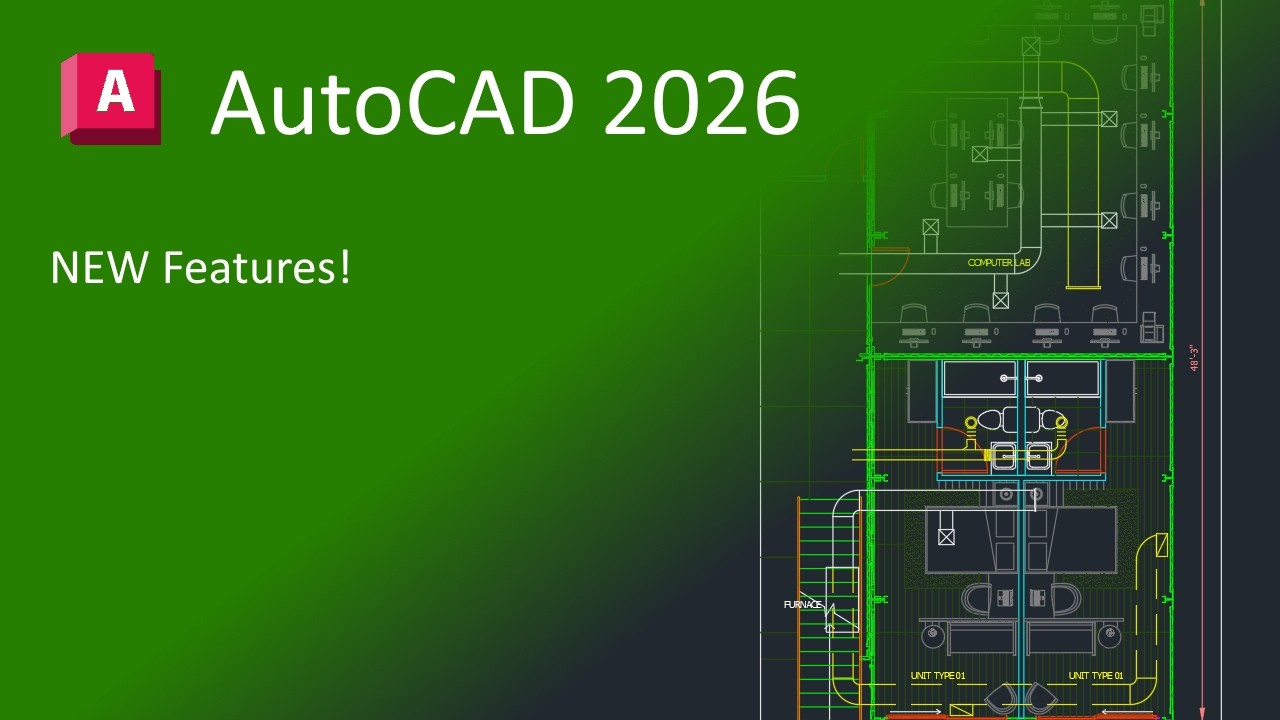
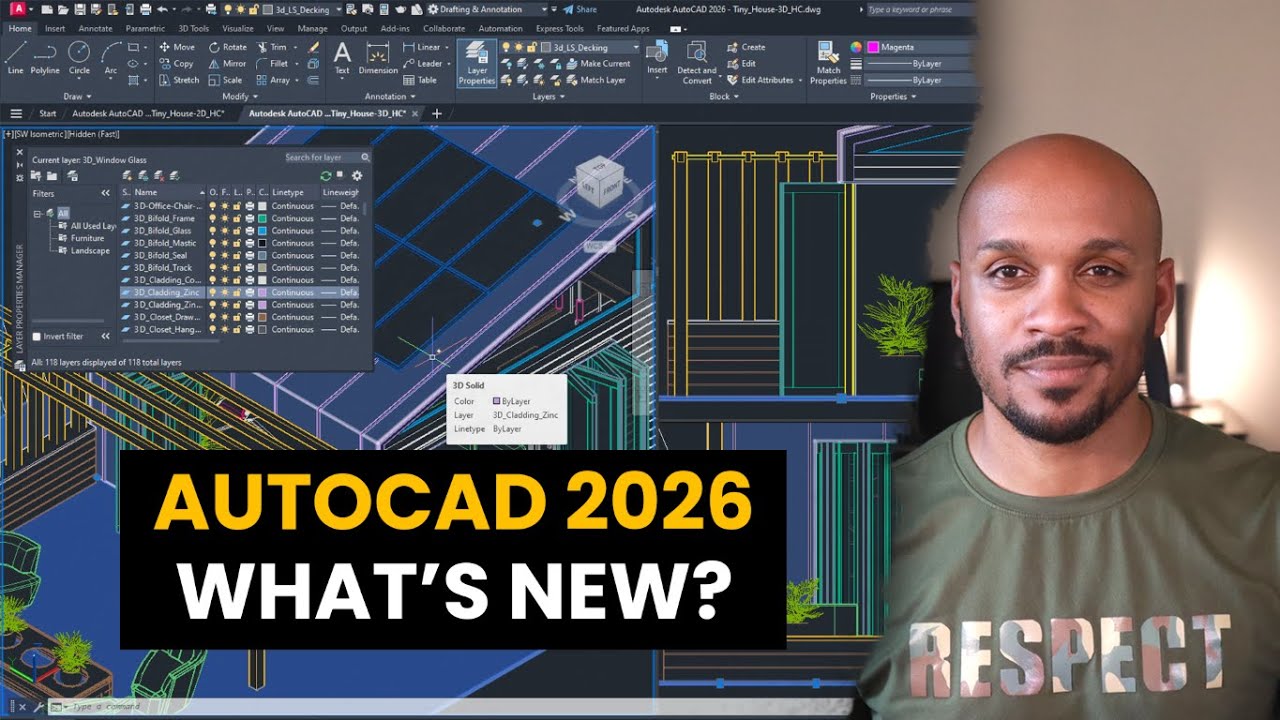
AutoCAD 2026 - New and Enhanced (What's New)
Автор: CAD CAM Learning
Загружено: 2025-04-01
Просмотров: 5308
Описание:
AutoCAD 2026 - New and Enhanced (What's New)
File open and startup speeds: Experience the fastest release of AutoCAD yet. Benefit from significant performance enhancements and innovative capabilities that save you time with every DWG file. On average, experience up to 11x faster file open and 4x faster startup times in AutoCAD 2026 vs. AutoCAD 2025
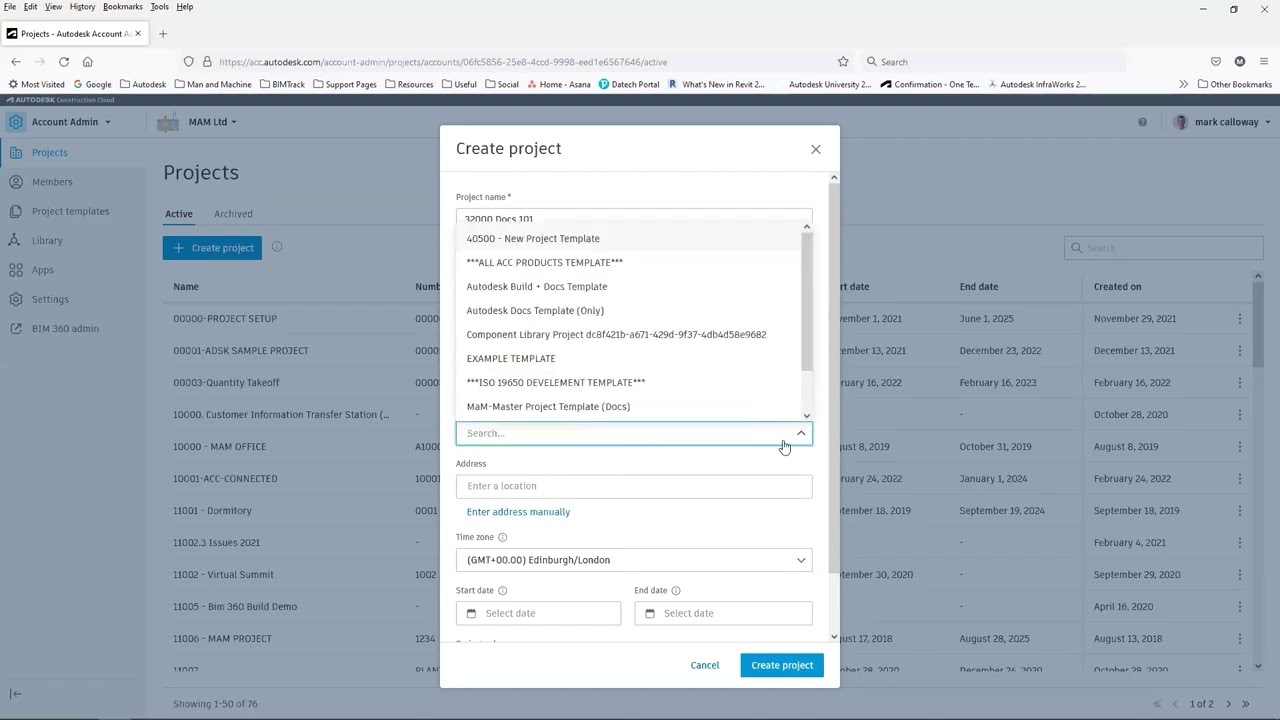
Connected Support Files: CAD managers can now define one set of project-aware support files and settings for an Autodesk Docs project. This feature gives teams the ability to view and edit DWG files with the intended support files without requiring additional steps to configure individual users or AutoCAD installations.
Markup Import and Markup Assist with Autodesk Docs: You can now import and connect JPG, PNG, and PDF markups from Autodesk Docs. Once synced, markups made in Autodesk Docs will continue to update in a Trace layer in AutoCAD so you can review and incorporate feedback with Markup Assist and view Autodesk Docs issues.
Smart Blocks: Detect and Convert Tech Preview: Improve design efficiency and save time when cleaning up drawings by automatically recognizing objects to convert into blocks with the help of Autodesk AI. This feature is a technology preview which is still under development and will continue to evolve and improve with time.
Smart Blocks: Search and Convert: Quickly search your drawings for objects, matching text, and variable text to convert into instances of a newly defined block, an existing or recently used block, or a suggested block from your Block Libraries with the help of Autodesk AI.
Activity Insights: Stay informed with access to essential design data with detailed multi-user event logs—tracking for over 35 activity types including version history, file comparison tools, and new “What’s Changed” insights. Supported for files managed on Autodesk Docs, stored locally, or hosted on third-party cloud storage.
Multi-User Markup for AutoCAD on the web (Early Access): Help streamline collaboration on Autodesk Docs projects with Multi-User Markups. Collect and share feedback directly on drawings using intuitive Autodesk Docs markup tools—now available in early access with AutoCAD on the web. Create markup links to provide simultaneous access to designs without duplicating or locking files.
👉For more Tutorials, please visit: https://www.youtube.com/c/CADCAMLearn...
-------------------------------------------------------------------------------------------
🏠 4CTECH VIET NAM TECHNOLOGY COMPANY LIMITED
🏗 Consulting and Providing CAD CAM software solutions in Vietnam
☎ Contact us: Phone: + 84 968 023 855 | Email: [email protected]
📡 Website: www.4ctech.vn * www.4ctech.com.vn
-------------------------------------------------------------------------------------------
#autodesk #autocad2026
Повторяем попытку...

Доступные форматы для скачивания:
Скачать видео
-
Информация по загрузке: