Why Isn’t My Ethernet Working? Quick Fix for Connection Issues!
Автор: Wilbi Benitez
Загружено: 2024-10-30
Просмотров: 801
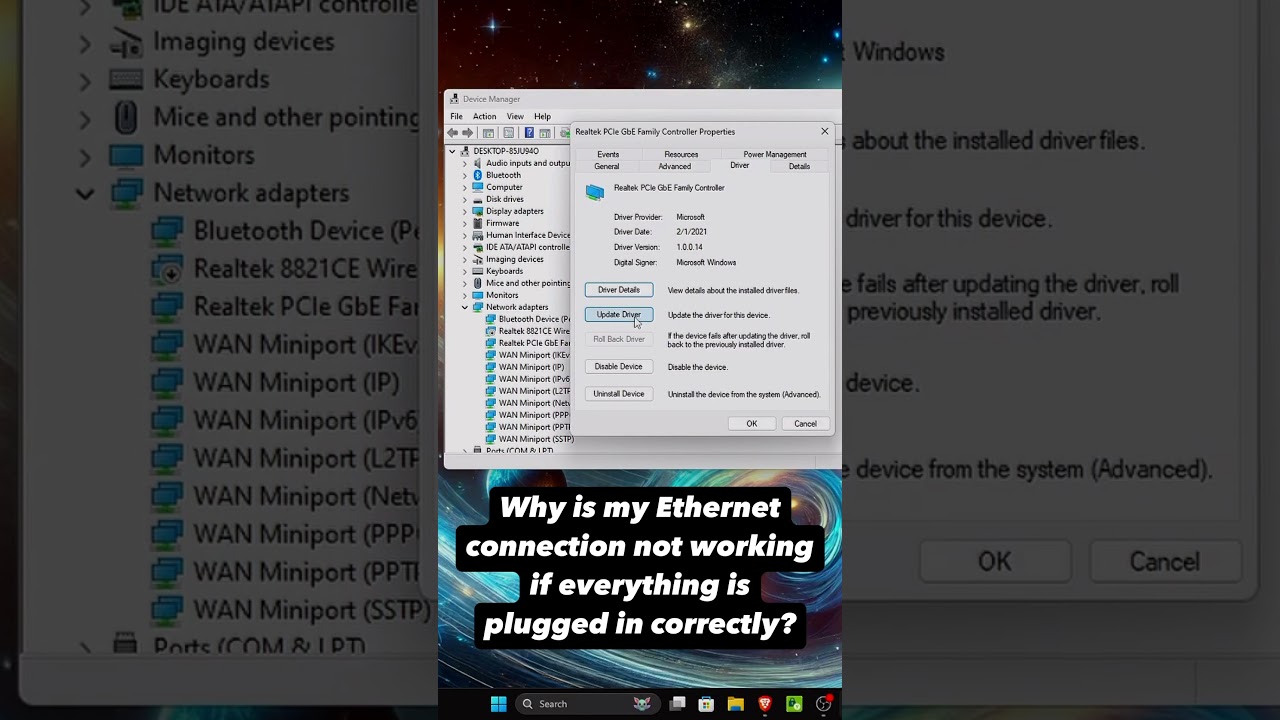
Описание: To troubleshoot Ethernet connection issues in Windows, a common and effective step is to update or reinstall the network drivers. Updating ensures that your Ethernet hardware runs on the latest software, incorporating improvements, bug fixes, and compatibility updates from the manufacturer, which can help resolve issues with connectivity, speed, or stability. If updating doesn’t solve the problem, uninstalling and reinstalling the driver can often fix it. This process resets the driver’s configuration back to default, clearing any potential issues from a corrupted or improperly installed driver, as Windows will usually reinstall a fresh version automatically upon restart, often restoring a stable connection.
Повторяем попытку...
Доступные форматы для скачивания:
Скачать видео
-
Информация по загрузке:


