How to Sync HubSpot tasks to your Google Calendar
Автор: HubSpot Tutorials
Загружено: 2024-05-09
Просмотров: 1112
Описание:
Are you tired of switching between multiple platforms to keep track of your tasks and appointments?
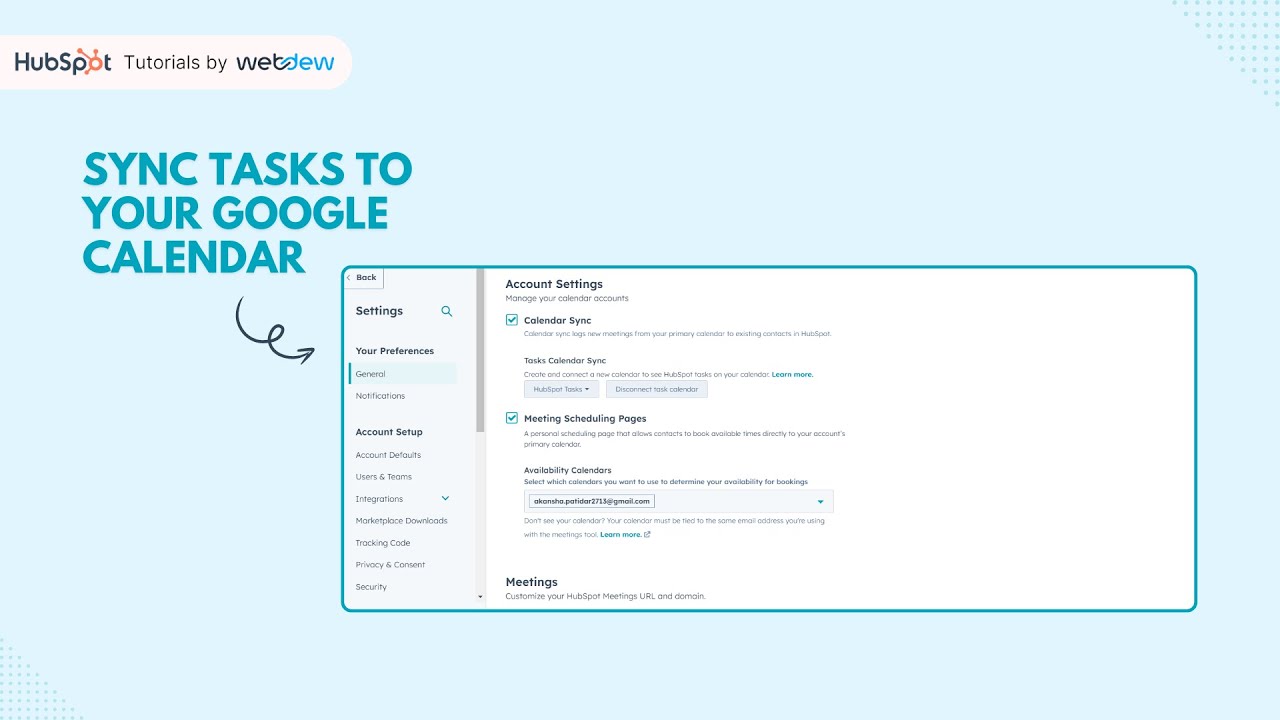
Say goodbye to the hassle and hello to efficiency! In this tutorial video, we'll show you how to seamlessly sync your HubSpot tasks with your Google Calendar, keeping all your important to-dos in one convenient place.
Once you've configured HubSpot's calendar sync, the process is a breeze. Here's what you need to do:
1. Access the settings by clicking on the icon located in the main navigation bar.
2. Navigate to the Calendar tab.
3. Choose the desired calendar where you want your tasks to appear by selecting from the dropdown menu labeled "Connect your calendar."
4. Remember to save your selection by clicking the Save button.
To manage HubSpot tasks from your Calendar:
1. Click on the calendar event to access task details.
2. Easily view linked records by clicking on the name of the associated record. This action will open a new tab displaying the task on the connected record.
3. For a more comprehensive understanding of the task, click on "View Task." This will open a new tab with all the specific details about the task.
Start syncing your HubSpot tasks seamlessly to your Google Calendar today, and take control of your schedule like never before!
Don't forget to hit that subscribe button for more useful tutorials!
#HubSpotSyncTask #HubSpotSales #HubSpotTutorialsbywebdew #LearningTogether
----------------------------------------------------------------------------------------------
Get FREE HubSpot Demo: https://bit.ly/3VEuefE 🚀
Sign up for HubSpot's Free CRM: https://bit.ly/3VJkLn6 📈
Outsource your HubSpot needs: https://bit.ly/4axdafI 💼
Subscribe to our weekly newsletter: https://bit.ly/3PERwhi 📬
Let's elevate your HubSpot journey together! 😊💡🌟🚀📈
Повторяем попытку...
Доступные форматы для скачивания:
Скачать видео
-
Информация по загрузке: