How To Disable Push Notifications In X - Full Guide
Автор: Smart Fixer
Загружено: 2023-11-28
Просмотров: 469
Описание:
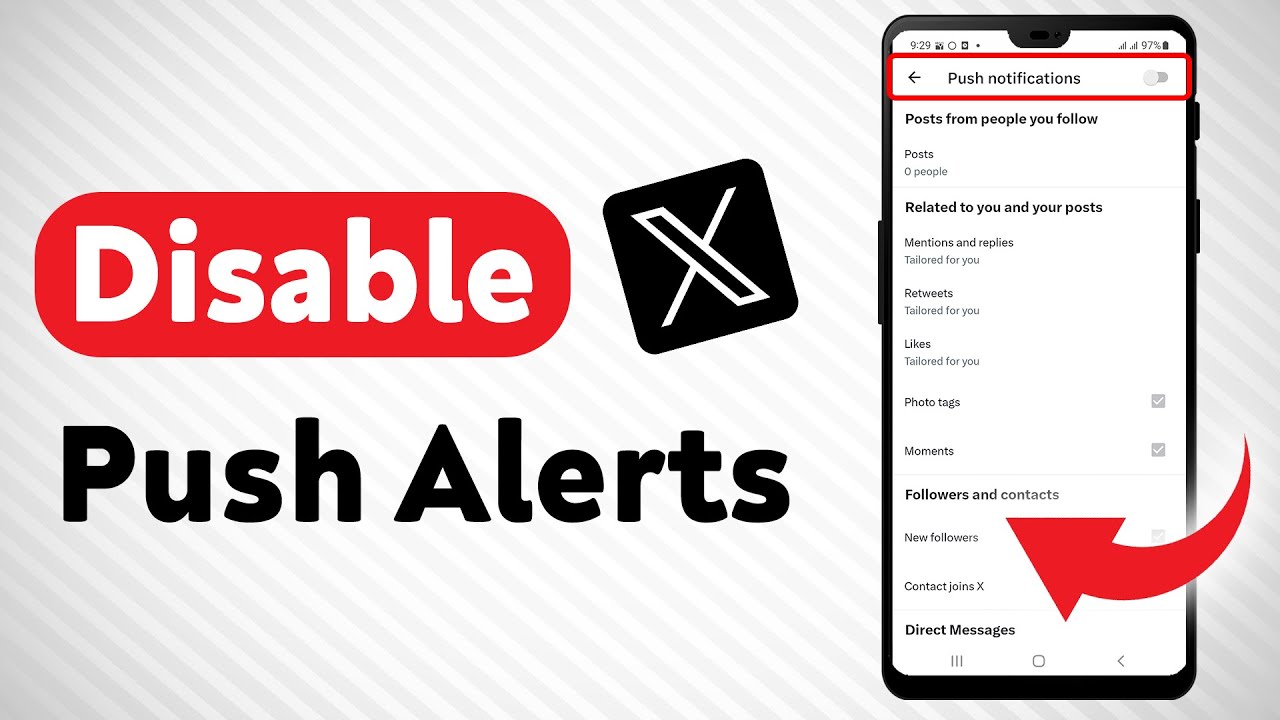
Learn how to easily disable push notifications in X with our comprehensive guide. In this video, we'll provide you with a step-by-step process to take control of your notification settings and minimize distractions. Follow these steps:
1. Open X.
2. Tap on the account icon from the top right corner.
3. Tap on "Settings and Support" to open a drawer.
4. Tap on Setting and privacy.
5. Tap on "Notifications" and tap on "Preferences."
6. Tap on "Push Notifications."
7. Disable "Push Notifications" from the top right corner.
By disabling push notifications in X, you can enjoy a more focused and uninterrupted app experience.
For advertiser contact us via email : [email protected]
Повторяем попытку...
Доступные форматы для скачивания:
Скачать видео
-
Информация по загрузке: