Скачать
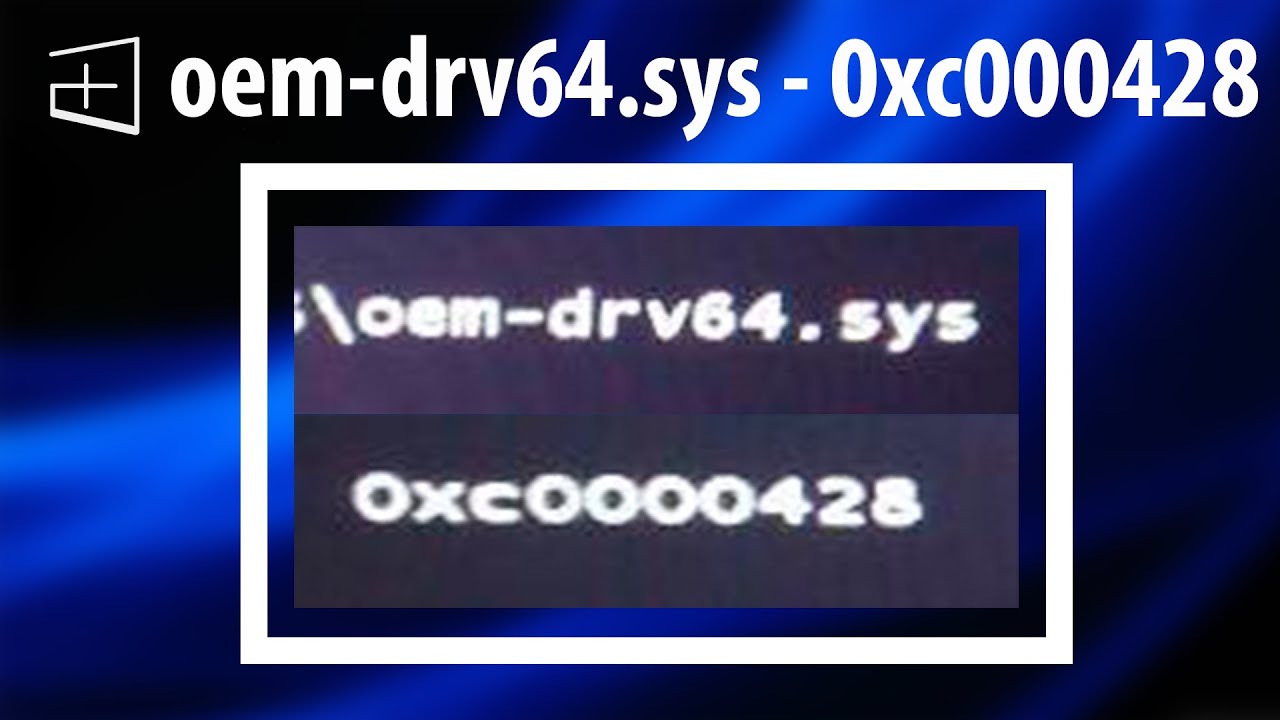
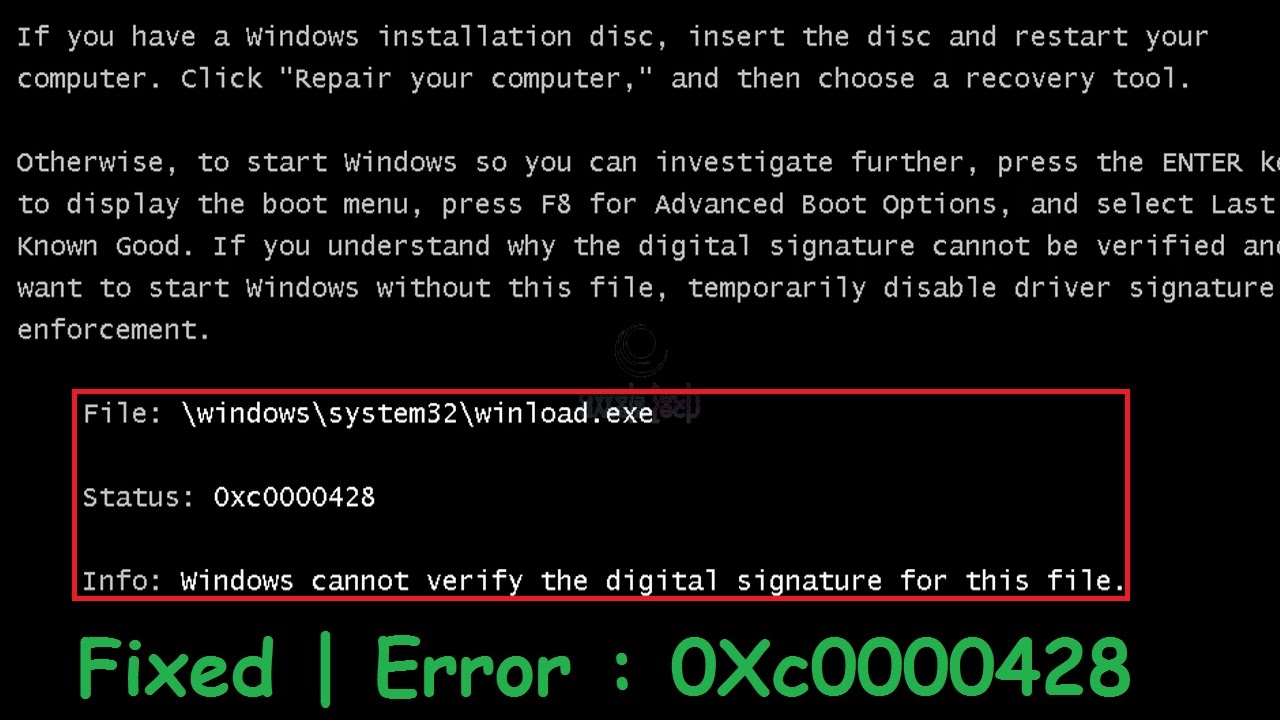
How to get rid of windows error code 0xc0000428 in 5 seconds
Автор: XDD Studios by Wr3cKed
Загружено: 2021-01-25
Просмотров: 64986
Описание:
Quick solution if you don't have good internet: Press F8, then F7.
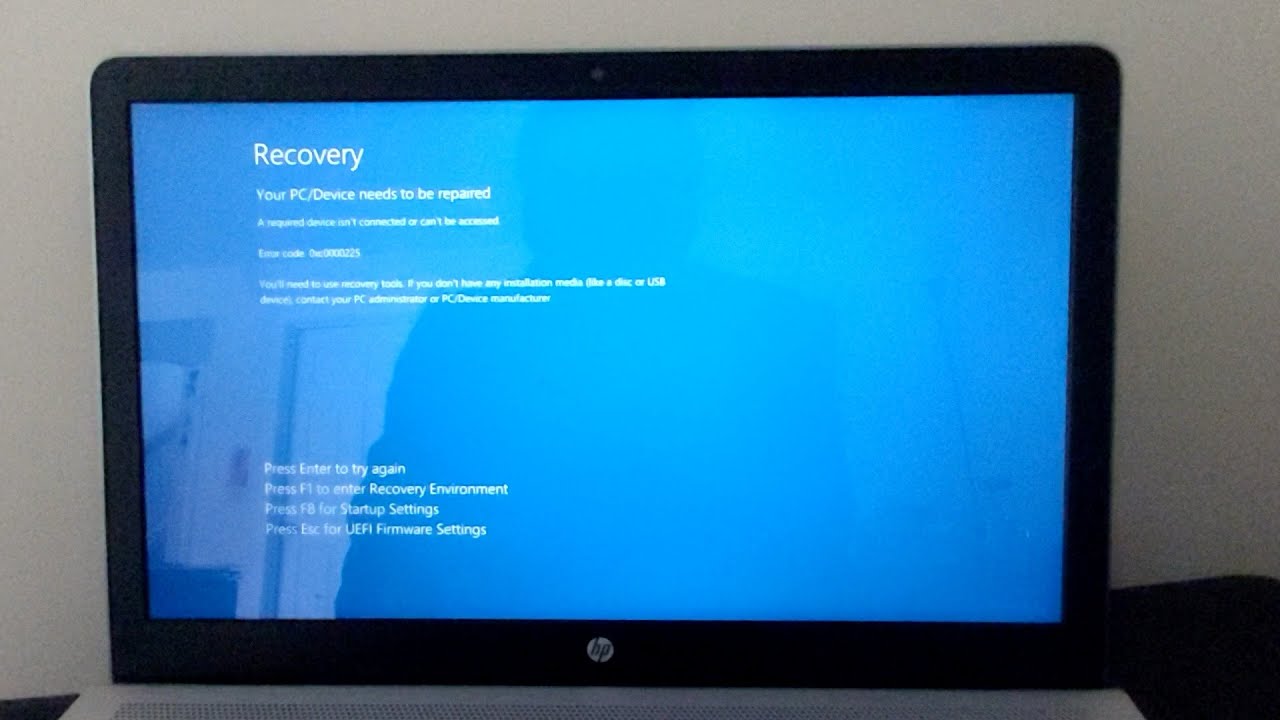
Getting rid of a bluescreen with error code 0xc0000428.
Disclaimer: you might have to do this every time you boot the computer, until you remove the faulty driver. I have no idea how to safely do that, so please ask someone who actually knows what they're doing before you start tampering with your system32 folder.
Short explanation what happened: sfvfs02.sys is the StarForce Copy Protection Driver used by games from the windows XP era. The driver was never updated for Windows 10, so it causes compatibility issues.
Не удается загрузить Youtube-плеер. Проверьте блокировку Youtube в вашей сети.
Повторяем попытку...
Повторяем попытку...

Доступные форматы для скачивания:
Скачать видео
-
Информация по загрузке:








![How To Fix 0xc0000221 Error Code Your PC/Device Needs to be Repaired BSOD Windows 11/10 [NEW 2026]](https://imager.clipsaver.ru/ZYV0aTYBz1g/max.jpg)