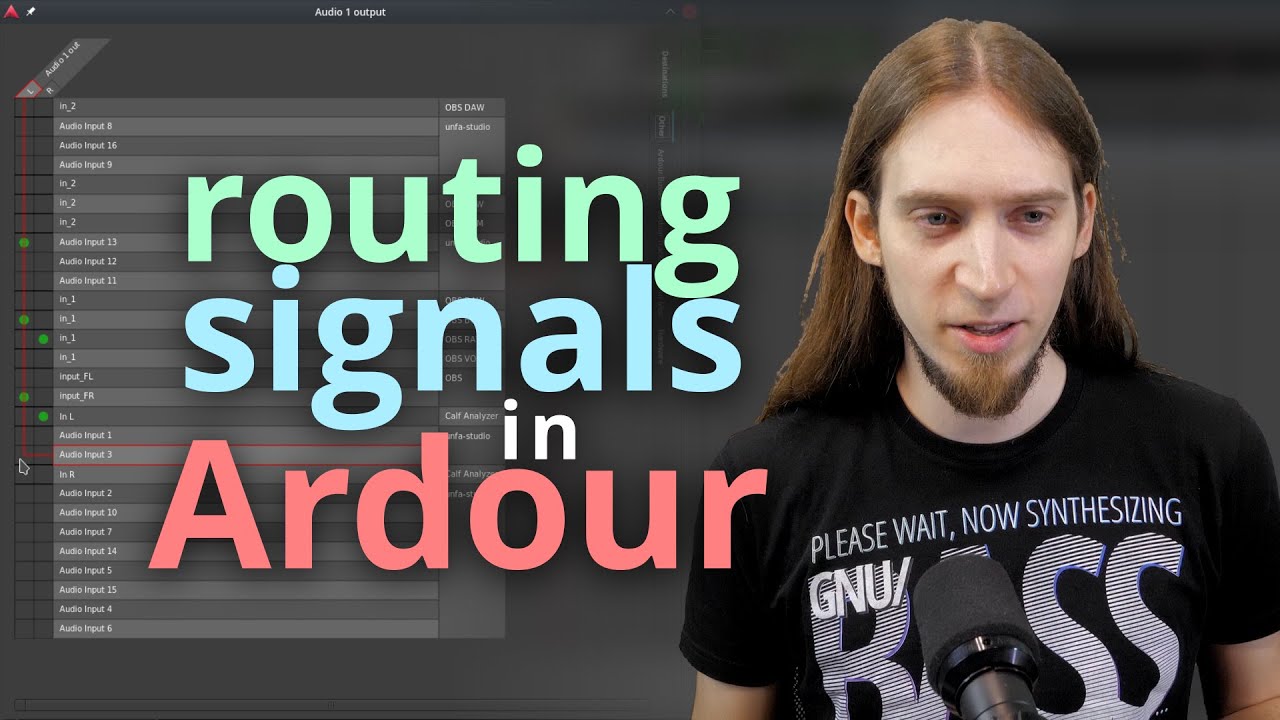
How to Manage Connections in Ardour
Автор: unfa🇺🇦
Загружено: 2021-10-11
Просмотров: 22166
Описание:
--- SUPPORT MY WORK:
/ unfa
https://liberapay.com/unfa
https://paypal.me/unfa
--- CHECK OUT MY MUSIC:
https://audius.co/unfa
https://unfa.bandcamp.com
/ unfa
--- FIND MY VIDEOS:
PeerTube (open-source, decentralized):
https://peertube.kx.studio/video-chan...
https://share.tube/c/unfa_channel/
YouTube (proprietary, centralized):
/ unfa000
--- ORDER OR PRINT YOUR OWN MERCH:
https://teespring.com/stores/unfa
https://github.com/unfa/merch
--- GET IN TOUCH:
https://mastodon.social/@unfa
https://chat.unfa.xyz
/ discord
/ unfamusic (last resort)
--- LIVESTREAMS:
Next event:
https://www.youtube.com/unfa000/live
Past events:
• unfa live
Submit music:
https://forms.gle/pLDetJM2WZf8eTRt5
--- TIMESTAMPS:
(none - contributions are welcome!)
--- LINKS:
Ardour's official website:
https://ardour.org/
--- OTHER INFO:
This video was produced exclusively with open-source software and GNU/Linux.
Studio software:
https://manjaro.org (operating system)
https://www.kde.org/plasma-desktop (desktop environment)
https://www.olivevideoeditor.org/ (v. 0.1.2; video editing)
https://obsproject.com/ (video capture / streaming)
https://www.blender.org/ (3d art)
https://inkscape.org/ (2d vector art)
https://gimp.org/ (photo manipulation)
https://kx.studio/Applications:Carla (live audio processing)
Audacity [pre MuseGroup version] (final audio touchup and level control)
Studio hardware:
CPU: AMD Ryzen 9 3900X
GPU: AMD Radeon RX 480
Mobo: Gigabyte B550 AORUS ELITE V2
Audio I/F: Behringer UMC202HD
Mics: Shure SM57 + A2WS (main); Behringer B-1 (room mic); Boya BY-M1 (lavalier)
Camera: Lumix GH5
Webcam: Logitech C920
Aux camera: OnePlus 5T
MIDI controller: M-Audio Oxygen 49 MKIV
Coffee machine: DeLonghi ECP33.21
Mug: https://is.gd/unfamug
---
Now go, manage some connections!
Повторяем попытку...
Доступные форматы для скачивания:
Скачать видео
-
Информация по загрузке:










![[Ardour] - Configuring a MIDI controller for note input](https://imager.clipsaver.ru/vh5Z5qmUcew/max.jpg)