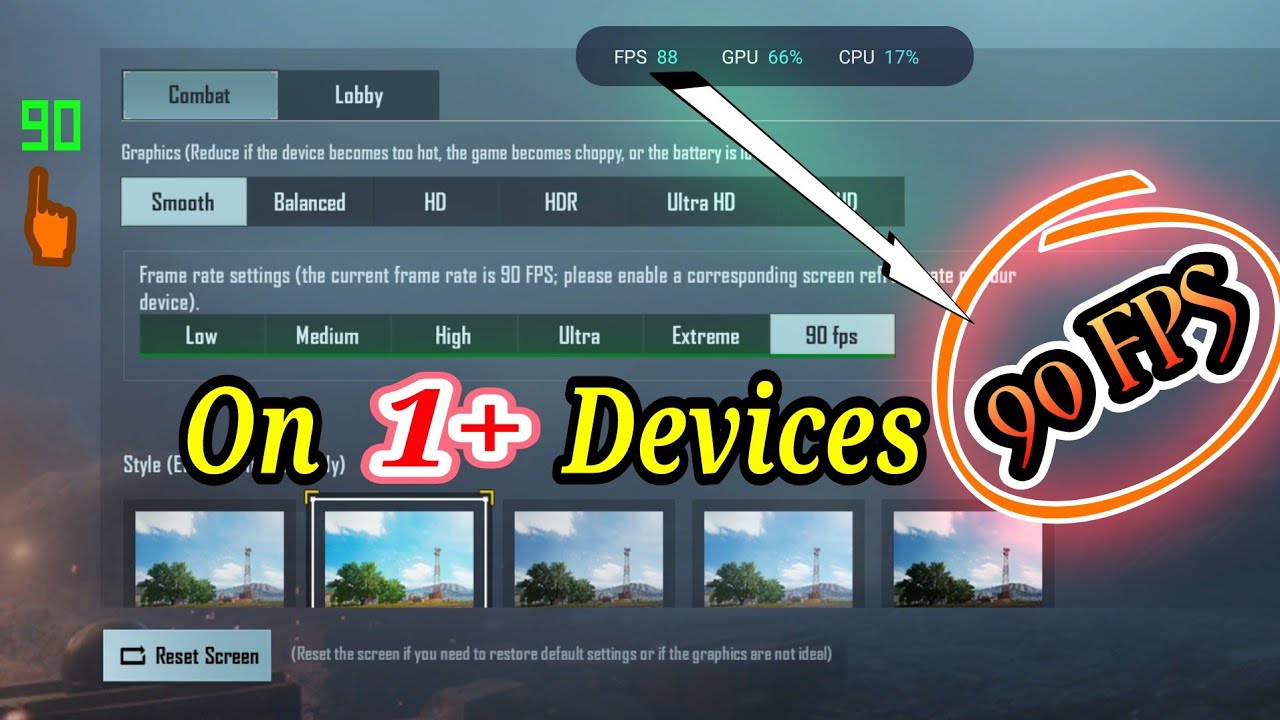
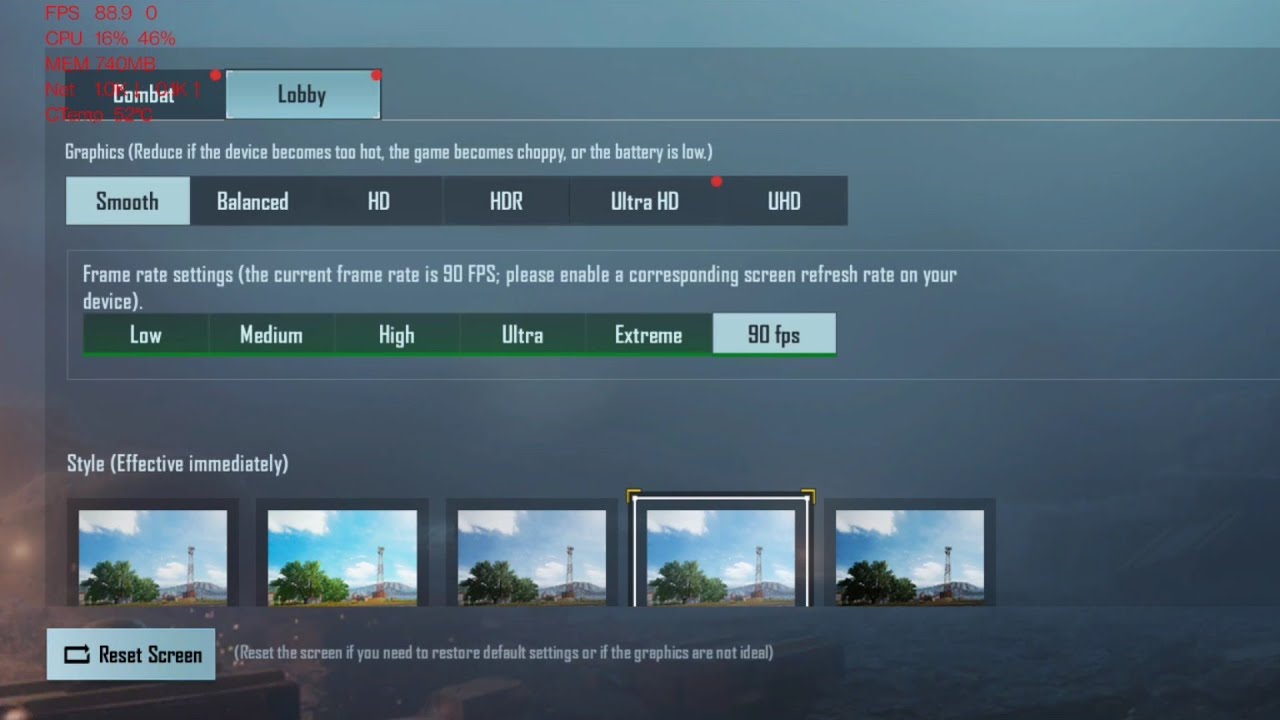
How to enable 90 fps in BGMI on OnePlus 7 pro, 7T, 7T pro, 8, 8 pro, 8T
Автор: Vikas Sharma
Загружено: 2021-06-21
Просмотров: 956
Описание:
ADB command: adb shell settings put global oneplus_screen_refresh_rate 0
Using this command will force 90 Hz in supported apps or games in your OnePlus phone meaning this will enable 90 fps in all the app or games which have 90 fps support from respective developers.
Note:
1. This will cause faster battery drain as your phone will be in constant 90 Hz refresh rate.
2. To revert, please select any of the two available refresh rate options from settings (90 or 60 Hz).
3. Proceed only if you know what you are doing. I will not be responsible for the damage, if any.
Modified video: • Enable 90 fps in BGMI on OnePlus 7 pro, 7T...
Повторяем попытку...
Доступные форматы для скачивания:
Скачать видео
-
Информация по загрузке: