Neon Glow Effect in Photoshop | Create Glowing Light Lines
Автор: SONIC WAVES
Загружено: 2026-01-18
Просмотров: 14
Описание:
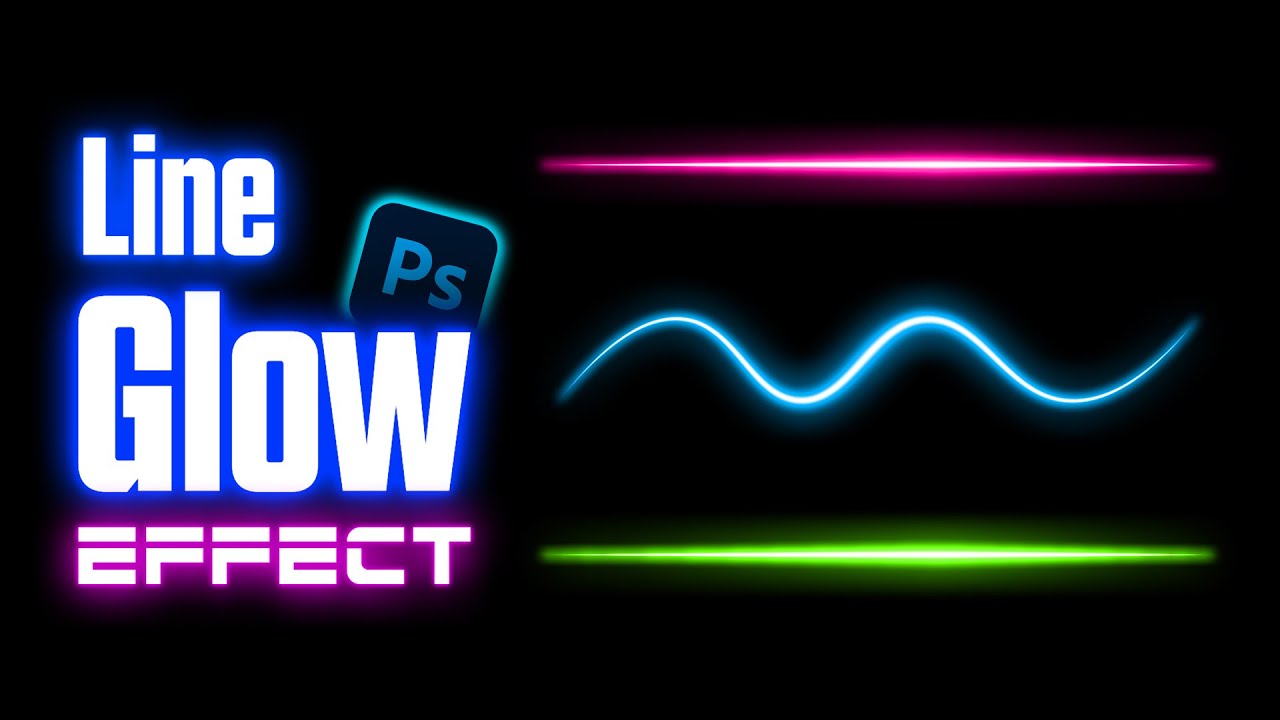
In this Photoshop tutorial, you’ll learn an easy way to create a neon glow effect using the Curvature Pen Tool. This method allows you to create smooth, tapered neon glowing light lines in any color with a professional glow effect.
You can also use the regular Pen Tool if you prefer smooth straight lines. This tutorial is beginner-friendly and works perfectly for neon text effects, light streaks, cyberpunk designs, thumbnails, posters, and digital art.
🔹 What you’ll learn:
✔ How to create neon glowing lines in Photoshop
✔ How to use the Curvature Pen Tool for smooth light paths
✔ How to create tapered lines with glow effects
✔ How to change neon glow colors easily
📌 The Curvature Pen Tool is available in Photoshop CC 2018 and above.
If you don’t see it, go to:
Window → Workspace → Default
OR
Right-click the toolbar → Edit Toolbar → Add Curvature Pen Tool
If you have any questions or need help, comment below.
👍 Like, Share & Subscribe for more Photoshop tutorials on Sonic Waves!
#PhotoshopTutorial #NeonGlowEffect
#PhotoshopGlow #NeonEffect #CurvaturePenTool #PhotoshopTips #LightEffectPhotoshop #NeonLines #GraphicDesign #SonicWaves
Повторяем попытку...
Доступные форматы для скачивания:
Скачать видео
-
Информация по загрузке: