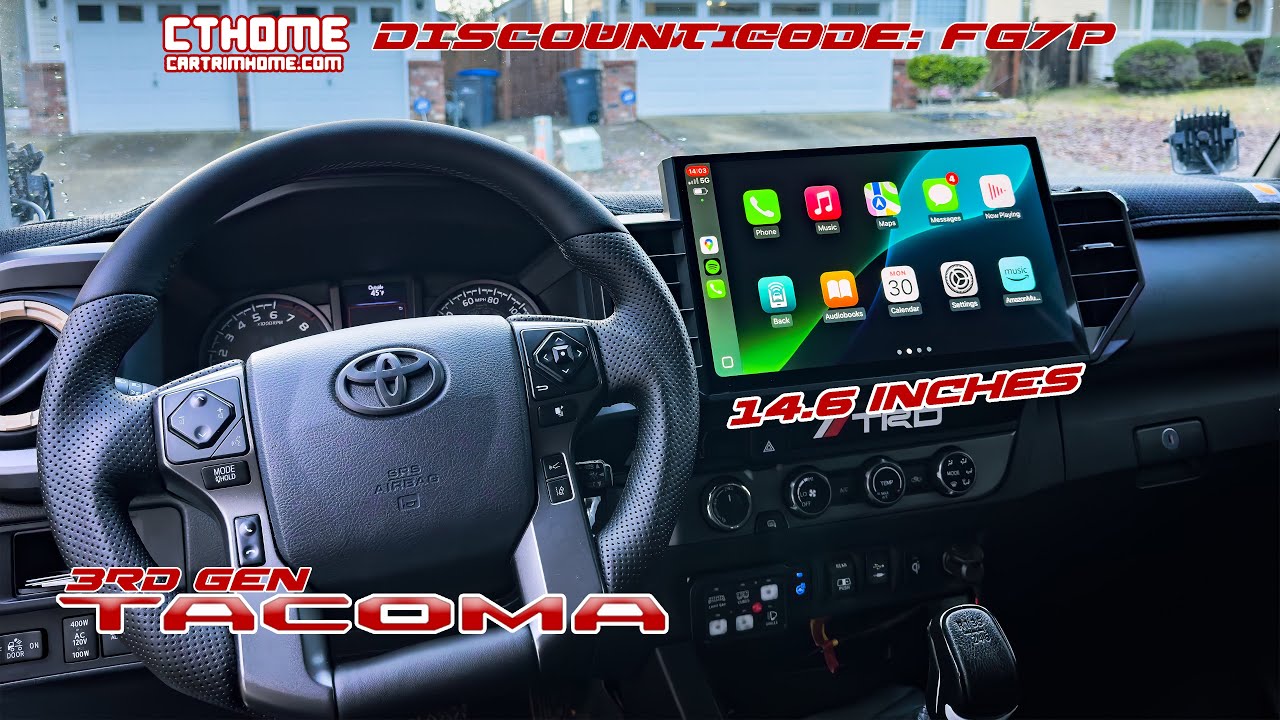
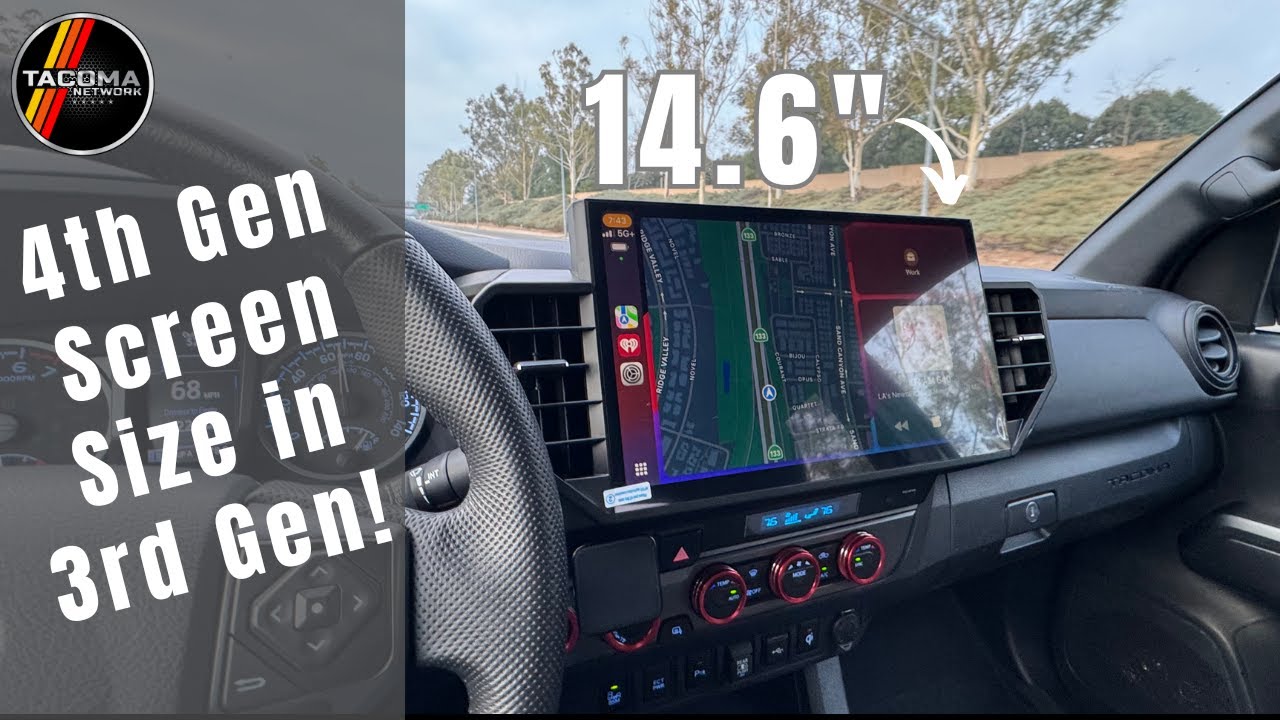
CARTRIMHOME C12 How To Restore / Updated Your System Guide
Автор: CARTRIMHOME(CTH)
Загружено: 2025-03-27
Просмотров: 920
Описание:
Because C12 is a brand new design, these are just the videos we compiled. We also have many other operation guide videos, which will be constantly updated.
In addition, if someone downloads a lot of third-party apps, they will need to update if there are some software conflicts.
If your C12 is working fine, please do not update it.
Tacoma C12 Head Unit
https://cartrimhome.com/C12-Head-Unit...
Tundra C12 Head Unit
https://cartrimhome.com/Head-Unit-For...
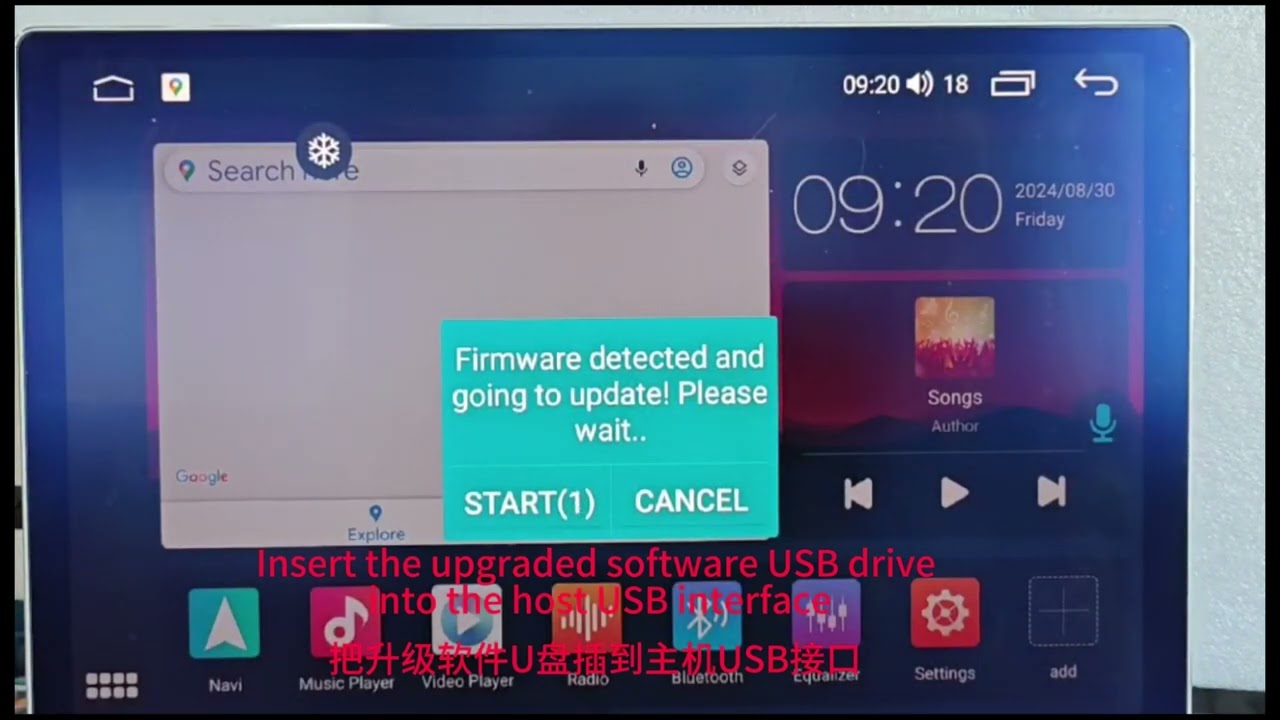
1. After downloading, please unzip the file and move it to the root directory of the USB storage device. Please note that it is the root directory. Please do this on the computer.
2. Connect the USB storage device to C12.
3. Turn on C12 and it will automatically prompt whether to update.
Please note:If your USB drive has important files, please transfer them first, or try to update without formatting. We usually recommend formatting the USB drive.
UI download.
7862 4+64/8+128G
https://cartrimhome.cn/our_dw/7862_UI...
7870 12+256G
https://cartrimhome.cn/our_dw/7870_UI...
#Toyota #tundra #tacoma #cartrimhome #c12 #headunitandroid
Повторяем попытку...
Доступные форматы для скачивания:
Скачать видео
-
Информация по загрузке:






![Best of Deep House [2026] | Melodic House & Progressive Flow](https://imager.clipsaver.ru/Il-ZpBuC8tA/max.jpg)