How to Disable Gemini AI Overviews in Google Search (Google Admin Guide)
Автор: Google Admin Bootcamp
Загружено: 2026-02-19
Просмотров: 449
Описание:
Many school districts have carefully configured the settings for the Gemini app—deciding who gets access, when, and how. But there is another way to access Gemini that often flies under the radar: Gemini AI in Google Search.
Blocking Gemini AI in Google search is difficult, but there are three specific configurations you can push out today to reduce student access to AI features during searches.
** I recognize that school districts are at many stages of AI adoption. These instructions are for districts who are not yet ready to provide students with sanctioned access to generative AI tools. These ideas will be helpful, but are not a substitute for effective classroom management and teacher-led discussions about the use of AI in the classroom. **
Table of Contents:
0:00 Intro
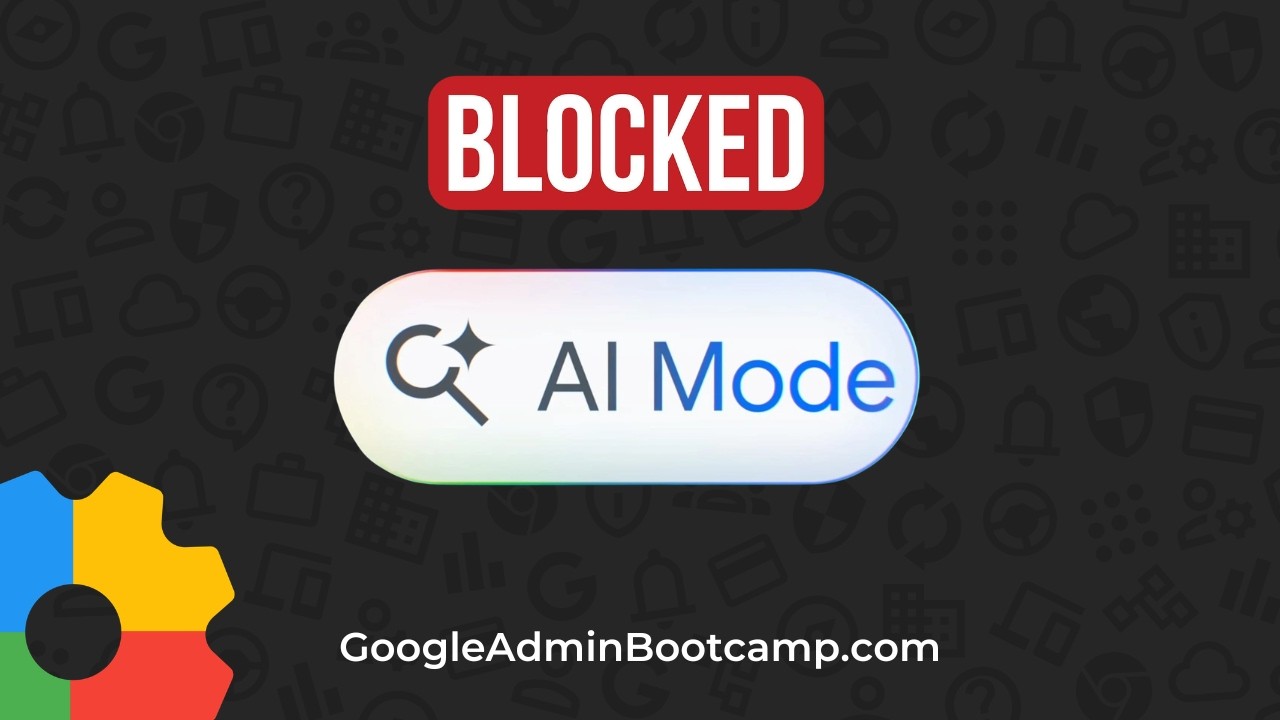
1:16 Disable AI mode for search
2:46 Disable AI overviews
4:53 Disable Google Lens
6:28 Additional resources
Additional Resources:
Companion Blog post: https://googleadminbootcamp.com/block...
Custom Omni box instructions: https://googleadminbootcamp.com/block...
Chromebook Security Loopholes SOLVED: https://googleadminbootcamp.com/chrom...
Understanding Google AI for Education: https://googleadminbootcamp.com/googl...
---------------------------
John Sowash is a former teacher and an "accidental" Google Administrator. For more than a decade John has been helping schools use technology in meaningful ways. John lives in Michigan with his wife and five kids.
💼 Google Admin Course: http://GoogleAdminBootcamp.com
💻 Chromebook Academy for IT Admins: http://ChromebookAcademy.com
📨 Email newsletter: http://GoogleAdminWeekly.com
⚙️ Google Admin Audit: http://GoogleAdminAudit.com
📕 Podcast: http://Chrmbook.com/podcast
🤝 Speaking and Consulting: http://SowashVentures.com/contact
Повторяем попытку...
Доступные форматы для скачивания:
Скачать видео
-
Информация по загрузке: