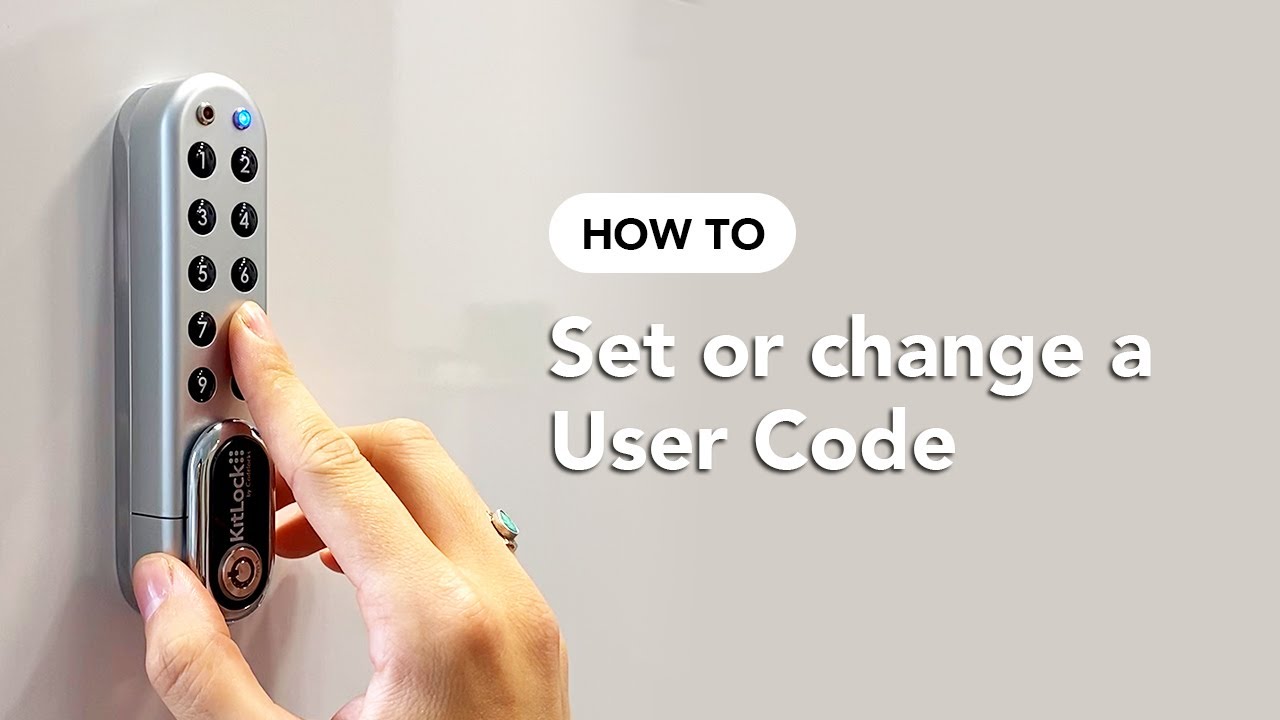
How To: Set or Change a User Code - KitLock by Codelocks
Автор: Codelocks
Загружено: 2021-10-06
Просмотров: 35358
Описание:
This video demonstrates how to set or change the User Code.
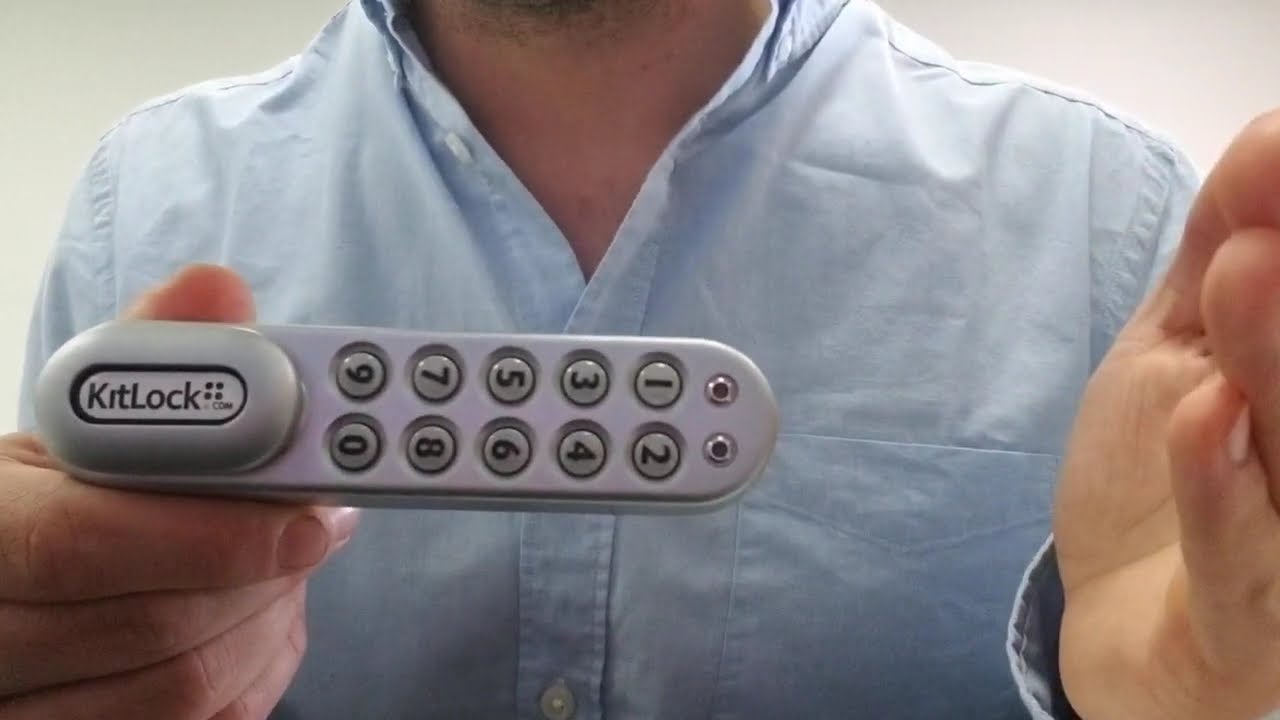
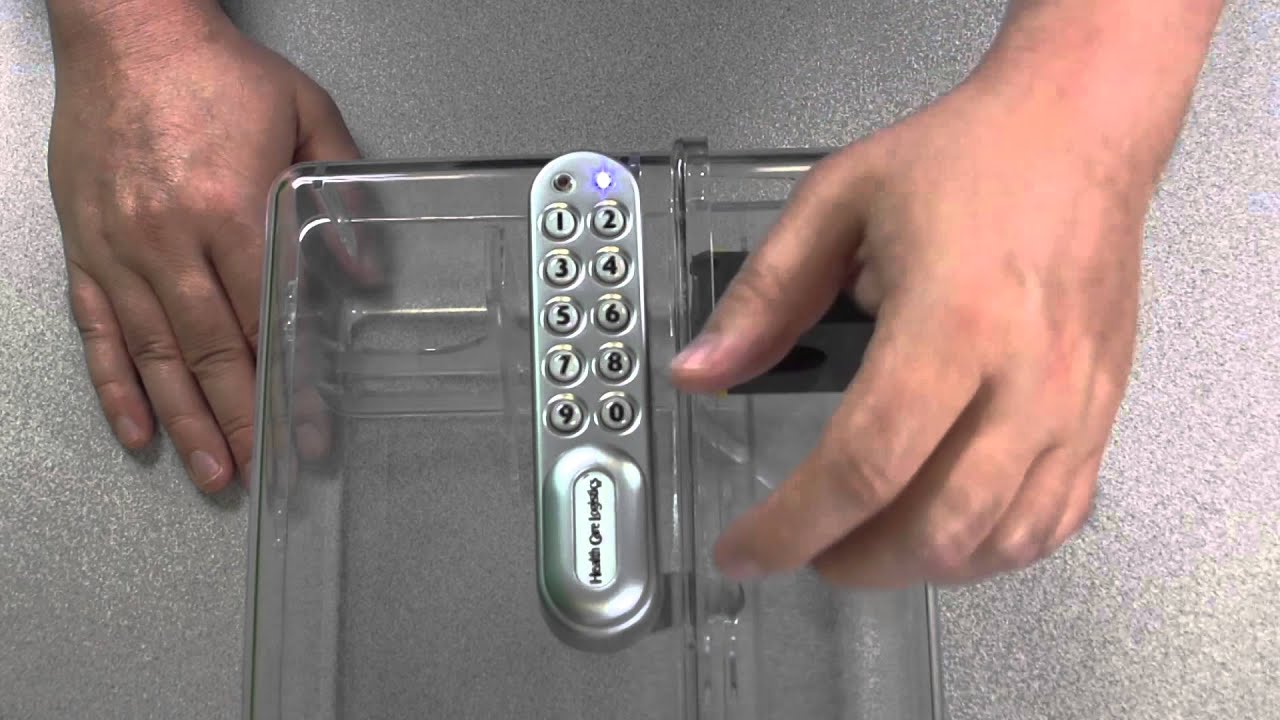
The programming sequence applies to the following KitLock models:
KL1000 Classic+, KL1000 G3, KL1100 KeyPad.
The KitLock is supplied with two factory set codes:
Master Code: 11335577
User Code: 2244
___
SET USER CODE
Master Code • 02 • User Position • User Code ••
Example: # 11335577 • 02 • 01 • 1234 ••
Result: The User Code 1234 has been added to position 01
___
CHANGE USER CODE
A user can change their own code using the program below:
User Code • New User Code • New User Code ••
Example: # 1234 • 9876 • 9876 ••
Result: The user's code has now been set to 9876.
___
For further assistance, visit www.codelockssupport.com
KitLock by Codelocks
Повторяем попытку...
Доступные форматы для скачивания:
Скачать видео
-
Информация по загрузке: