Скачать
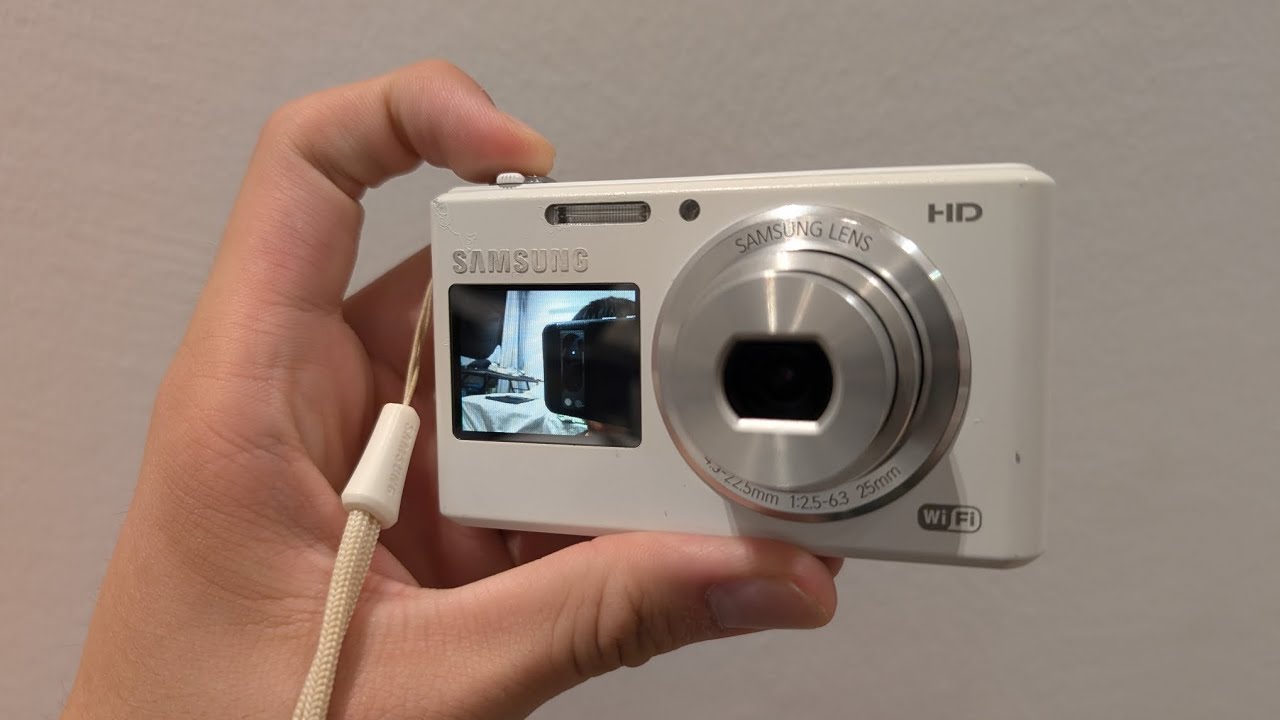
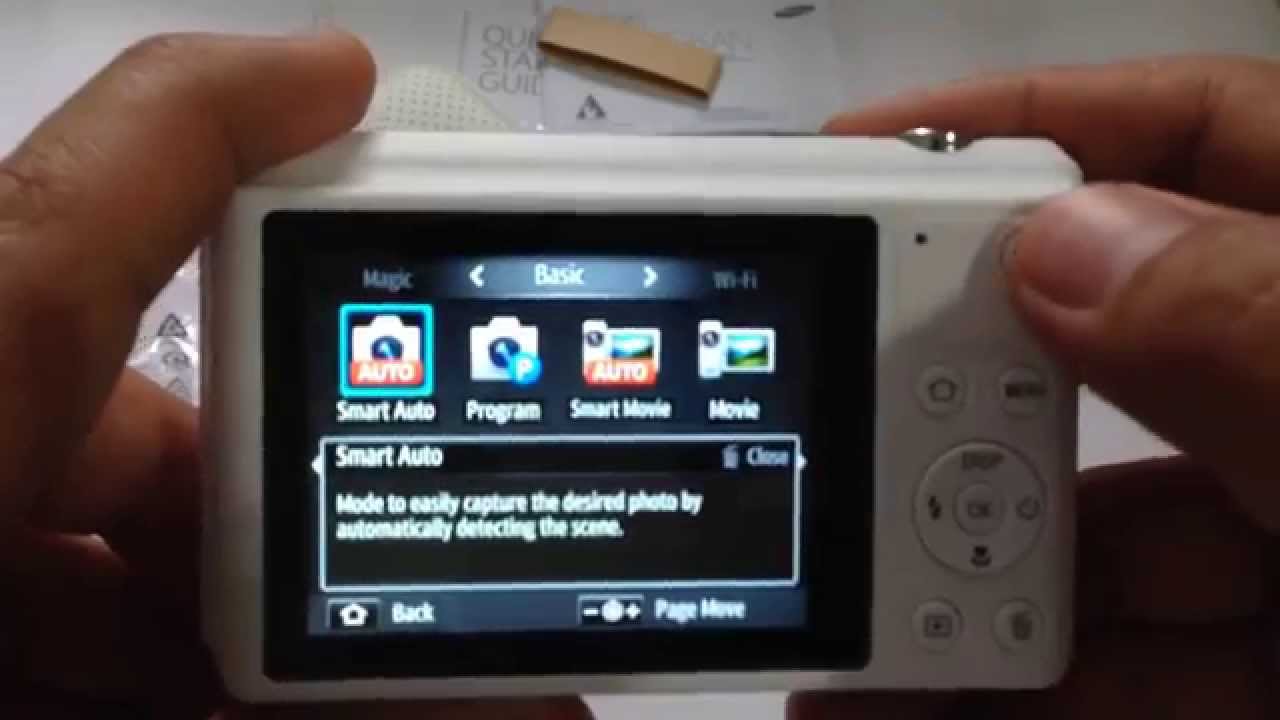
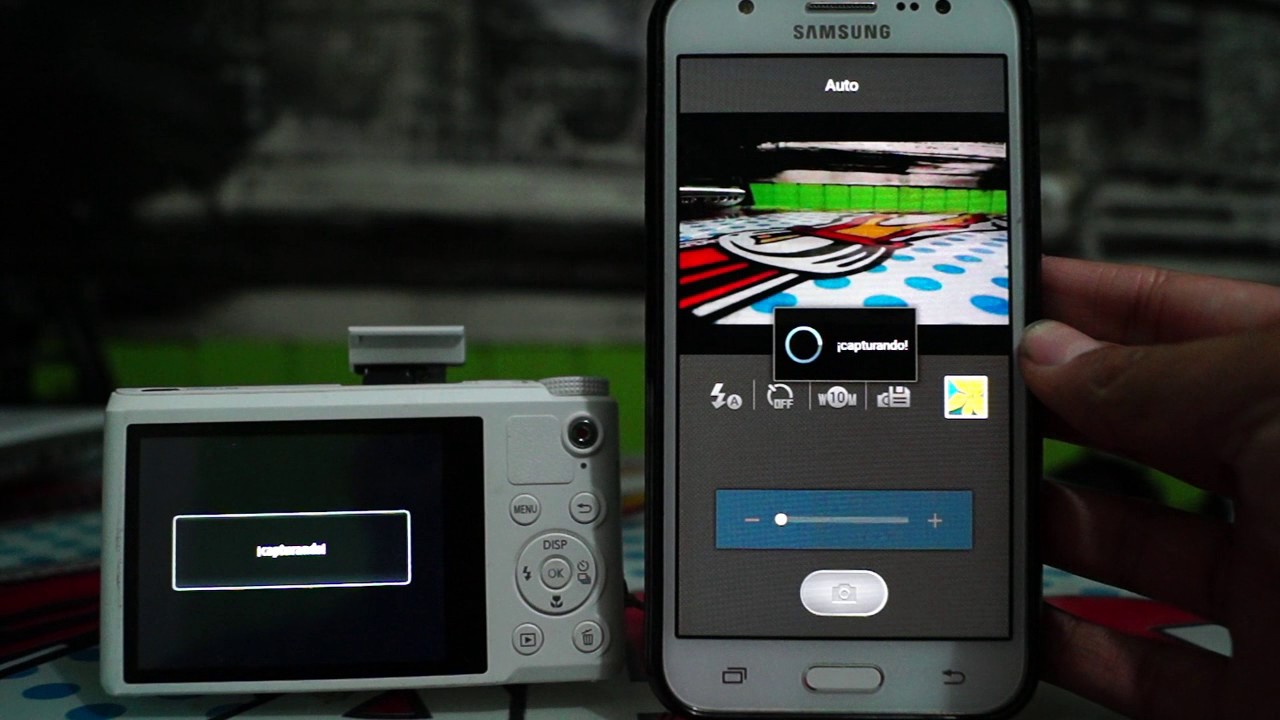
Samsung Smart Camera DV150F: Connecting the camera to your phone
Автор: Smart Communications
Загружено: 2014-05-23
Просмотров: 268277
Описание:
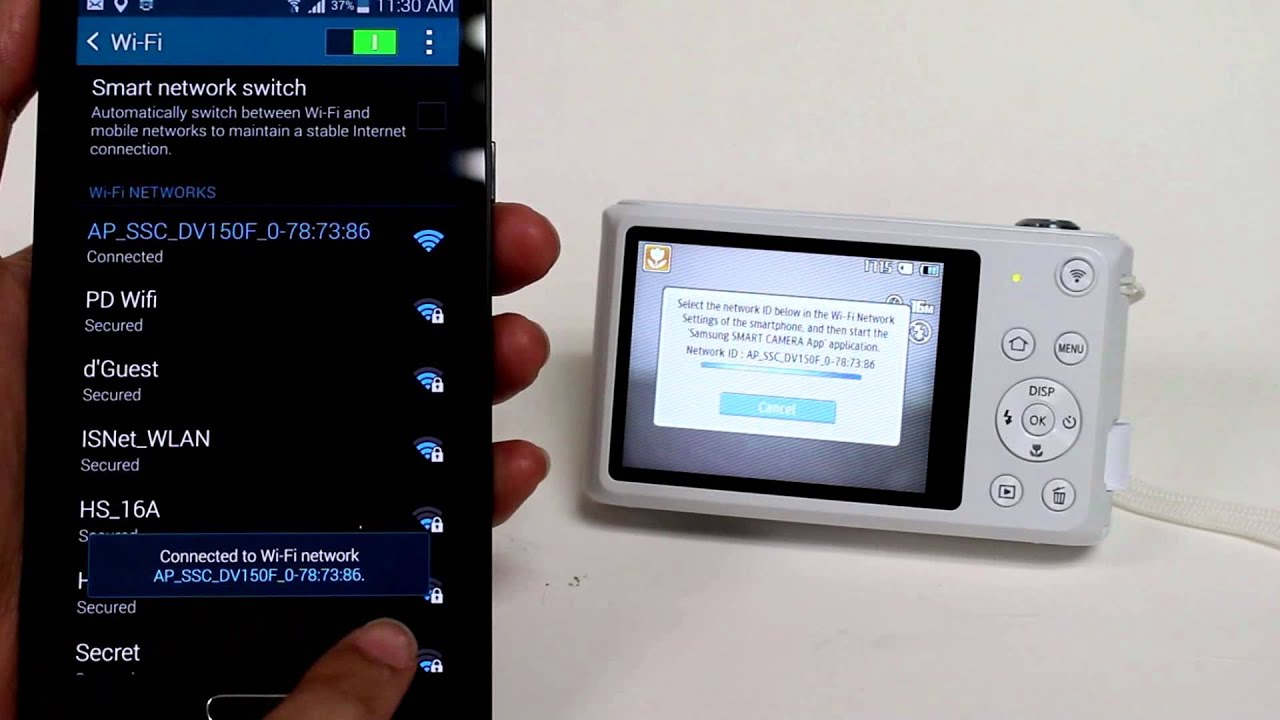
On the camera:
1. Press the Autoshare button on the camera
On the phone:
1. Tap the Apps menu icon and go to Settings
2. Tap Wi-Fi
3. Slide the Wi-Fi option to turn it on
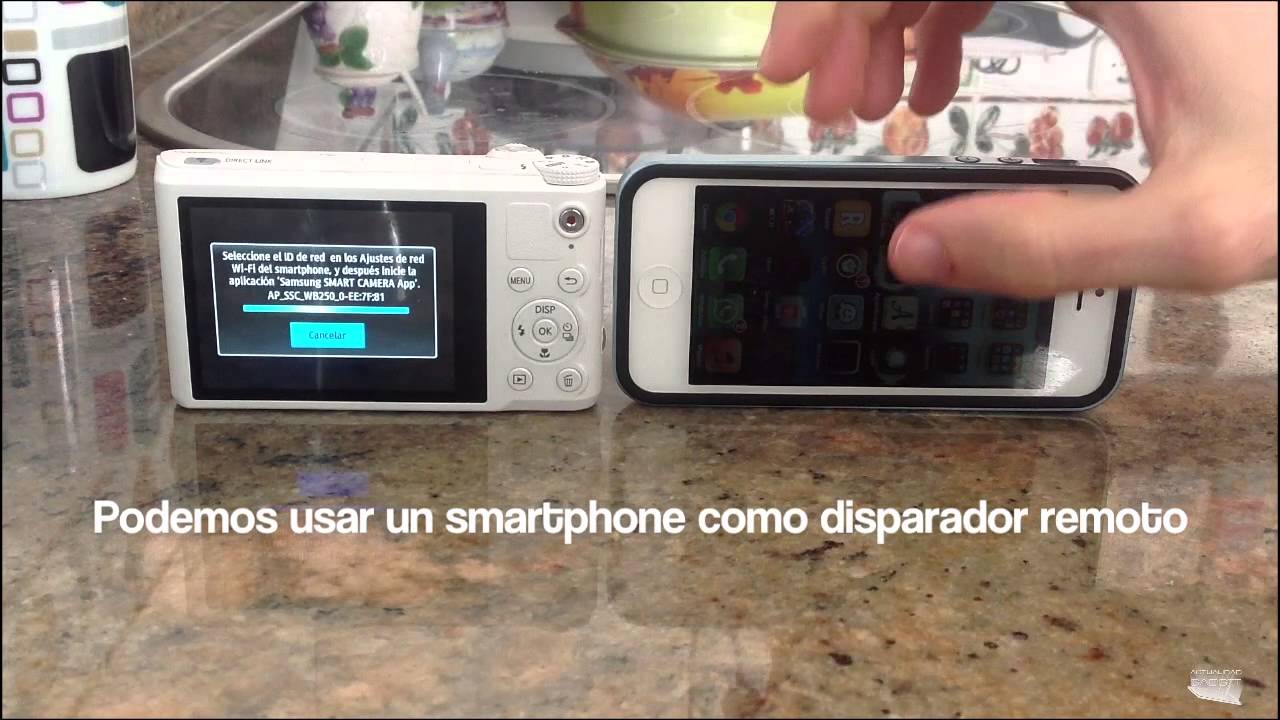
4. Tap the AP_SSC_DV150F_0-78:73:86 wireless network
5. Go back to the apps menu and tap Samsung smart camera
6. Tap Connect to camera
7. Tap OK
Не удается загрузить Youtube-плеер. Проверьте блокировку Youtube в вашей сети.
Повторяем попытку...
Повторяем попытку...
Доступные форматы для скачивания:
Скачать видео
-
Информация по загрузке: