Fake Super Slow Motion Effect in Premiere Pro
Автор: After Framing
Загружено: 2023-03-10
Просмотров: 2034
Описание:
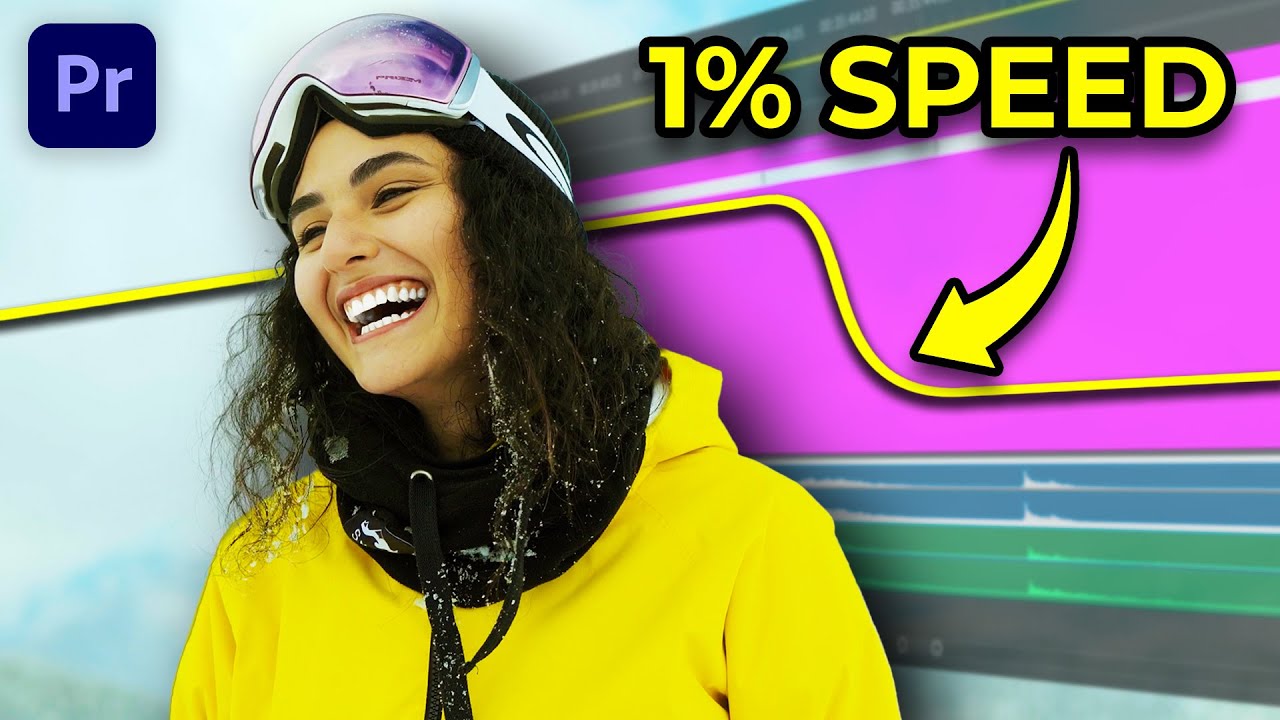
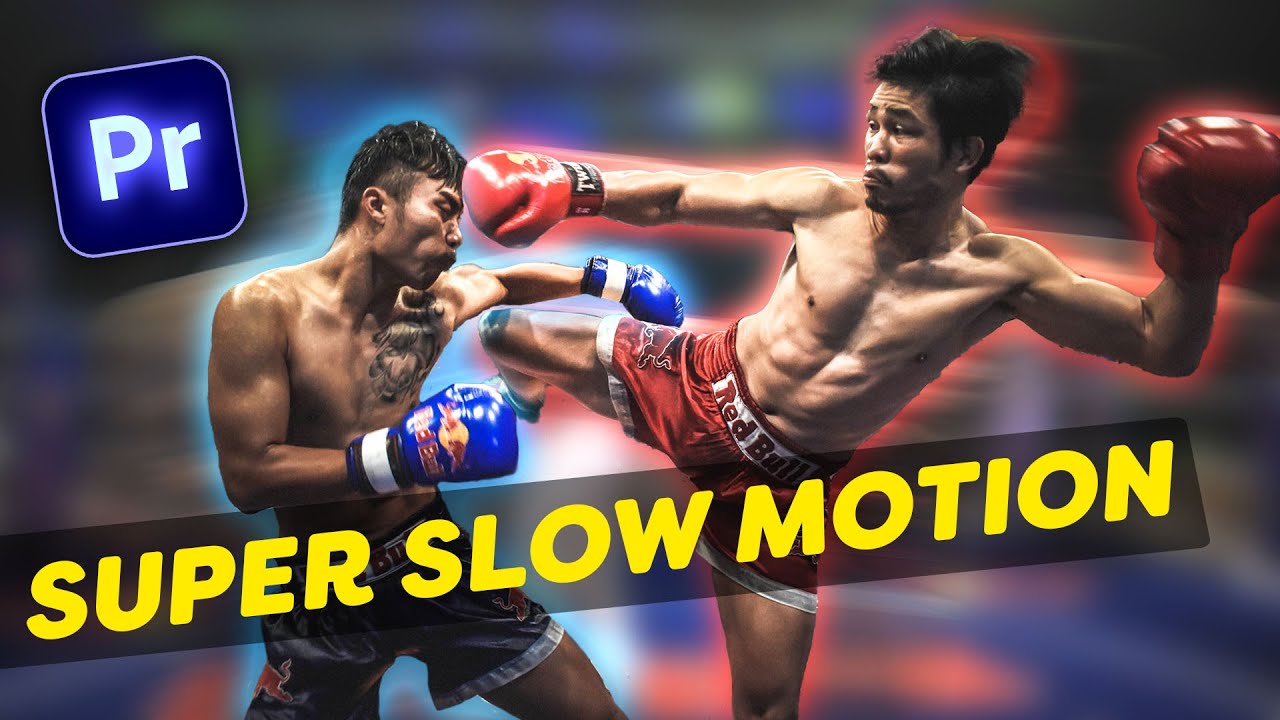
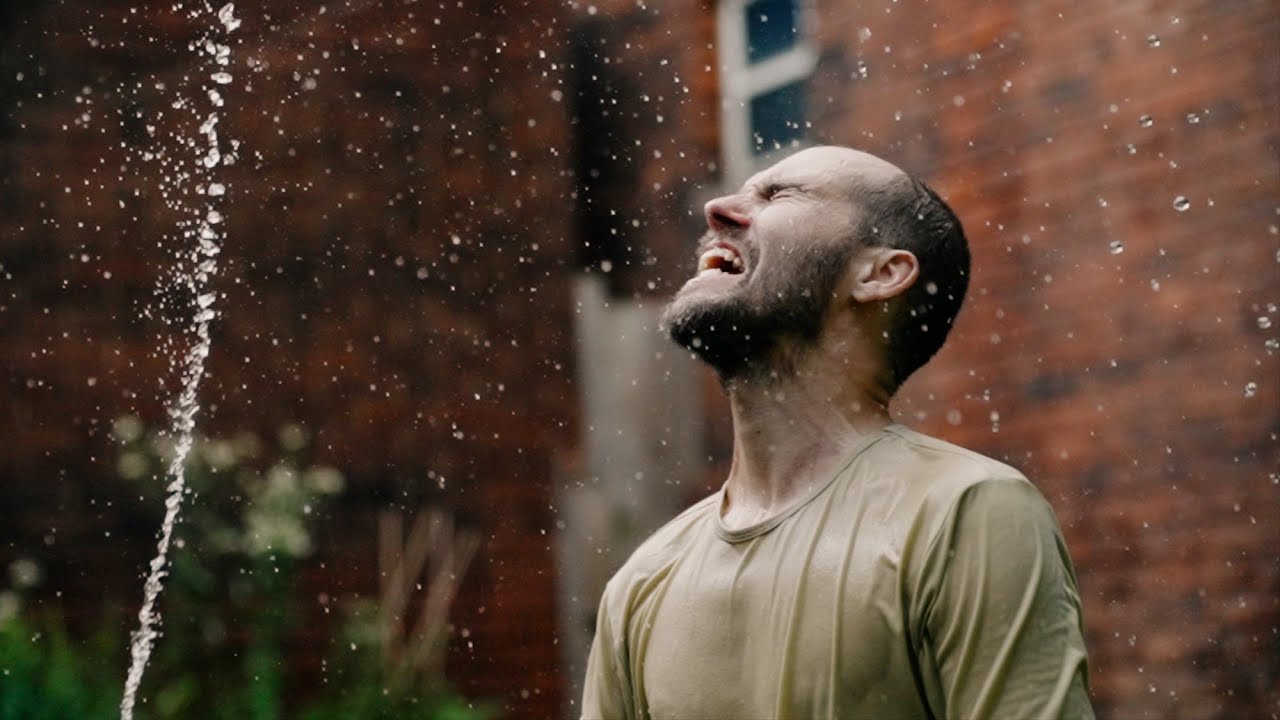
Have you ever dreamed of capturing high-resolution, super slow-motion videos but found the required camera gear too expensive and heavy? Don't worry, because I can help you turn that dream into a reality without the need for costly equipment. This tutorial will demonstrate how to create fake slow-motion videos using Premiere Pro.
As you may have noticed, there is a green screen video clip on the timeline. However, before we can create our epic slow-motion masterpiece, we must perform the sensitive and crucial task of removing the green screen. To remove the green screen, we must first apply the Ultra Key effect.
Once the green screen has been successfully removed, we will add keyframes to animate the background video. We will also apply a camera blur effect to enhance the background animation.
Finally, we will rotate the subject to complete the illusion of a super slow-motion video.
Watch More Premiere Pro Tutorials
• Premiere Pro Tutorials
3D Rotating Text in After Effects - Benn TK Tutorial
• 3D Rotating Text in After Effects - Benn T...
Google Drive Footage Link
https://drive.google.com/drive/folder...
📌 Stay Connected with After Framing
Instagram / afterframing
Patreon / afterframing
Web https://afterframing.com
For business inquiries, email in 'More Info'
⚡ Don’t Miss Out: Creator Savings Roundup
Get 10% off Dehancer with Coupon Code 'ARIF' https://cutt.ly/Zte5VTpP
I Want It All Bundle Lifetime - Save 98% + Extra 10% OFF! https://cutt.ly/drVCJ7UY
Get 15% off Mocha Pro https://cutt.ly/Jte5Cpvt
Get 2 Months of Track Club Music for FREE! https://cutt.ly/Bte5BZ7M
DISCLAIMER: Some of the links provided are affiliate links, which means I may earn a commission if you make a purchase. Rest assured, this will not incur any additional costs for you.
Tags
#SlowMotion #PremierePro #AfterFraming
Повторяем попытку...

Доступные форматы для скачивания:
Скачать видео
-
Информация по загрузке: