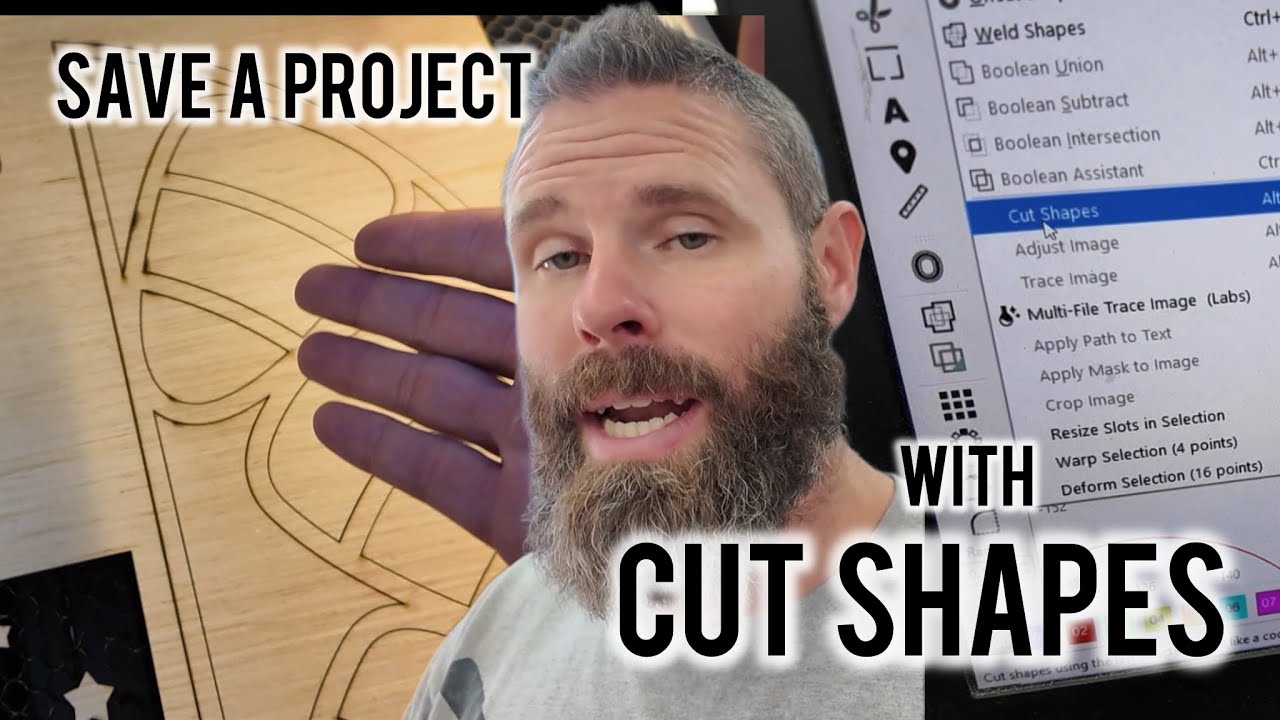
Save Your Laser Projects with Cut Shapes in LightBurn | Fix Bad Wood & Glue Streaks
Автор: Bearded Builds Co
Загружено: 2025-09-16
Просмотров: 1181
Описание:
Ever had a project ruined by bad wood, knots, or glue streaks? 😬 In this video, I’ll show you how to use the Cut Shapes feature in LightBurn to save your project without wasting time or material. Instead of re-cutting the whole design, you’ll learn how to isolate the problem area and re-run just that section until it’s cleanly cut.
This real-life demo walks you through step by step how I fixed a project on my Hydra laser using cheap plywood that had stubborn glue streaks. The Cut Shapes tool is one of my go-to tricks in LightBurn, and once you know how to use it, you’ll never stress over bad spots in your material again!
What you’ll learn in this video:
How to spot problem cuts caused by knots or glue streaks
Why you shouldn’t move your project or laser head until the fix is ready
Step-by-step tutorial on using Cut Shapes in LightBurn
How to isolate specific sections of your design for re-cutting
Saving time and material by only cutting what’s needed
👉 If you’ve ever run into issues with plywood, MDF, or other materials not cutting all the way through, this video will help you troubleshoot and save your projects.
👍 Don’t forget to Like & Subscribe for more LightBurn tips, Hydra tutorials, and laser engraving projects!
Onelaser Machines
https://1laser.com/laserguys
Discount code- LASERGUYS
Facebook Communities:
LaserGuys - General Support
/ laserguys
OneLaser Community
/ onelaser
Повторяем попытку...
Доступные форматы для скачивания:
Скачать видео
-
Информация по загрузке:


