How to Auto-tune a ClearPath Motor
Автор: Teknic Inc
Загружено: 2017-07-06
Просмотров: 25461
Описание:
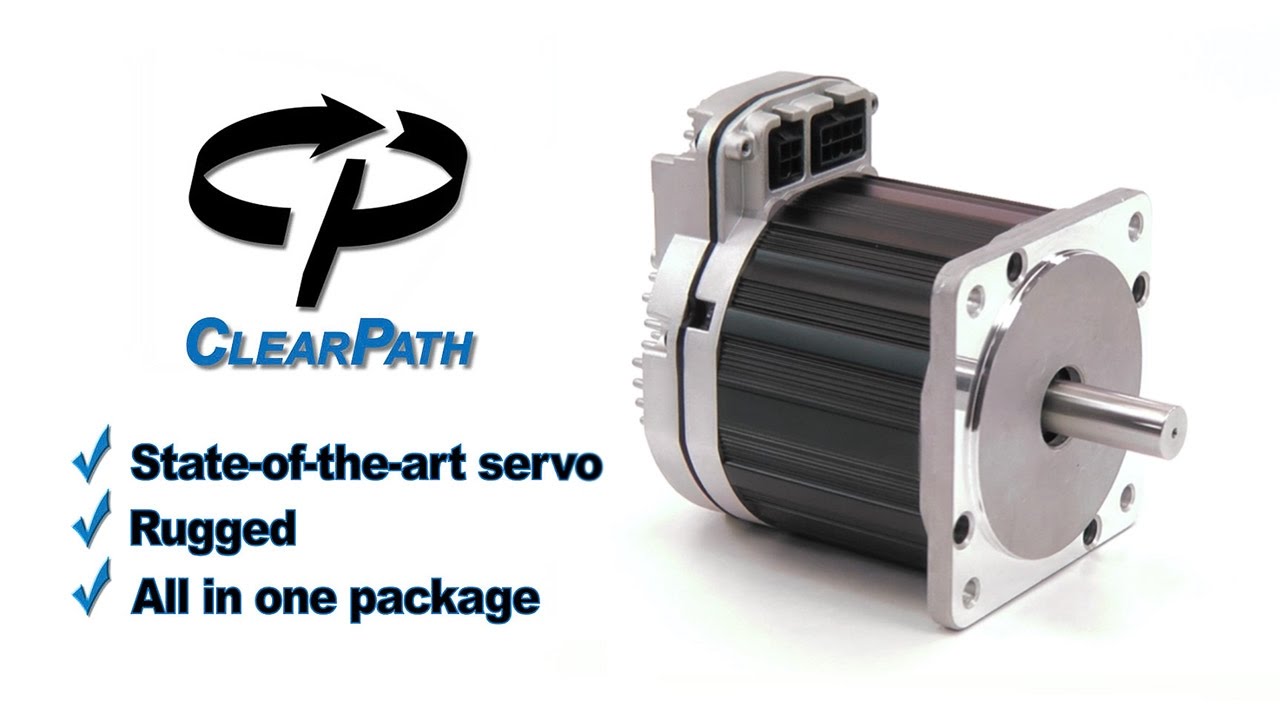
Watch this TekTips video to learn how to auto-tune your ClearPath motor. Find out more below:
Auto-tuning is the process by which ClearPath and its associated motor setup program (MSP) calibrate your unique system to create a high-performance motion profile. To accomplish this one must connect their ClearPath servo motor into a computer via USB and select the auto-tune option in MSP. This video discusses the auto-tuning process and walks you through the simple steps to achieve smooth, accurate, quiet motion.
Timestamps
What is auto-tune? 0:00
Loading the motor to MSP 1:28
Pre-auto-tune steps 2:37
Setting mechanical limits 3:50
Starting auto-tune 10:05
Post-auto-tune and jogging motor 11:50
Motor identity setup 13:45
Fine-tuning 14:55
To see more information on the five ClearPath series, follow the links below to our website:
ClearPath MC: https://teknic.com/products/clearpath...
ClearPath SD: https://teknic.com/products/clearpath...
ClearPath SC: https://teknic.com/products/clearpath...
ClearPath EC: https://teknic.com/products/clearpath...
ClearPath IP: https://teknic.com/products/clearpath...
Teknic wants your feedback. Like this video? Give it a thumbs up! Be sure to comment with any questions and let us know what you did or did not like about the video.
For more information on Teknic ClearPath servos, subscribe to our channel for future videos (many more to come!) and visit Teknic's website.
Teknic YouTube Channel: https://www.youtube.com/channel/UC4Q9...
Teknic Website: https://www.teknic.com/
To download the free Motor Setup Program (MSP) visit our website's download section at: https://www.teknic.com/downloads/
Повторяем попытку...
Доступные форматы для скачивания:
Скачать видео
-
Информация по загрузке:


![Почему реактивный двигатель не плавится? [Veritasium]](https://imager.clipsaver.ru/F6UB0V2Fct4/max.jpg)


![Почему взрываются батарейки и аккумуляторы? [Veritasium]](https://imager.clipsaver.ru/a3-3R9zwyGY/max.jpg)