How To Fix HID Compliant Touch Screen Missing in Windows 10/11 - Full Tutorial
Автор: PC Error Detective
Загружено: 2025-06-14
Просмотров: 914
Описание:
How To Fix HID Compliant Touch Screen Missing in Windows 10/11
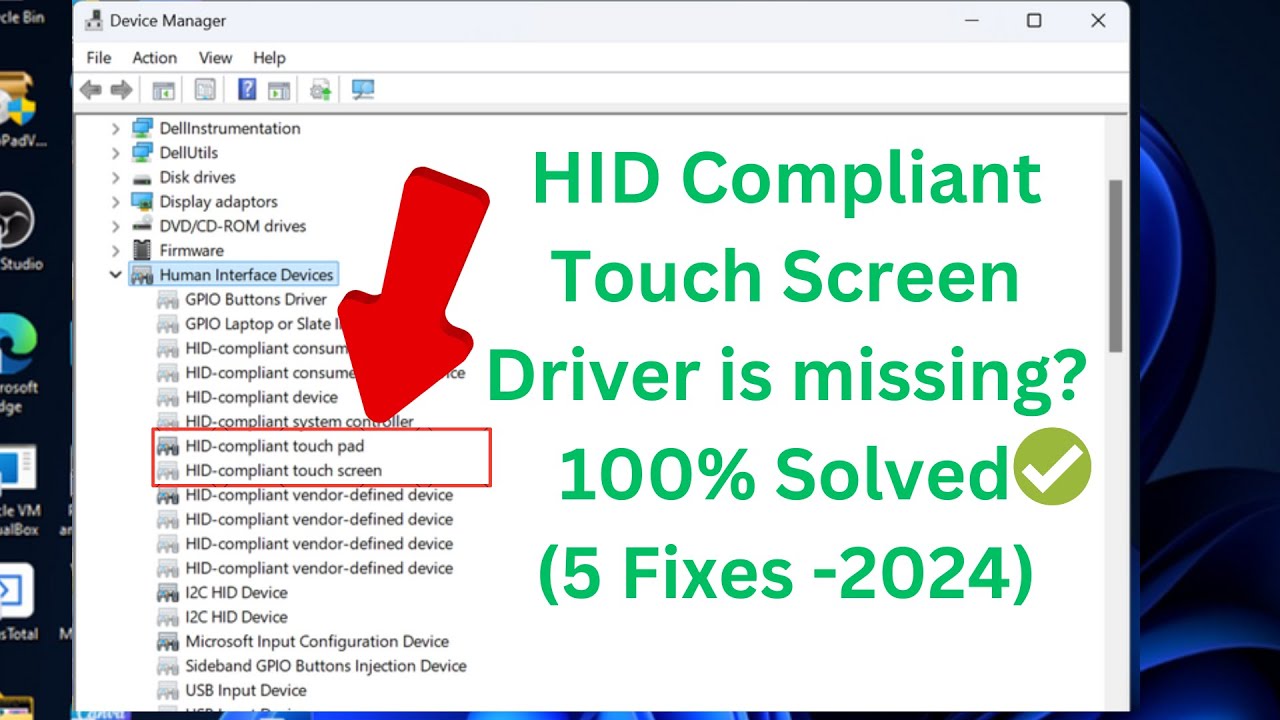
Sometimes, users face a problem where the HID Compliant Touch Screen option is missing from the Device Manager in Windows 10 or 11. This issue can prevent your touchscreen from working properly, making your device less usable, especially if you rely on touch features. The problem might be caused by outdated drivers, system updates, or hardware configuration errors. In this video, we help you understand what this issue means, why it occurs, and how to identify its root cause before moving on to the step-by-step solution.
FHID compliant touch screen not showing in device manager
How to enable touchscreen on windows 11 laptop
Windows 10 touchscreen driver missing problem
Fix touchscreen not working on windows 10
How to reinstall hid compliant touch screen driver
The Command Is: msdt.exe -id DeviceDiagnostic
If you enjoyed this video and found it helpful, please hit the like button and subscribe to PC Error Detective for more PC solutions - / @pcerrordetective
@PCErrorDetective #PCErrorDetective #UnitedStates
Повторяем попытку...

Доступные форматы для скачивания:
Скачать видео
-
Информация по загрузке: