Tablet holder tilt mechanism design
Автор: Ridorna Designs
Загружено: 2025-01-01
Просмотров: 143
Описание:
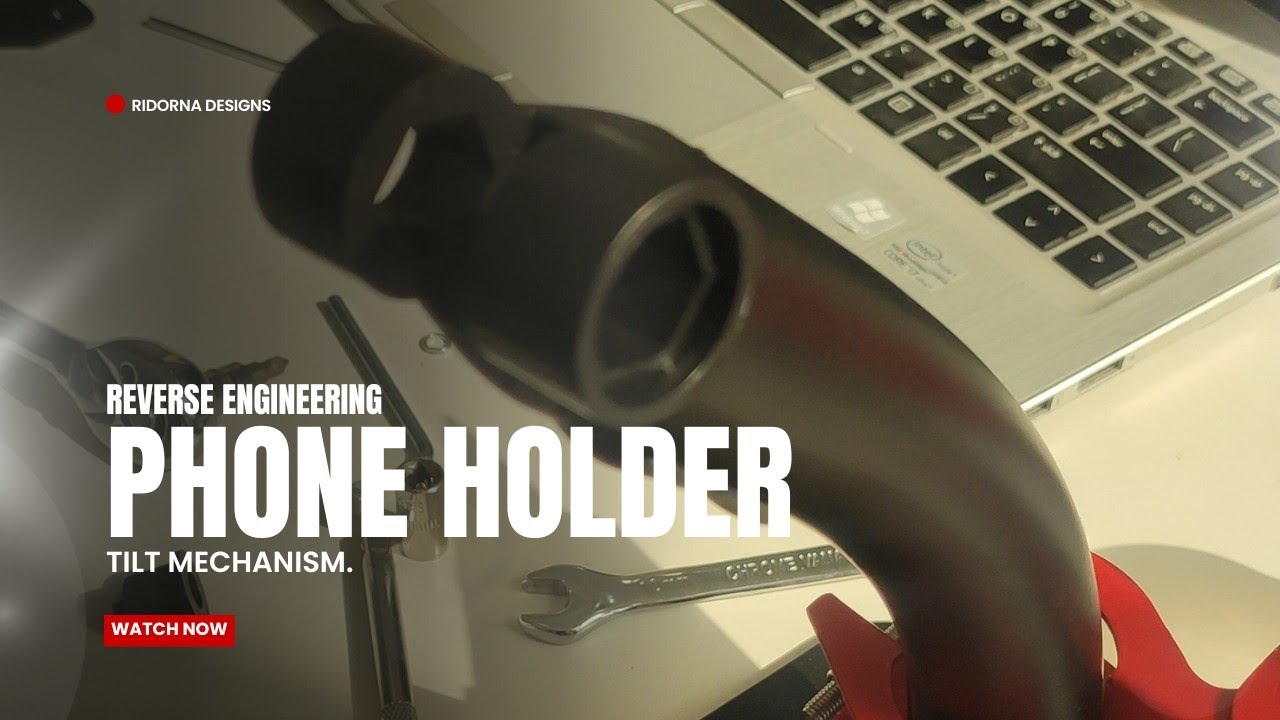
In this video, we take you through a detailed, step-by-step process of reverse engineering a broken camera holder using SolidWorks. Whether you're a beginner or experienced with CAD software, this tutorial will guide you through the essential techniques to reconstruct the broken part, analyze its components, and recreate it virtually in SolidWorks.
🔧 What you'll learn in this video:
Step 1: Understanding the broken part and analyzing its functionality
Step 2: Importing and measuring the existing parts for precise reconstruction
Step 3: Creating a 3D model of the camera holder from scratch
Step 4: Using key SolidWorks features like sketches, extrusions, and assembly for an accurate design
Step 5: Finalizing the model with material selection, part orientations, and optimizing the design
Step 6: Exporting the final model for 3D printing or manufacturing
This tutorial will also cover tips and tricks for effectively using SolidWorks’ powerful tools, ensuring you build a strong understanding of reverse engineering principles along the way.
⚙️ Materials & Tools:
SolidWorks CAD software
Broken camera holder (physical part)
Basic tools for measuring parts (calipers, rulers)
📍 Who should watch this video:
Engineers and designers interested in learning reverse engineering techniques
Hobbyists or students working with CAD software
Anyone curious about 3D modeling and design reconstruction
Don’t forget to like, share, and subscribe for more CAD tutorials and design tips! Drop any questions or feedback in the comments section below. Happy modeling!
#SolidWorks #ReverseEngineering #3DModeling #CAD #CameraHolder #EngineeringTutorial #SolidWorksTips
Повторяем попытку...
Доступные форматы для скачивания:
Скачать видео
-
Информация по загрузке: