APPLE CARPLAY™: Setup, Calls, Texting & Best Practices
Автор: Kia Features & Functions Videos
Загружено: 2022-10-31
Просмотров: 70713
Описание:
With Apple CarPlay, you can fully appreciate the benefits of the Standard Audio System as you stay focused on the road while having access to a variety of smartphone apps.
Apple CarPlay is a phone interface that brings the key features of your Apple iPhone to your audio system.
You can use Apple CarPlay to access navigation, music, books, podcasts, the phone’s dialer and more.
Select Kia models allow Apple CarPlay to connect wirelessly. If your Kia has this feature, please refer to our “Wireless Apple CarPlay and Android Auto” video for additional details on how to make the most of this feature.
On your Kia, be sure you are parked before starting.
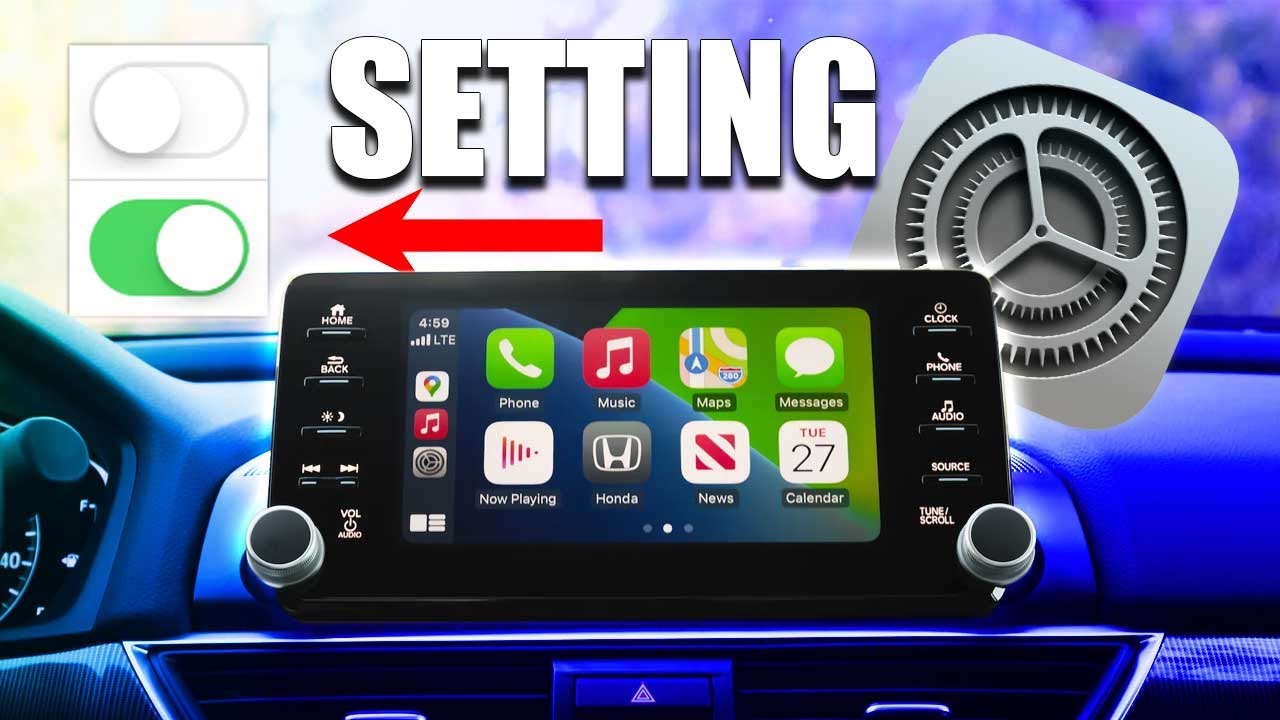
To activate Apple CarPlay on your iPhone, go to SETTINGS …
GENERAL …
Then enable CARPLAY.
Next, depending on device compatibility, connect your iPhone wirelessly.
On the audio system, press the SETUP key…
DEVICE CONNECTIONS …
Select PHONE PROJECTIONS…
Then ADD NEW.
To pair, in your iPhones Bluetooth screen, select the vehicle name, then ensure the PASSKEY matches on both screens.
Press PAIR.
Press ALLOW to download your contacts.
Review and accept all the terms, conditions and requests on the audio system and phone in order to use Apple CarPlay.
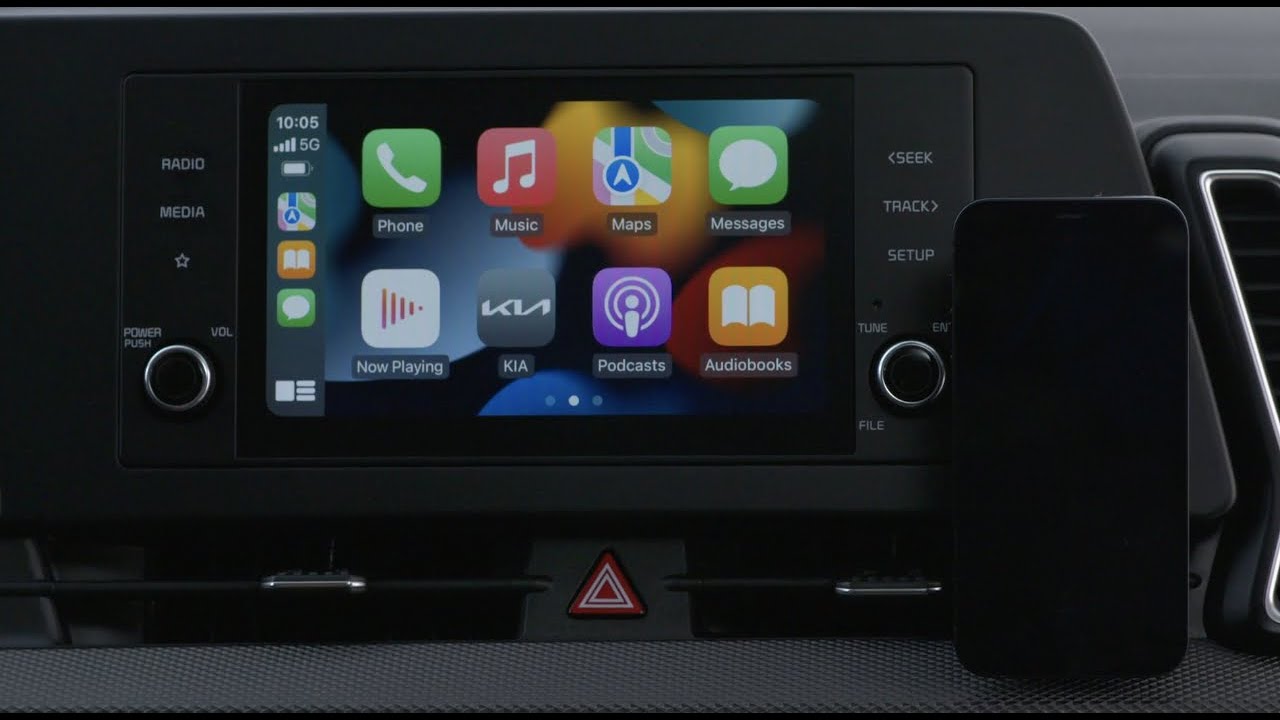
Now, you should see APPLE CARPLAY in action on your audio system home screen
If not, select the APPLE CARPLAY button…
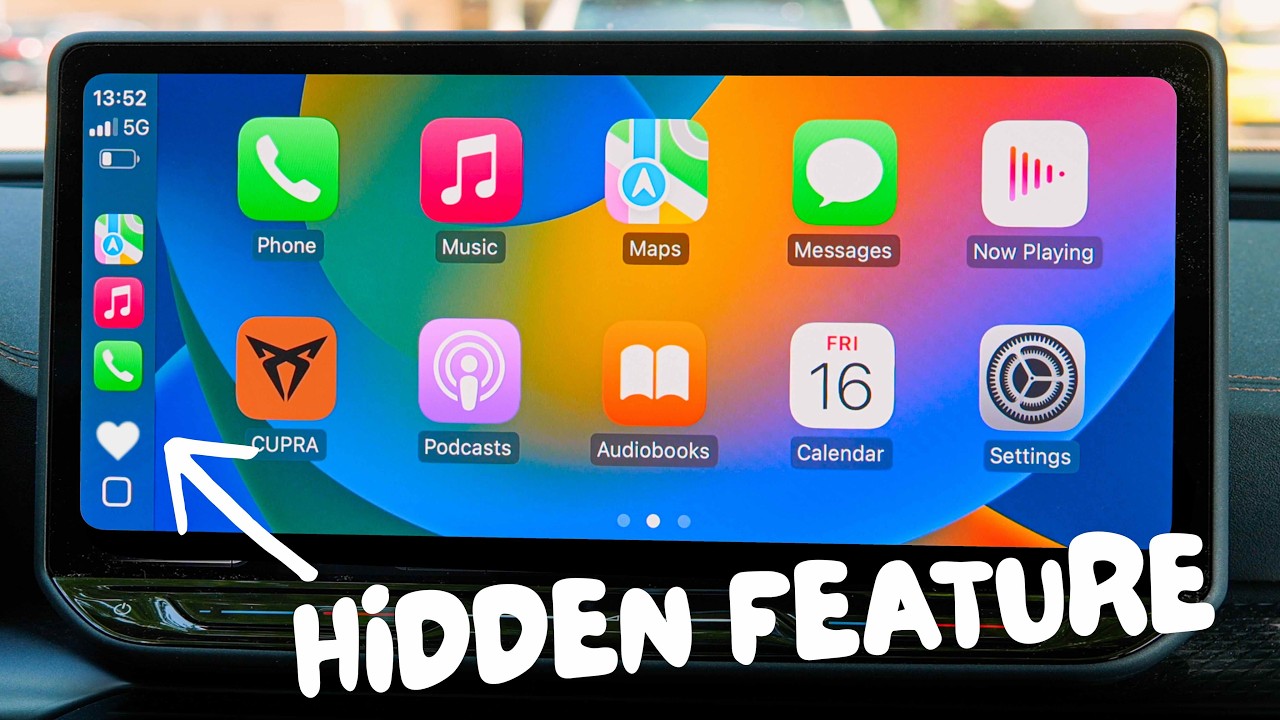
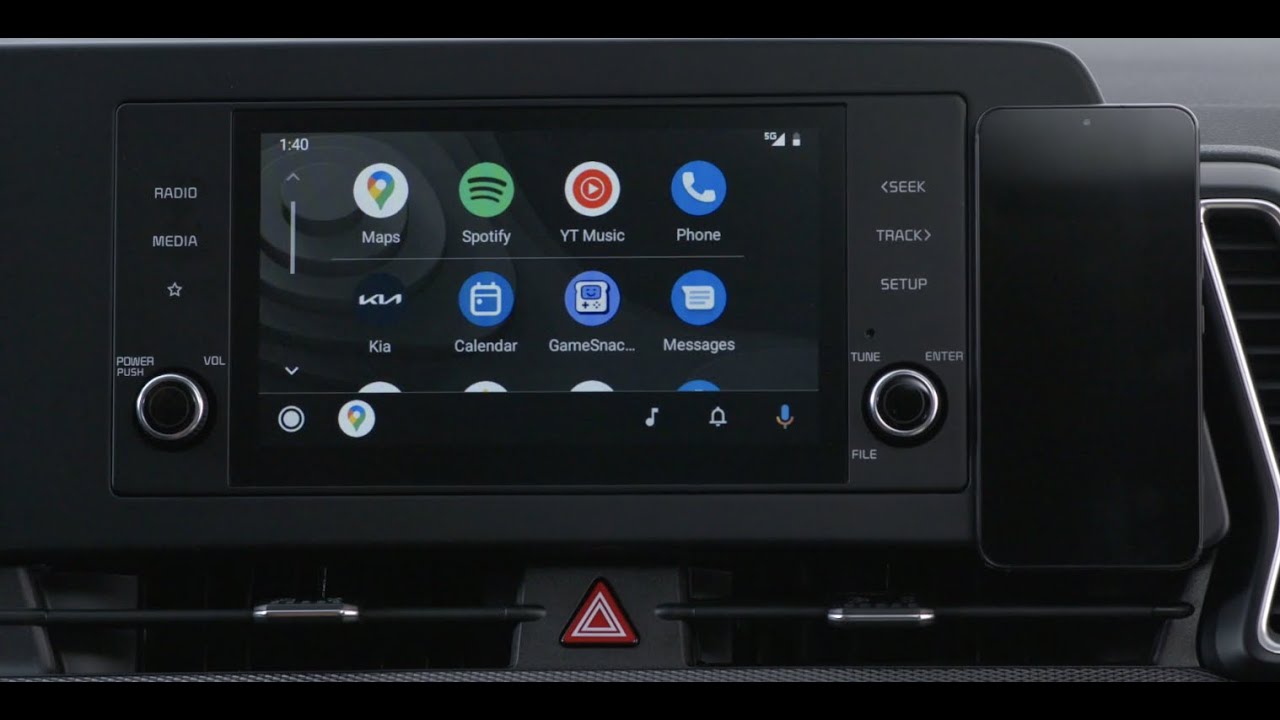
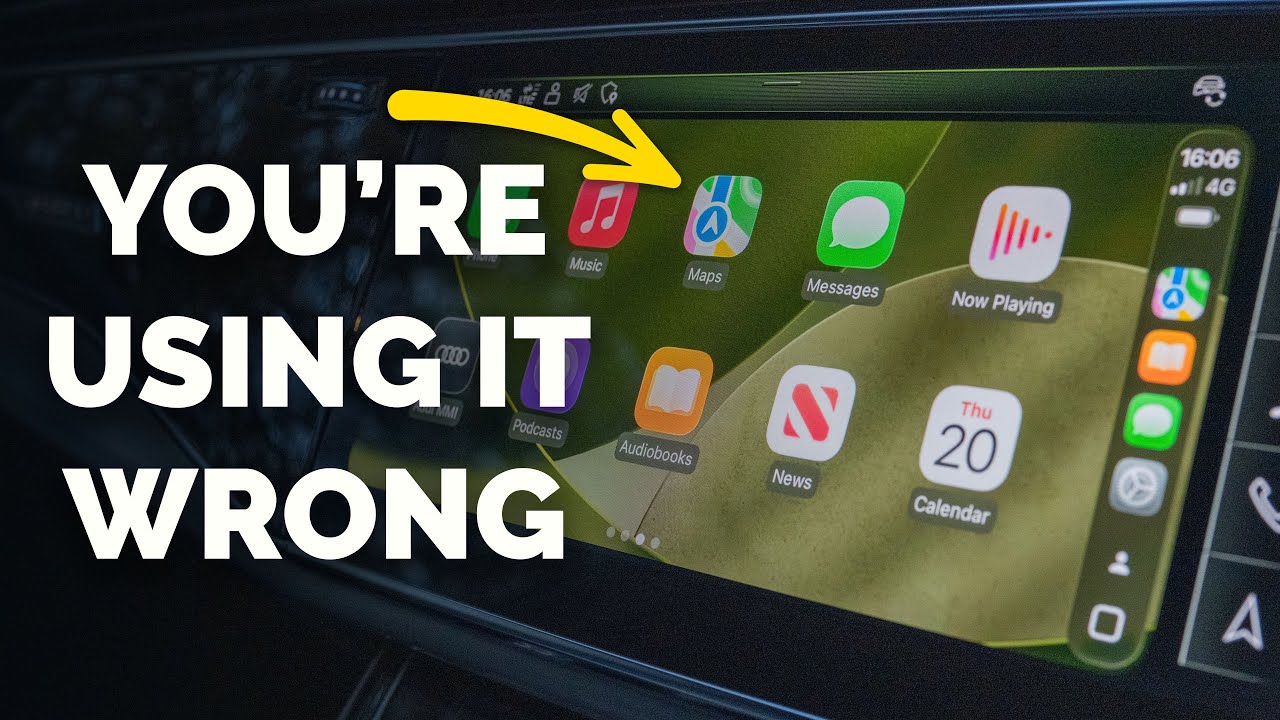
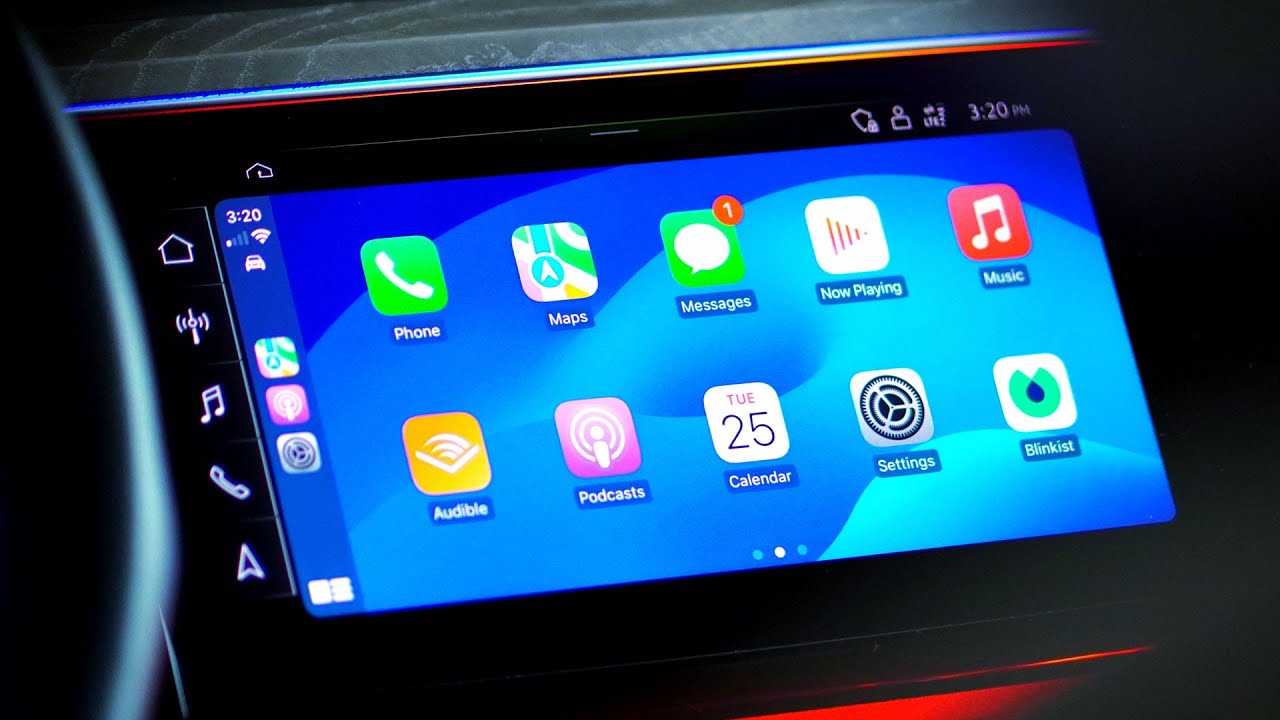
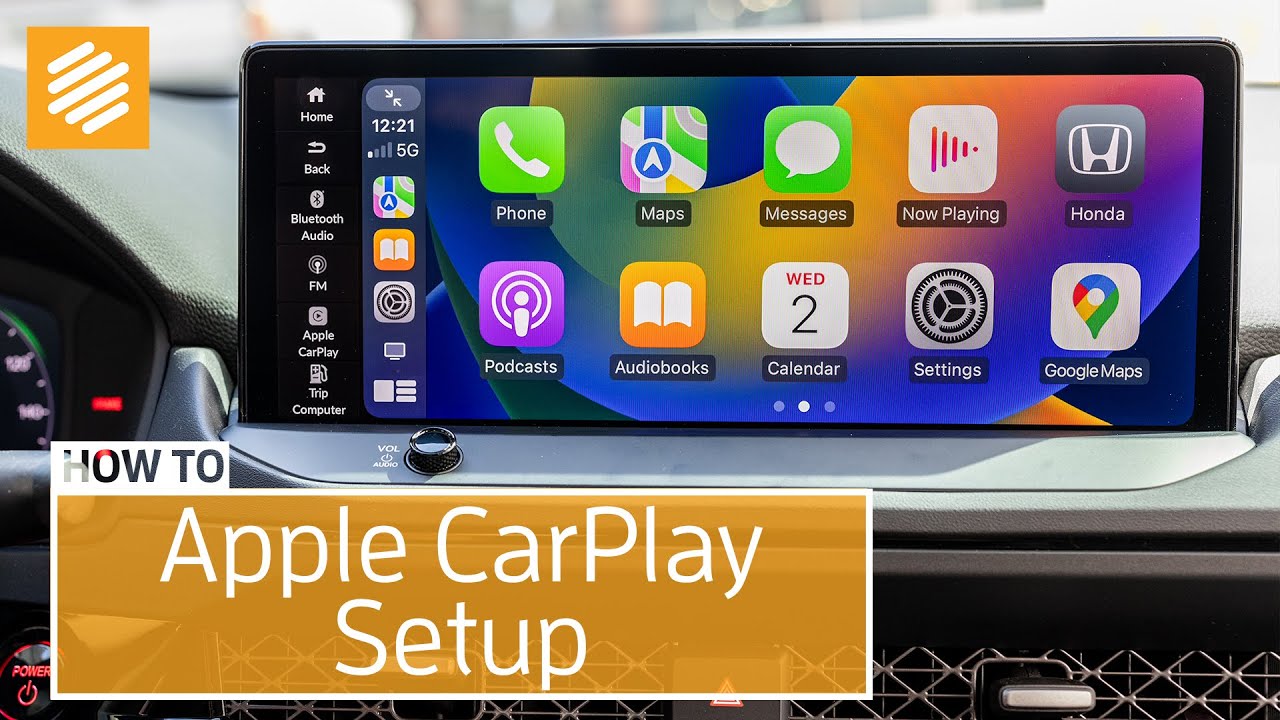
And you’ll see all the Apple CarPlay supported apps.
You can find your destination using maps …
You can play music …
Listen to your messages …
Or go to other available apps by pressing the various icons.
You can press the TALK button on the steering wheel to access Siri.
There are two ways to make a call.
The first way is to use the touchscreen to initiate the call by selecting the PHONE button.
Now, on the screen, you’ll see you have five choices: Favorites, Recent, Contacts, Keypad and Voicemail.
To call a contact, select CONTACTS …
Then swipe the screen to scroll up and down through the list of contacts …
Or use the UP AND DOWN arrows.
Once you find the desired contact, select the name to initiate the call.
You can end the call through the steering wheel controls, or by pressing the END button on the screen.
The SECOND way to initiate a call is by using the TALK button on the Steering Wheel.
Press the TALK button and Siri will activate.
Then simply say your command, like, “Call Lisa Smith…”
To return a call, select RECENTS from the phone menu…
Or to place a call from your favorites, press the FAVORITES button.
Scroll up and down until you find who you want to call…
Then select that name or number.
To make a call using the Dial Pad, press the DIAL PAD button …
Enter the number …
And press the green PHONE button.
In addition, you can access your voicemail messages by pressing the Voicemail button.
Apple CarPlay allows you to listen to your incoming text messages while also being able to reply or initiate a new text message – all while keeping your hands on the wheel.
Here is how to send a text message from the Apple CarPlay screen:
Select MESSAGES …
Then press the NEW MESSAGE button at the top and Siri will help you.
[SIRI SAYS: “To whom should I send your message?”]
“Lisa Smith”
[SIRI SAYS: “What do you want to say?”]
“How about some tennis tomorrow?”
[SIRI SAYS: “Your message to Lisa Smith says: How about some tennis tomorrow?” Are you ready to send your message?]
“Yes”
[SIRI SAYS: “I’ll send your message.”]
Incoming text notifications are displayed with an indicator on the MESSAGES button on the home screen or next to the contacts name when in MESSAGES.
Press the MESSAGE button and then press the contact to listen to the text:
[SIRI SAYS: “Lisa says: Sounds like a great idea.
SIRI SAYS: Do you want to reply?]
“No.”
Siri walks you through the entire process.
You can also use the on-screen buttons to reply … skip … review … change … and send messages.
Be aware that if you use the Apple CarPlay touchscreen to read a message back or to dictate a message, you won’t see the message thread on your Apple CarPlay screen. This is to help prevent distractions while you’re driving.
Now let’s review some best practices:
First, make sure your iPhone operating system is current and up to date.
Second, make sure Siri is turned on.
Third, ensure your phone’s Bluetooth is turned on for the initial connection.
Повторяем попытку...
Доступные форматы для скачивания:
Скачать видео
-
Информация по загрузке: