Скачать
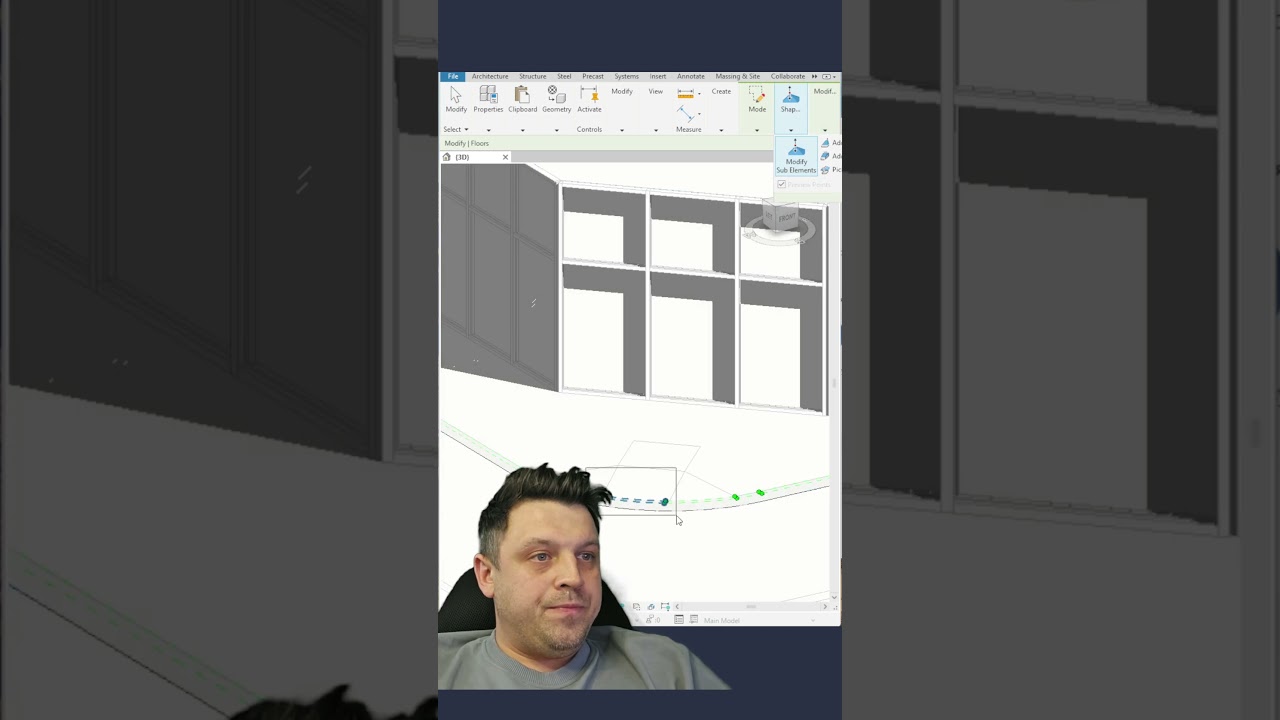
How to Create a Pedestrian Ramp in a Floor Using Split Lines in Revit
Автор: DenisRevitLab
Загружено: 2025-12-04
Просмотров: 57
Описание:
Quick Revit tip:
Here’s how to create a pedestrian ramp directly in a Revit floor:
Select the floor → Edit Surface → use Split Line to draw the ramp path.
Then pick Modify Sub-Elements and change the elevation of each point.
Raise the top, lower the bottom and the floor becomes a clean ramp.
Не удается загрузить Youtube-плеер. Проверьте блокировку Youtube в вашей сети.
Повторяем попытку...
Повторяем попытку...
Доступные форматы для скачивания:
Скачать видео
-
Информация по загрузке:





