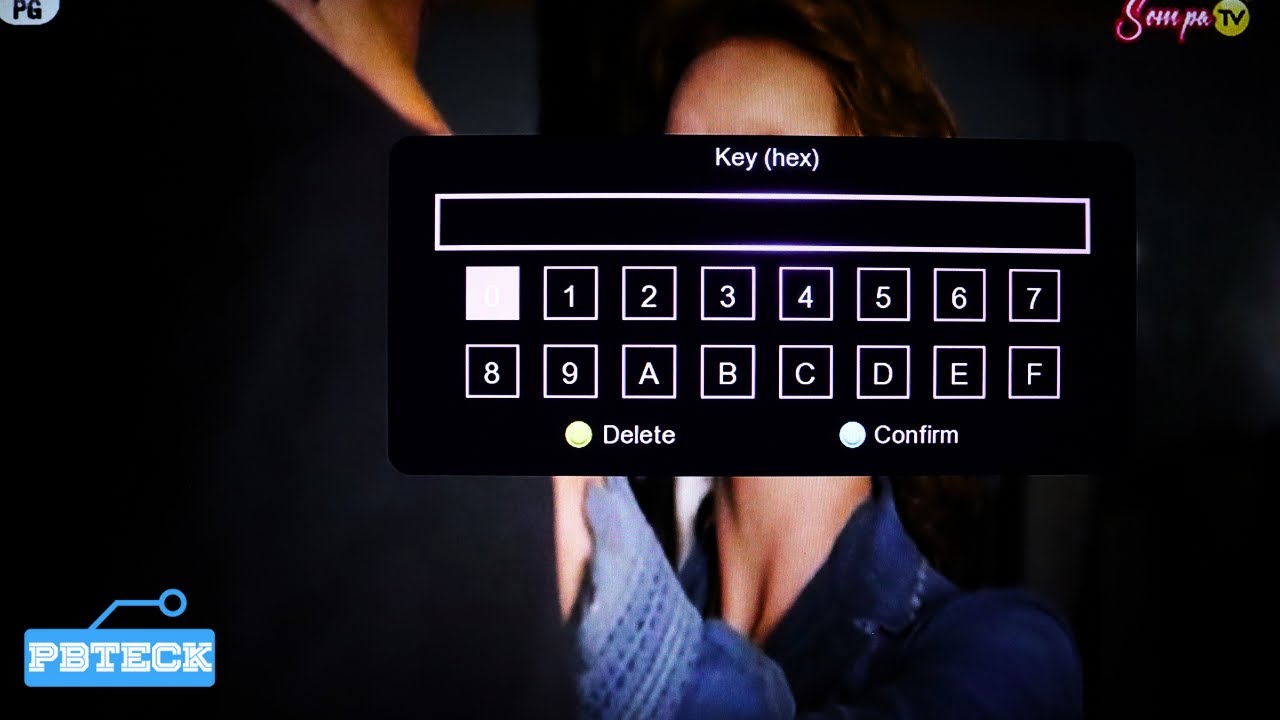
💎 How To Enter Biss Key On Newmaxs+ Decoder
Автор: Pbteck Info
Загружено: 2024-03-17
Просмотров: 2313
Описание:
How To Enter Biss Key On Newmaxs+ Decoder
A BISS (Basic Interoperable Scrambling System) key is a code used to decrypt scrambled channels on satellite TV systems. It's a form of conditional access encryption system used by broadcasters to protect their content from unauthorized viewing. BISS keys are commonly used by satellite TV providers to encrypt specific channels or events, such as sports broadcasts or premium content.
Here's how it works:
1. **Encryption**: Broadcasters encrypt their content using a BISS key before transmitting it over satellite.
2. **Decryption**: Viewers who have access to the correct BISS key can decrypt the scrambled signal and watch the content.
3. **Key Sharing**: BISS keys are typically shared between broadcasters and authorized viewers through secure channels. Viewers input the BISS key into their satellite receivers to unlock the encrypted channels.
It's important to note that the sharing of BISS keys without proper authorization is illegal and may violate copyright laws or terms of service agreements. Additionally, BISS keys are often changed by broadcasters to prevent unauthorized access to their content.
In summary, a BISS key is a cryptographic code used to decrypt scrambled satellite TV channels, allowing authorized viewers to access protected content.
___________________________________
LINKS
WEBSITE:
https://www.pbteck.com
INSTAGRAM;
/ pbtecknology
FACEBOOK;
/ pbtecknology
TWITTER
/ pbtecknology
TELEGRAM:
https://t.me/pbtecknology
#pbteckinfo #lnb #gotvinstallation #multitv #dishtv #directtv #dstv #satellitetv #dish #satellitedish #satellitereceiver #pbteck #pbtecknology #canalsat #canal+ #freefire
1. **Choose the Right Location**: Select a location for your satellite dish that has a clear line of sight to the satellite you want to receive signals from. Ensure there are no obstructions like trees or buildings blocking the view.
2. **Install the Satellite Dish**: Mount the satellite dish securely using a pole or wall mount. Make sure it's aligned properly according to the specifications provided by the satellite provider. Use a compass to find the direction of the satellite you want to aim for.
3. **Connect the LNB (Low-Noise Block Downconverter)**: Attach the LNB to the arm of the satellite dish. The LNB is the device that captures the satellite signals and sends them to the decoder. Make sure it's securely connected and aligned.
4. **Run Coaxial Cable**: Run a coaxial cable from the LNB to your satellite decoder location. Ensure the cable is properly secured and protected from weather conditions if it's exposed to the elements.
5. **Connect the Satellite Decoder**: Connect the coaxial cable from the LNB to the input port on your satellite decoder. Make sure it's firmly connected.
6. **Connect to the TV**: Connect the satellite decoder to your TV using an HDMI or RCA cable, depending on the available ports on both devices.
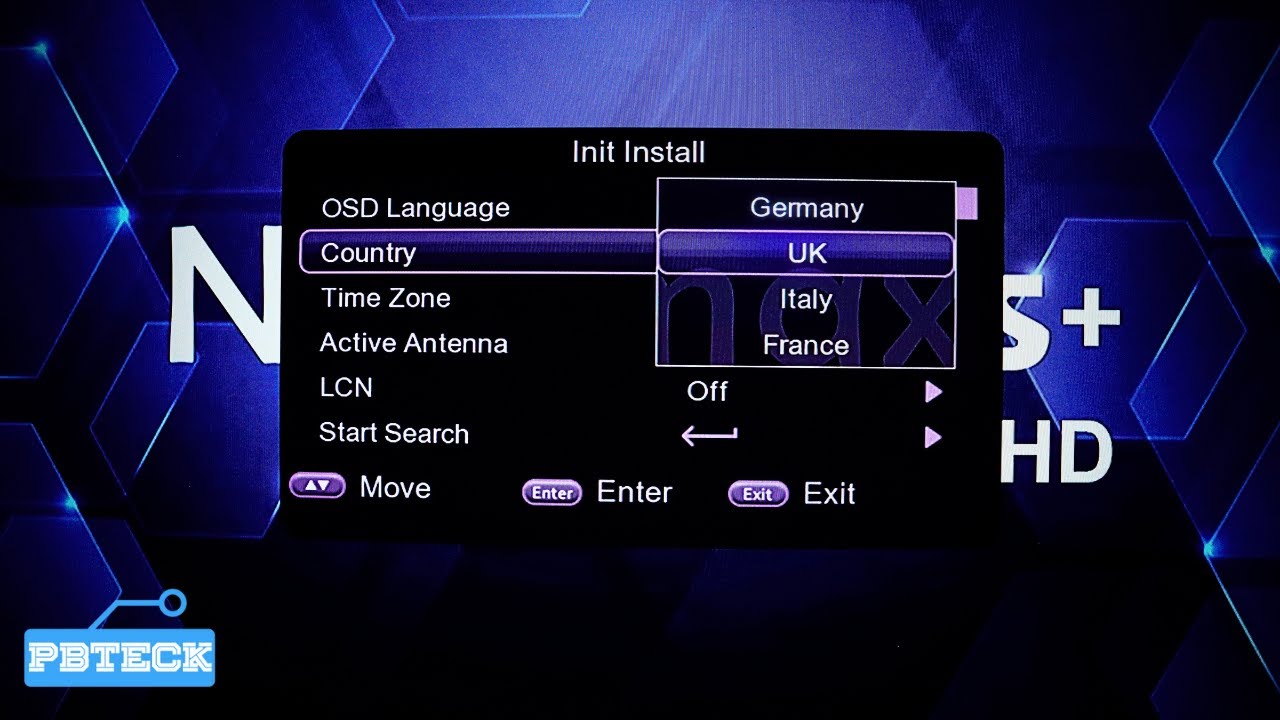
7. **Power On**: Power on the satellite decoder and the TV. Follow the on-screen instructions to set up the decoder. This may involve selecting your language, scanning for channels, and tuning to the desired satellite.
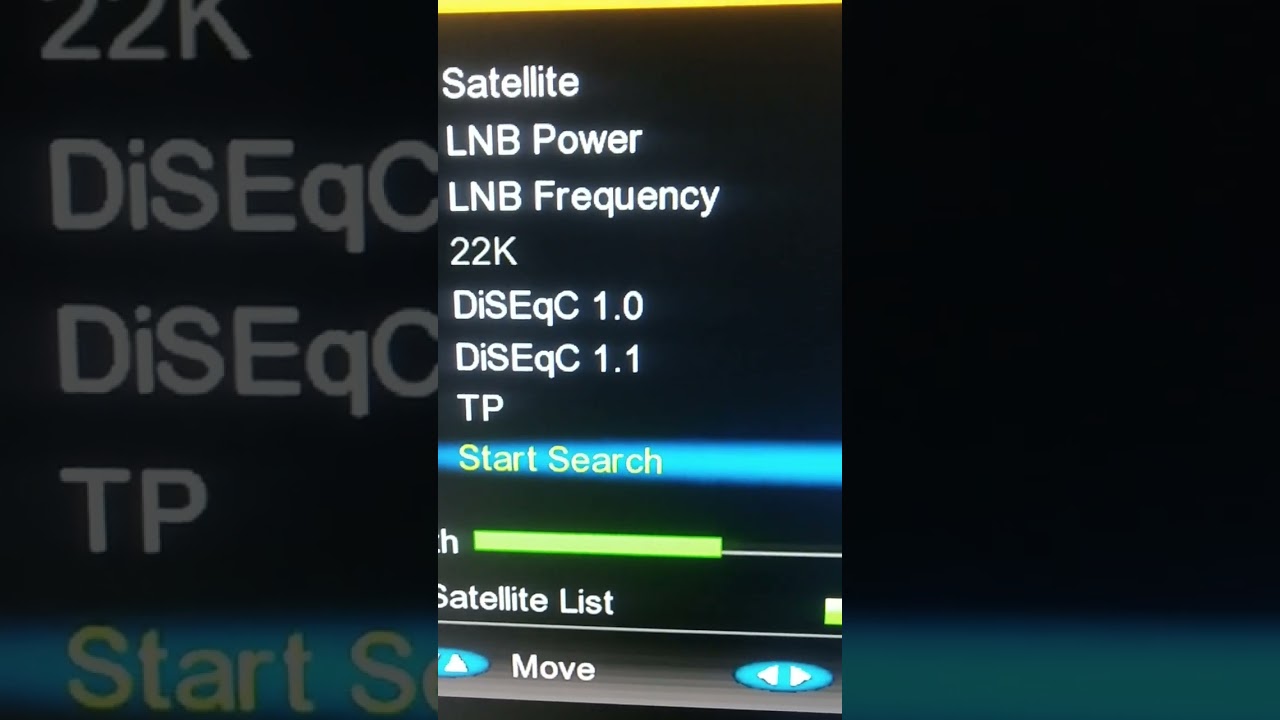
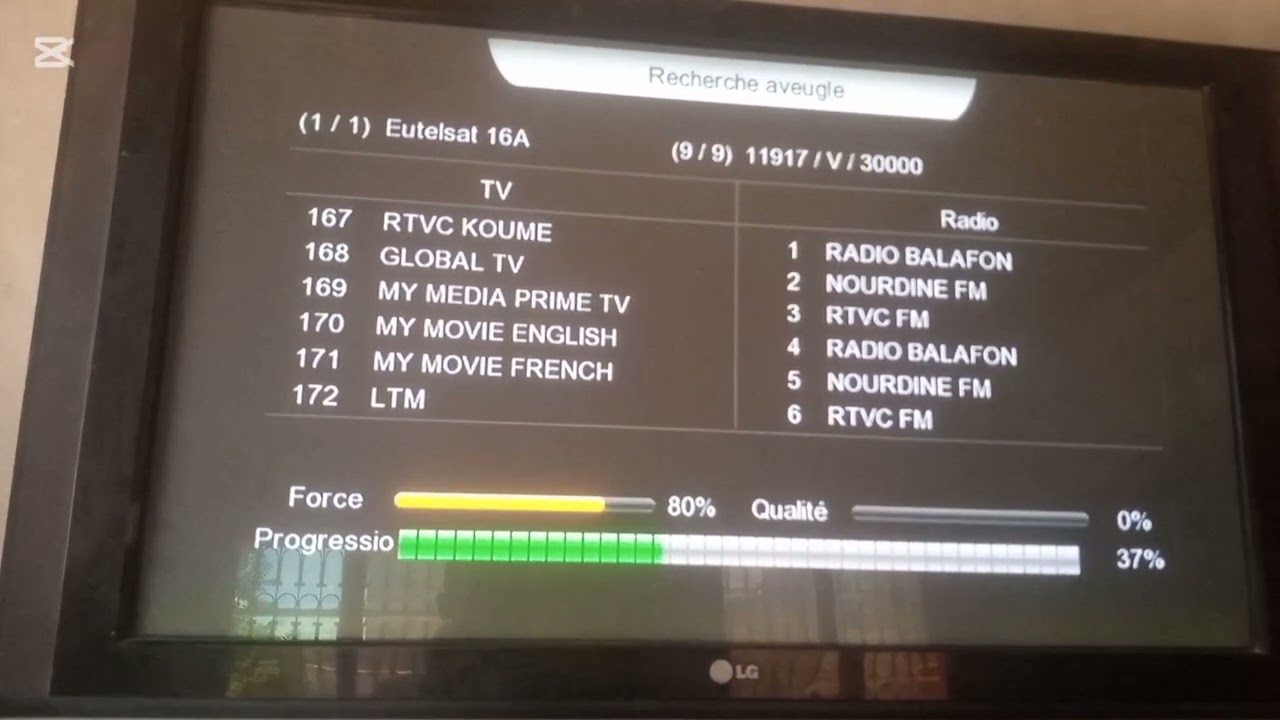
8. **Scan for Channels**: Use the menu on the satellite decoder to initiate a channel scan. This will search for all available FTA channels on the satellite you're tuned to.
9. **Save Channels**: Once the scan is complete, you can save the channels to your decoder's memory. Follow the on-screen instructions to do this.
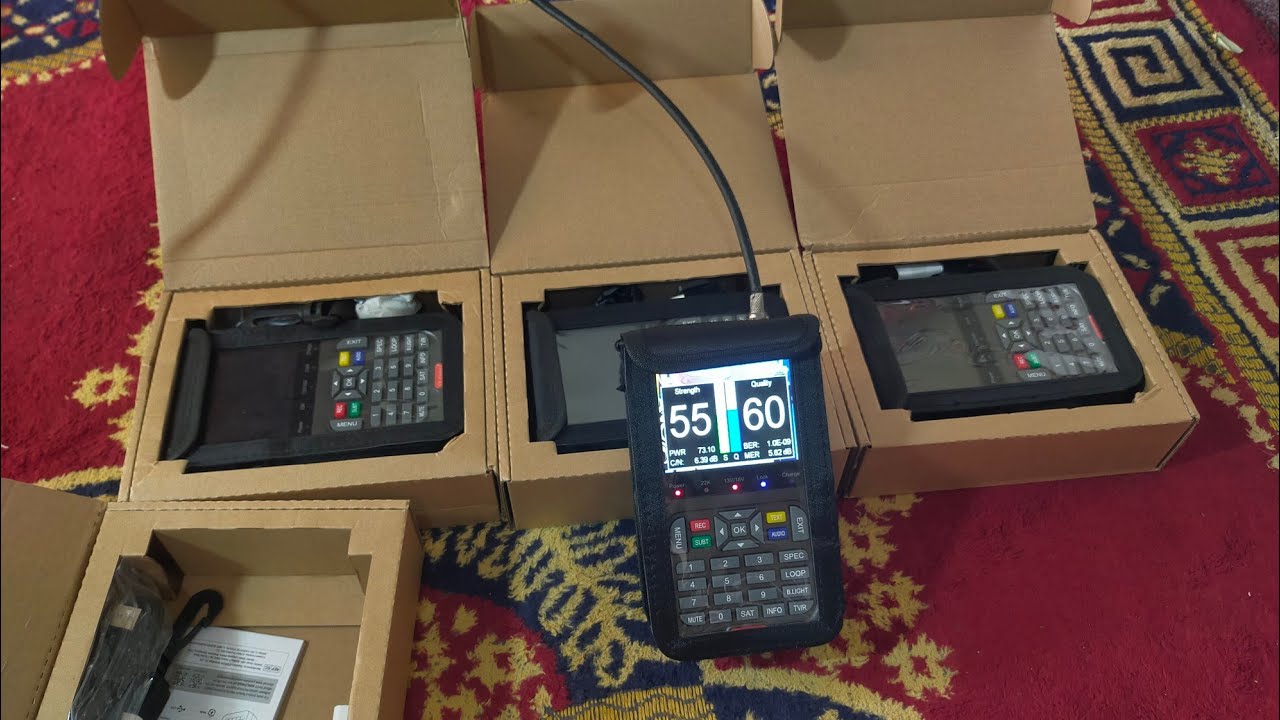
10. **Final Adjustments**: Fine-tune the position of your satellite dish if necessary to improve signal strength. You may need to make slight adjustments to optimize reception.
11. **Enjoy Free-to-Air Channels**: Once everything is set up and channels are saved, you can start enjoying the free-to-air channels available on your satellite decoder.
Remember to consult the user manual provided with your satellite dish and decoder for specific instructions tailored to your equipment. Additionally, consider safety precautions when installing the satellite dish, especially if you need to work at heights or in adverse weather conditions.
Повторяем попытку...
Доступные форматы для скачивания:
Скачать видео
-
Информация по загрузке: