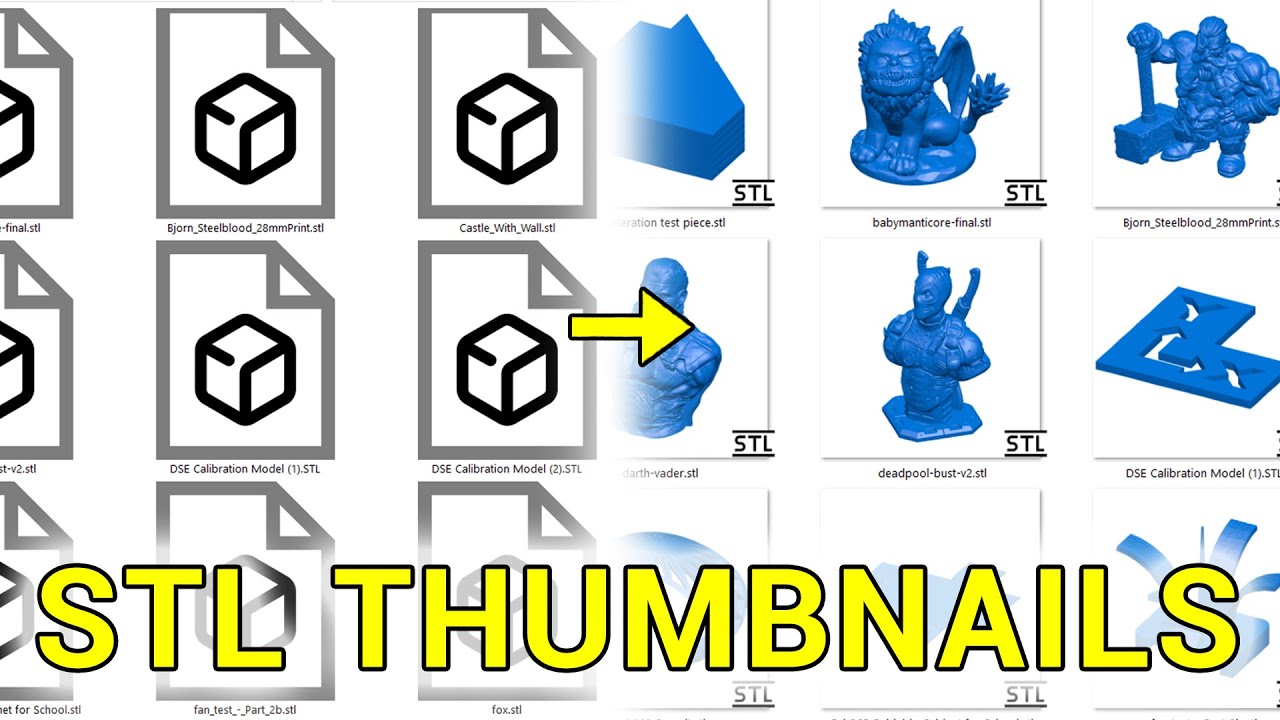
How to Preview & have Thumbnails of STL & 3MF Files in Windows Linux Arch Debian / Ubuntu 0055
Автор: FlixMySwitch
Загружено: 2022-09-25
Просмотров: 11799
Описание:
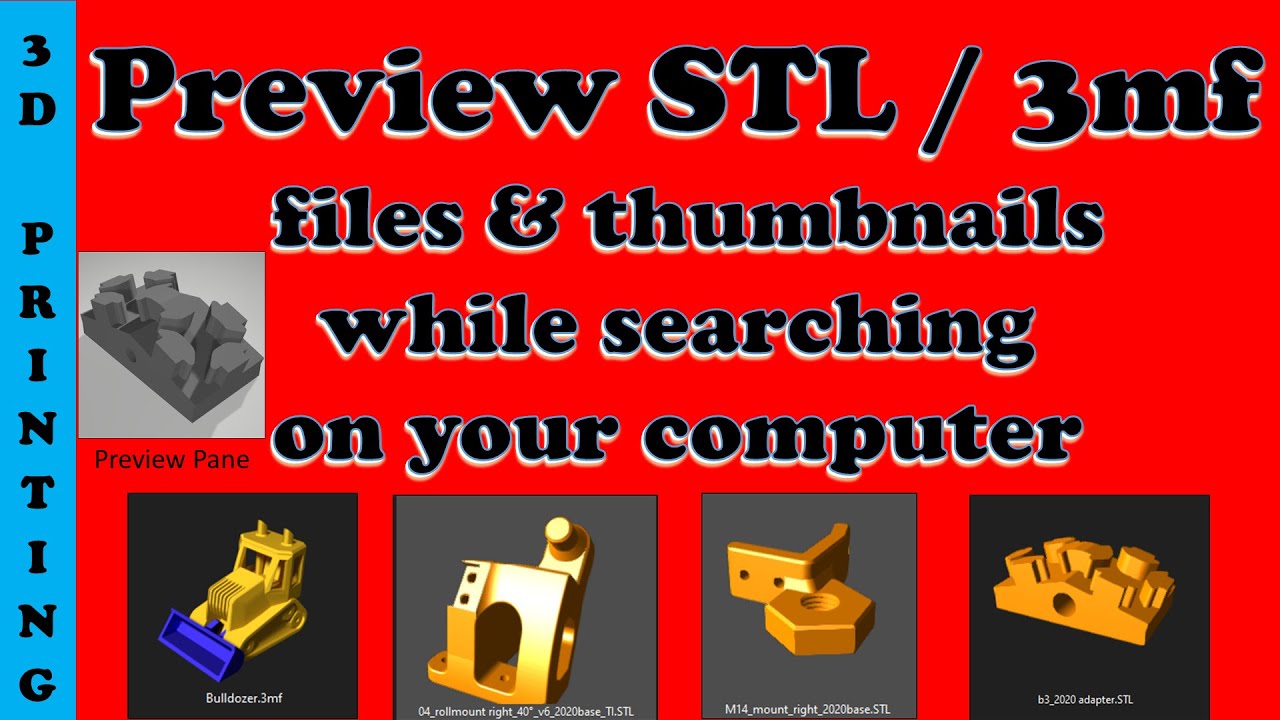
How to preview STL files with thumbnails. A free way to have a large preview and thumbnails for your 3D printer files STL & 3MF while your are searching through your computer. The large preview on the right hand side of the screen is also rotatable and zoomable.
I am only going to cover the Windows installation in this video.
To get the Preview you need the Free 3D viewer that is found in the App Store.
To create the very nice thumbnails you need this.
https://github.com/unlimitedbacon/stl...
Many thanks to Tyler Anderson for his great work on this code
UPDATE - If you install microsoft powertoys it may stop the STL thumbnails from appearing. In MS powertoys File Explorer add-ons DISABLE the thumbnail preview setting for STL.
Then restart the PC.
I then had up uninstall and reinstall the stl-thumb code. I did try a repair but it failed that was when MS PowerToys file explorer preview were still turned on.
IIf you have found this video useful please consider if you are able to TIP me using the link below. I love my coffee it keeps me going
☕☕☕☕☕☕☕☕☕☕☕
☕ https://ko-fi.com/flixmyswitch ☕
☕☕☕☕☕☕☕☕☕☕☕
A 3D printer is a device that creates three-dimensional objects by adding material, layer by layer, from a digital design file. This process, called additive manufacturing, uses materials like plastic, resin, or metal, which are deposited and fused together to form a solid object. Unlike traditional subtractive manufacturing that removes material from a block, 3D printing builds up the object from the bottom, enabling the creation of complex shapes and customization.
Marlin 3D printertool is another viewer
Music by: https://www.bensound.com
FlixMySwitch all about the stuff I like doing.
#3dprinter #thumnails #preview #flixmyswitchlaser #flixmyswitch
Повторяем попытку...
Доступные форматы для скачивания:
Скачать видео
-
Информация по загрузке: