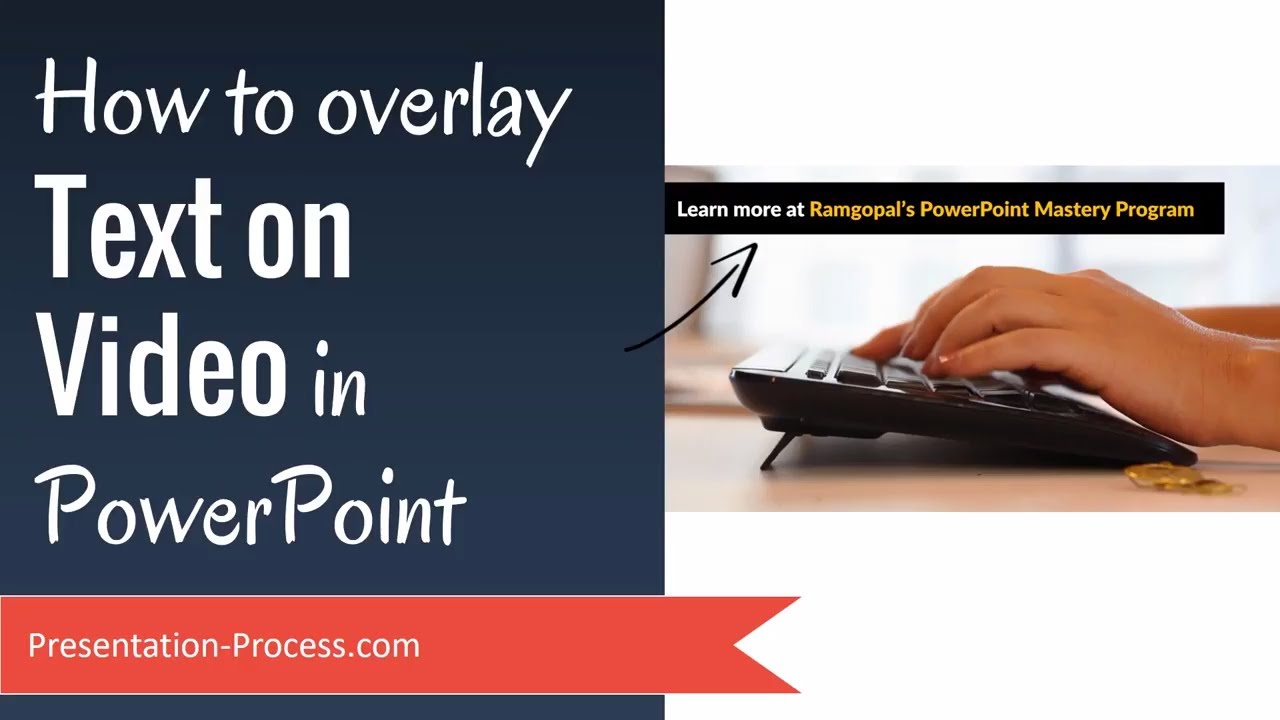
How to overlay Text on Video in PowerPoint
Автор: Presentation Process
Загружено: 2017-08-02
Просмотров: 113583
Описание:
Learn How to overlay Text on Video in PowerPoint.
The effect looks like this - as the video is playing you can make text appear on top of the video. The text can be animated to appear on click.
The usual problem with clicking to make an object appear is that it causes the video to stop playing. With the trick you will learn in the video, the video will continue to play.
Video on How to insert Stock videos.
• How to insert Stock Videos in PowerPoint
Key Links:
**********
Sign up for Free Sneak Peek Into Mastery Program:
-------------------------------------
https://www.presentation-process.com/...
Comprehensive PowerPoint Training:
-------------------------------------
https://www.presentation-process.com/...
Comprehensive All In One Bundle
4020+ Ready to Use PowerPoint Templates
-------------------------------------
https://shop.presentation-process.com...
Повторяем попытку...
Доступные форматы для скачивания:
Скачать видео
-
Информация по загрузке: