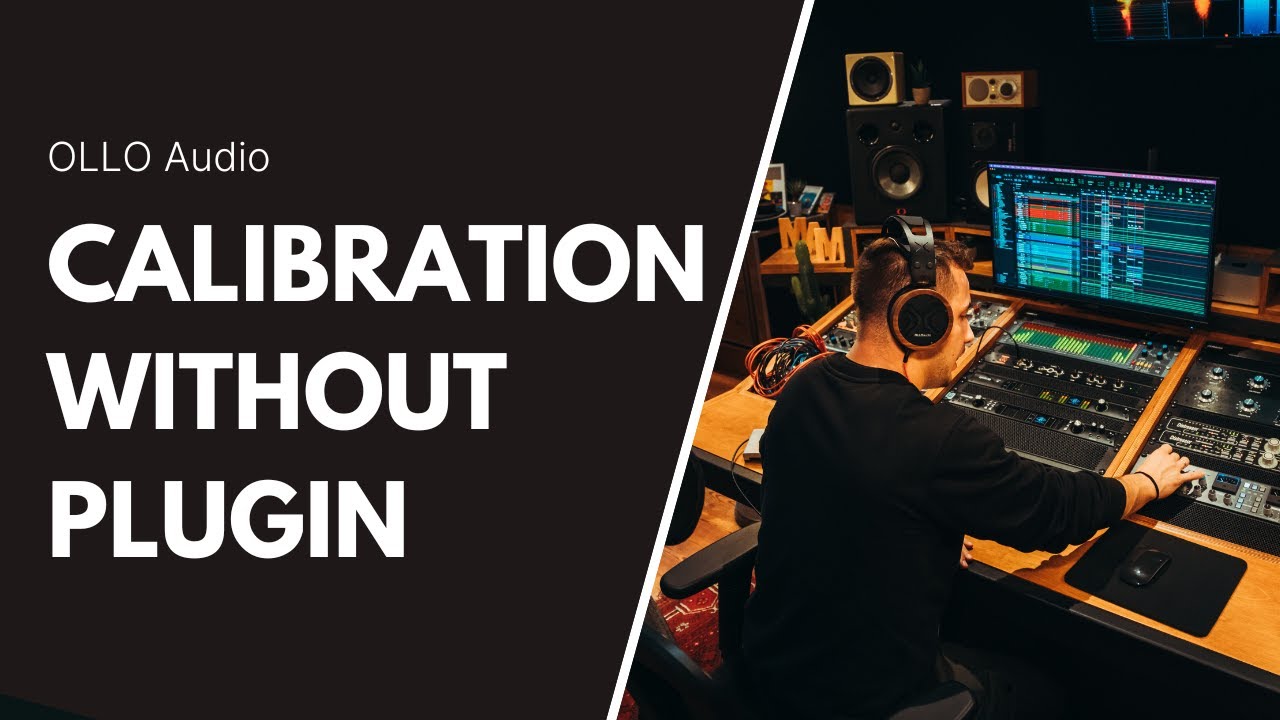
OLLO USC headphones calibration at the hardware level - Removing the need for a plugin in your DAW
Автор: OLLO Audio
Загружено: 2024-05-17
Просмотров: 1936
Описание:
The USC plugin and USC data file are two parts that work together to calibrate OLLO headphones for a perfectly flat frequency response. In this video, Rok talks about the best monitoring signal chain setup by using an audio interface with its own software, like Motu or RME, to route and calibrate signals outside of the DAW. This allows for a one-time setup and works with any audio source. For smaller interfaces like Scarlett or SSL 2, which have limited outputs, insert the USC calibration plugin as the last in the chain on the master channel. You can switch between speaker and headphone calibrations with a click or use bypass to activate the correct calibration. Explained in detail in the second part of the video.
00:00 Intro
00:50 USC overview explanation
02:20 How to setup the USC calibration outside your DAW, directly with your audio interface (example with Motu monitor 8)
07:20 How to have USC inside your DAW but still run multiple outputs
10:20 Using USC with small interfaces like SSL 2 or Focusrite Scarlett
12:30 Final commentary
Read more in our recent blog: https://olloaudio.com/blogs/ollo-tuto...
#olloaudio #studioheadphones #audiocalibration #howto
Повторяем попытку...
Доступные форматы для скачивания:
Скачать видео
-
Информация по загрузке: