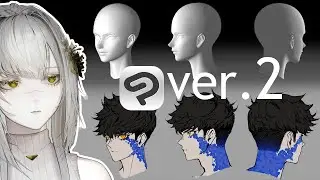
Adjust 3D head models to draw various faces! by Simz | Clip Studio Paint Recommended Feature
Автор: CLIP STUDIO PAINT
Загружено: 2025-02-13
Просмотров: 12930
Описание:
Customize 3D head models with Studio Mode in Clip Studio Paint to make drawing references for faces. In this video, you'll learn how to adjust and move parts of a 3D head model and connect them to 3D drawing figures.
Explanation:Simz(Illustrator)
X / simzarts
Instagram / simz.art
Find out more about how to use 3D head models in our official Tips articles:
3D head models: Any face you want, any angle you want! Ver.2.0
https://tips.clip-studio.com/en-us/ar...
Support for Drawing People
https://tips.clip-studio.com/en-us/ar...
0:00 Opening
2:06 1. Blending presets.
3:30 2. Adjusting facial features.
4:25 3. Change head direction.
4:39 4. Changing head shape.
5:19 5. Changing face shadows.
5:43 6. Registering the Head model settings as a material.
6:03 7. Try combining it with 3D drawing figures.
6:54 8. Try drawing different types of faces.
Повторяем попытку...

Доступные форматы для скачивания:
Скачать видео
-
Информация по загрузке:



![[FR] L’animation sur CLIP STUDIO PAINT (PARTIE 1) : Le croquis](https://image.4k-video.ru/id-video/9ig6ZB_jEwE)


