More on Making Lettering Tags in Sew What Pro
Автор: Sheila Ryan
Загружено: 2018-03-09
Просмотров: 2991
Описание:
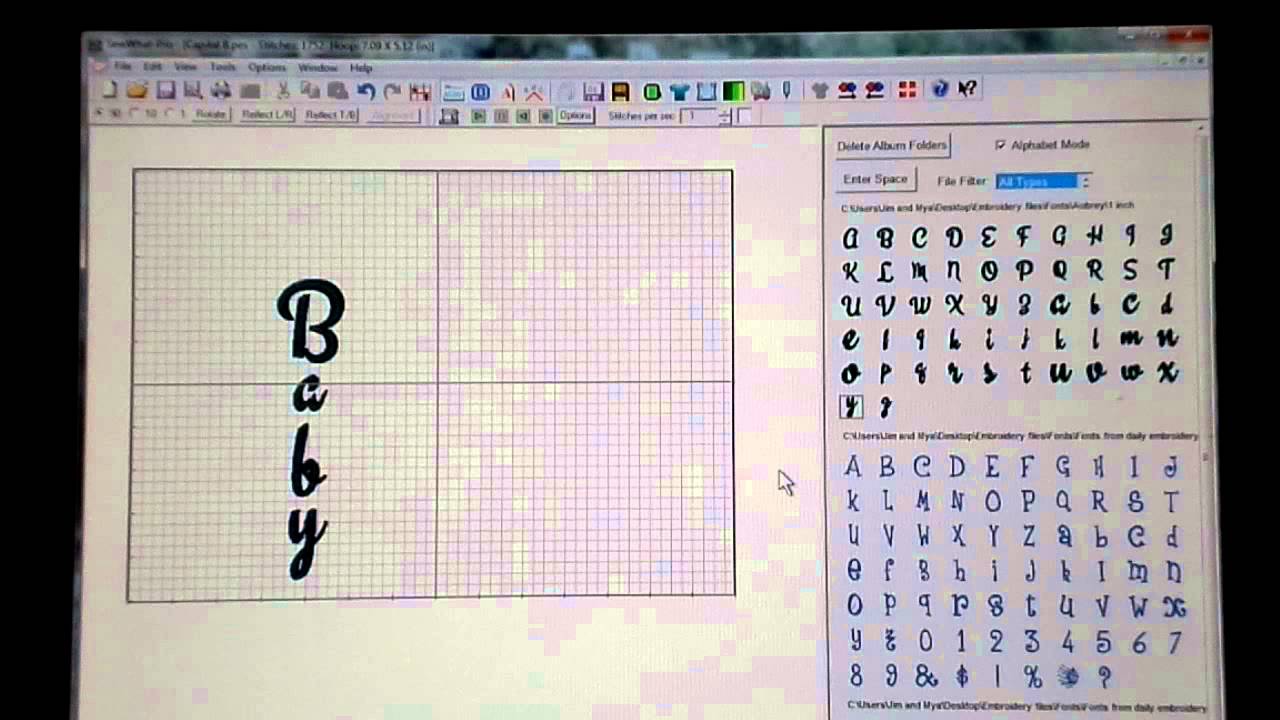
How to make a personalized Snap Tab design using purchased fonts in Sew What Pro and how to use the Border Function.
Chapters:
00:00- Introduction
The video begins with the introduction, where the speaker talks about creating tags using the SewWhat-Pro software
03:18- Selecting Fonts
The speaker discusses selecting fonts and mentions using fonts from various sources, including digitizers
05:40- Choosing a Design
Explanation about choosing a design and how the speaker prefers squared-off rectangles
08:15- Applying Borders
The speaker starts the process of applying borders to the design, making it 4 inches wide and 1.2 inches tight
11:55- Adjusting Design Position
The speaker adjusts the position of the design on the tag and demonstrates how to refine the placement
15:40- Removing Unwanted Elements
The removal of unwanted elements, specifically extra borders, to clean up the design
18:10- Moving Threads
Discussion about moving threads to organize them, especially when dealing with multiple tags or designs
20:45- Rotating Elements
Rotating the Bulldogs tag and adjusting its position to achieve the desired visual balance
22:30- Adding Tabs
The addition of tabs to the design, considering placement and ensuring there are no gaps
25:28- Finalizing Design
The final steps of making adjustments, joining threads, and preparing the design for embroidery
★Follow me! ★
Website: www.designsbybabymoon.com
Etsy: www.designsbybabymoon.etsy.com
Instagram: Instagram.com/designsbybabymoon
Повторяем попытку...

Доступные форматы для скачивания:
Скачать видео
-
Информация по загрузке:











![Почему реактивный двигатель не плавится? [Veritasium]](https://imager.clipsaver.ru/F6UB0V2Fct4/max.jpg)