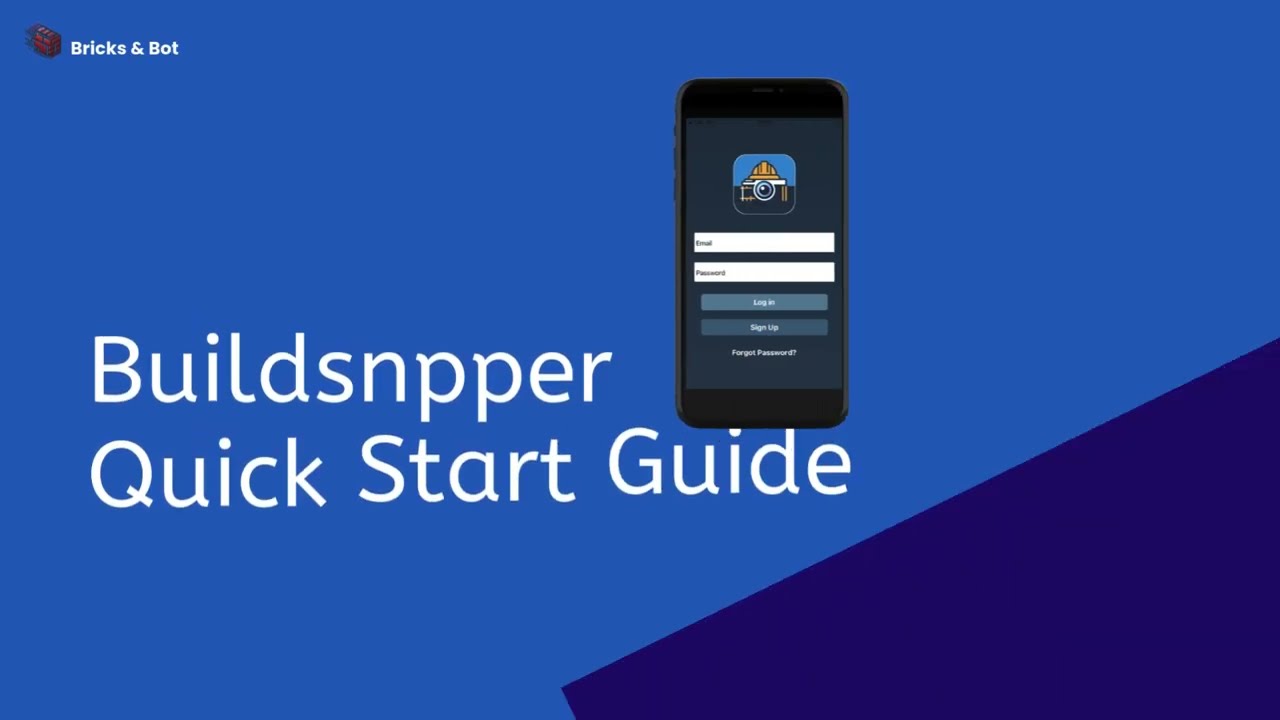
Buildsnpper Quick Start Guide | Part L Evidence Collection Tutorial
Автор: Buildsnpper
Загружено: 2026-01-14
Просмотров: 7
Описание:
Learn how to use the Buildsnpper App to collect Part L compliance evidence on site. This step-by-step tutorial walks you through the entire process from initial setup to sending reports to your assessor.
📋 WHAT YOU'LL LEARN
1️⃣ User Set Up — Configure your username and role so evidence is correctly attributed in reports
2️⃣ Project Creation — Set up your project with address, client, and contractor details
3️⃣ Plot Creation — Add plots with clear, meaningful names to organise your evidence
4️⃣ Evidence Collection — Use the checklist (following Approved Document L: Appendix B) to capture photos, mark sections as N/A, and add notes
5️⃣ Sending Reports — Generate PDF reports automatically and email them to your assessor for review
⏱️ TIMESTAMPS
0:00 Introduction
0:10 User Set Up
0:27 Project Creation
0:37 Plot Creation
0:50 Evidence Collection
1:25 Sending Reports
1:50 Testimonials
💡 TOP TIPS
• Name plots correctly from the start — changing names later means re-adding evidence
• Use "See Examples" to understand exactly what photos are needed
• Add a note to your email highlighting what you'd like your assessor to review
📲 GET STARTED
Visit our website: https://www.bricksandbot.com
Follow us on LinkedIn: / buildsnpper
#PartL #BuildingRegulations #ConstructionTech #Buildsnpper #SAPAssessor #BuildingCompliance #SiteManagement #ConstructionApp #EnergyEfficiency #UKConstruction #NewBuild #BuildingControl #Tutorial #HowTo
Повторяем попытку...
Доступные форматы для скачивания:
Скачать видео
-
Информация по загрузке: