Mercedes C180 W204 Service A B C Reset | 4-Button Steering Wheel | Easy DIY 2008-2011
Автор: DaringBeefcake
Загружено: 2020-02-22
Просмотров: 110702
Описание:
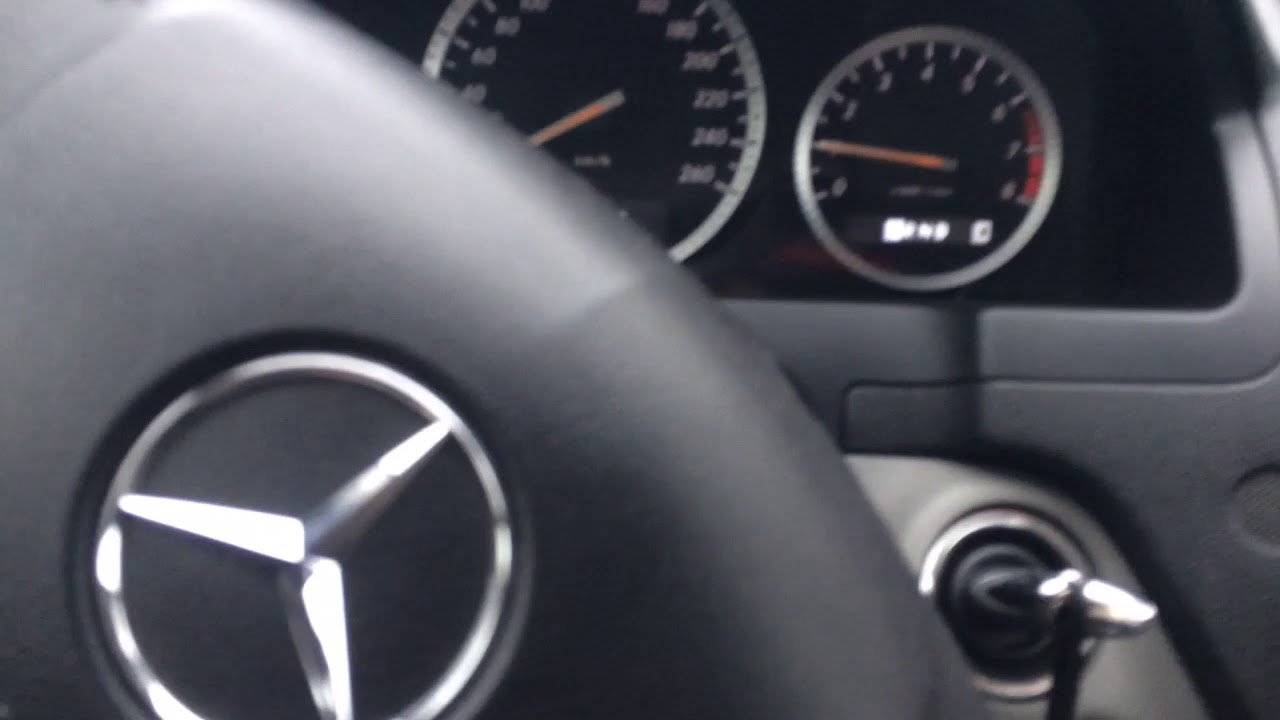
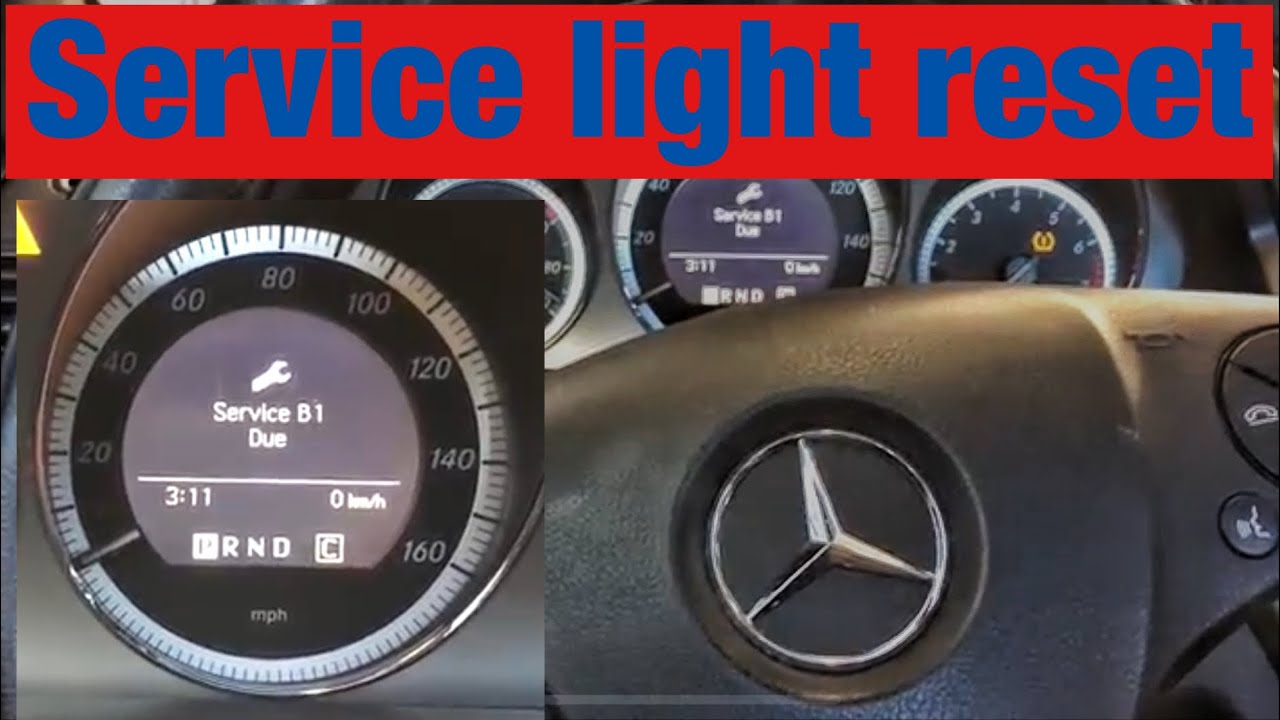
In this video I show how to reset the Service A overdue reminder on a Mercedes C180 W204 (2008) using the 4-button steering wheel controls, with no diagnostic tool required.
This applies to many W204 models including:
C180, C200, C220 CDI, C250, C300, C350 (2008-2011)
⭐ Steps Covered:
• Turning ignition to ON position
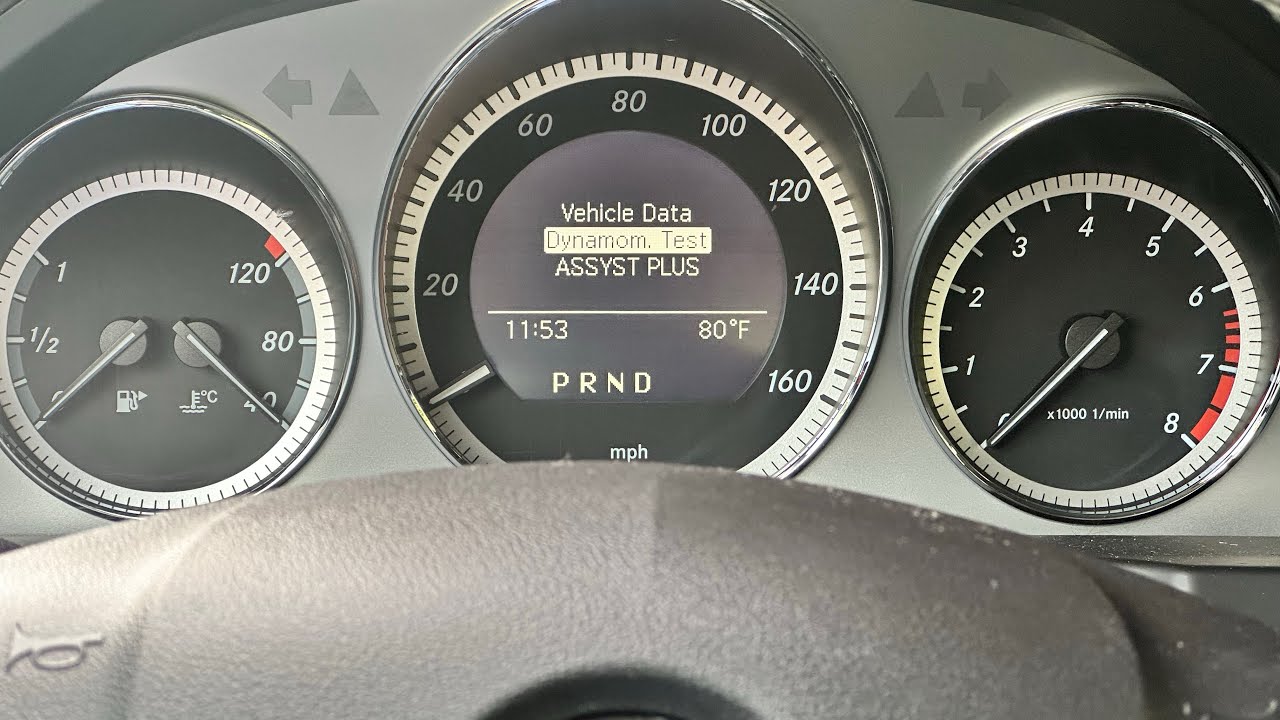
• Accessing the service menu
• Using 4 steering wheel buttons (Scroll ▲▼, Back, OK)
• Confirming the Service A reset success
• Clearing the “Service A Overdue” message
🧰 Recommended Tools (Amazon UK Affiliate Links)
(As an Amazon Associate I earn from qualifying purchases — thank you for supporting the channel!)
📟 OBD2 Diagnostic Scanner (Optional) - https://amzn.to/4i2De79
🔋 Car Battery Smart Charger – Maintain battery health - https://amzn.to/49hMZw7
🧤 Mechanic Gloves - https://amzn.to/447mo19
🕶 Safety Glasses - https://amzn.to/4qW1JXL
⚠️ Affiliate Disclosure
This video contains affiliate links. If you click one and buy something, I may earn a small commission at no additional cost to you.
📢 Disclaimer
This video is for guidance and entertainment only.
Although I work as a mechanic, I am not responsible for any injuries, mistakes, or damage that occur if you choose to follow the steps shown.
Safety Tips:
✔ Always ensure the car is in Park with handbrake applied
✔ Do not perform resets to avoid required service
✔ If in doubt, seek a qualified professional
In this video I will be resetting the service due in this Mercedes w204 2008 with the 4 button steering will, the w204 with more buttons has a slightly different procedure. #mercedes #w204 #servicerest #servicedue #mercedescclass #maintenance #automobile #cars #mercedes #w204 #c180 #servicereset #carrepair #diymechanic #serviceA #cclass
Повторяем попытку...

Доступные форматы для скачивания:
Скачать видео
-
Информация по загрузке: