Test hard disk using HDtune - How to test HDD using HDtune
Автор: servicepc860
Загружено: 2020-07-14
Просмотров: 629
Описание:
HELLO FRIEND'S
WELCOME TO SERVICE PC860
Test hard disk using HDtune - How to test HDD using HDtune
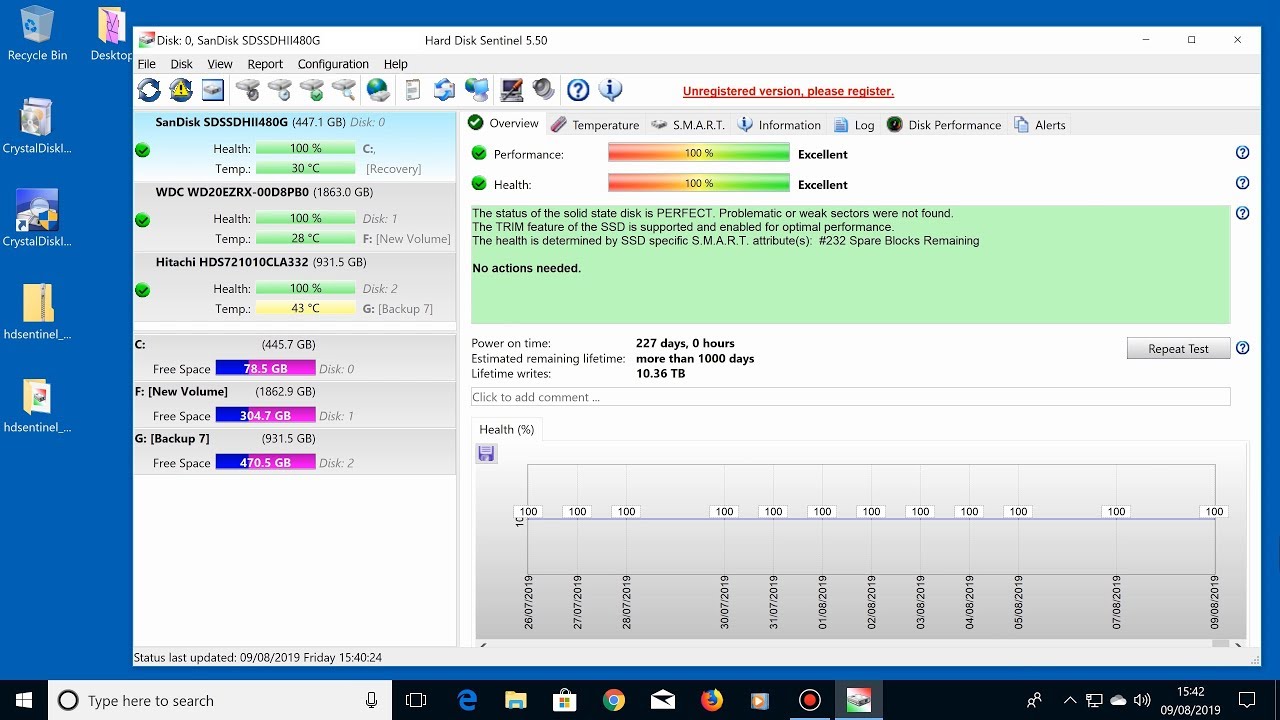
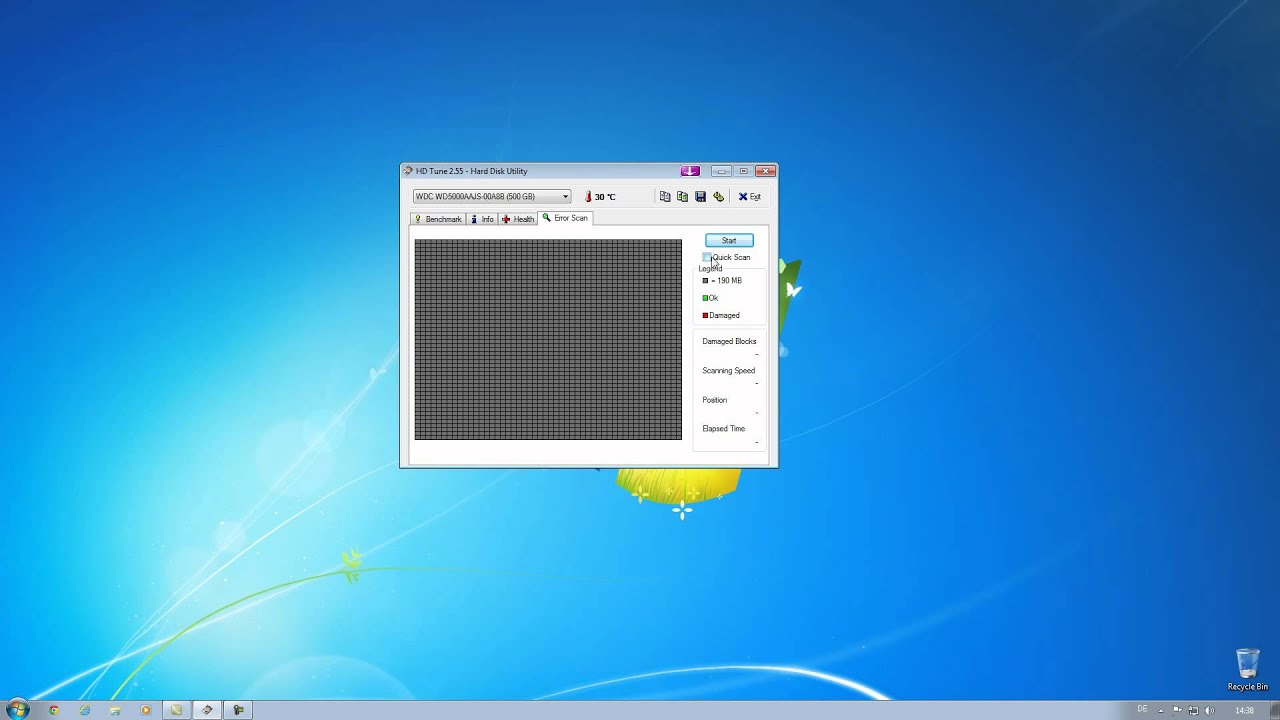
This video will guide you how to use HDtune to test a hard disk drive (HDD) for any bad sector and also check if the harddisk drive has a health and performance problem.
See step below on how to test HDD using HDtune
1. Go to http://www.hdtune.com/ to download the HD tune.
2. Install HDtune and then run it.
3. Select the hard disk drive you want to test for the defect.
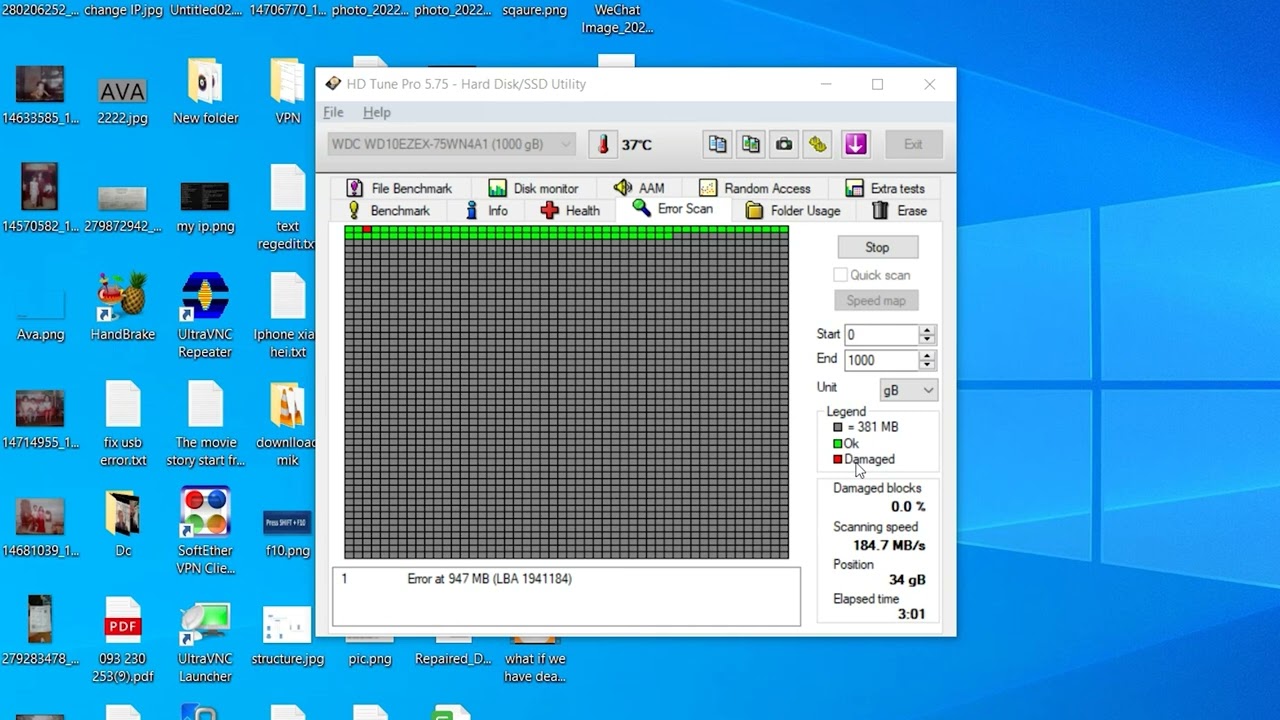
4. Click the Error Scan tab to test for bad sectors.
5. Then click Start.
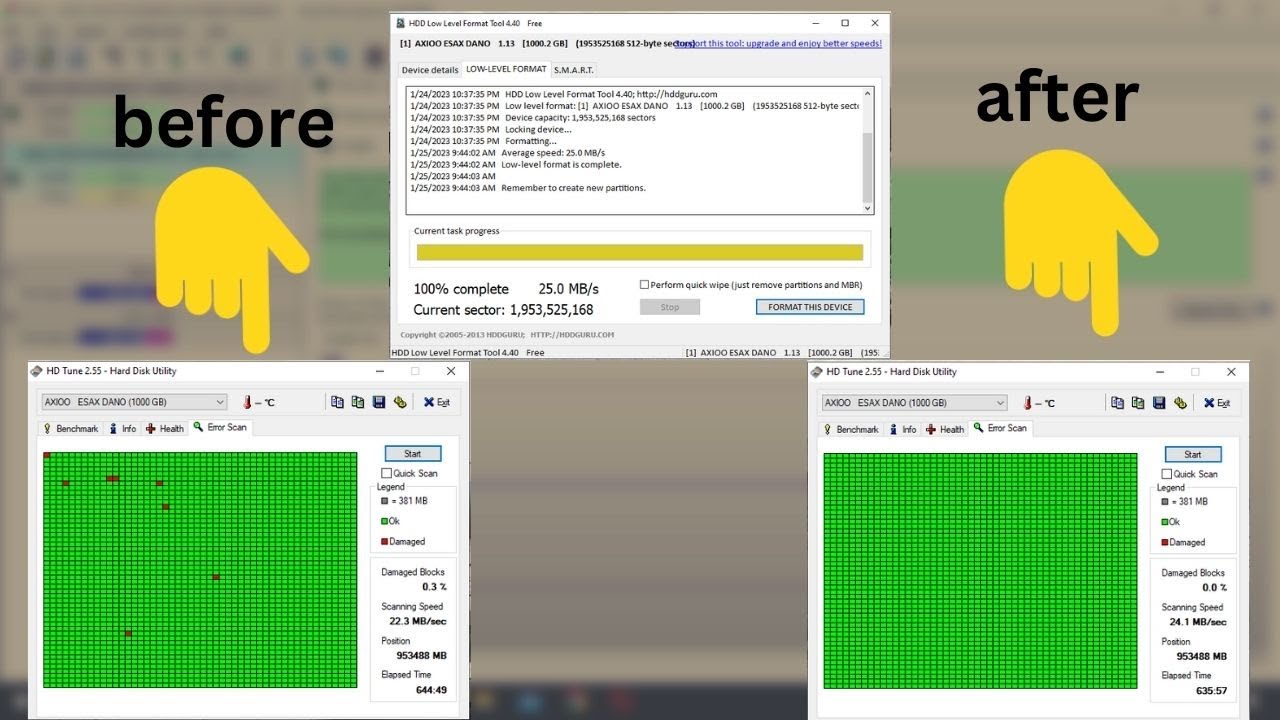
6. Wait for the process is finished, stop the test if a Red dot appears. (replace your Hard disk if it has a red dot, it means it has a bad sector.)
7. If the process is finished and no red dot (bad sector) was detected.
DOWNLOAD LINK:https://download.cnet.com/HD-Tune/300...
my webside : https://servicepc860.blogspot.com/
DON'T FORGET TO LIKE AND SUBSCRIBE OUR CHANNEL
SERVICE PC 860
/ @servicepc8605
OUR SECOND TECH CHANNEL
STREET TECH
/ @streettechrk
THANKS TO WATCH THIS VIDEO
Disclaimer -
video is for educational purpose only.Copyright Disclaimer Under Section 107 of the Copyright Act 1976, allowance is made for "fair use" for purposes such as criticism, comment, news reporting, teaching, scholarship, and research. Fair use is a use permitted by copyright statute that might otherwise be infringing. Non-profit, educational or personal use tips the balance in favor of fair use.
Повторяем попытку...
Доступные форматы для скачивания:
Скачать видео
-
Информация по загрузке: