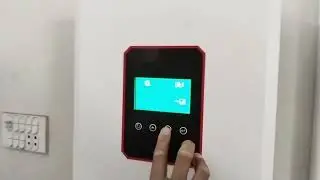
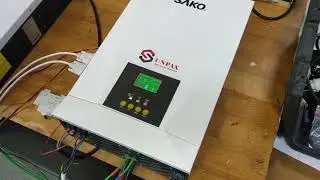
SAKO E-SUN-B 6.2KVA Inverter BMS Communication Setting Tutorial
Автор: SAKO New Energy
Загружено: 2025-11-21
Просмотров: 265
Описание:
Unlock peak performance from your SAKO solar system! ☀️ This in-depth tutorial is your ultimate guide to establishing a perfect BMS (Battery Management System) communication link between the SAKO E-SUN B 6.2KVA solar inverter and a SAKO LiFePO4 battery. Proper communication is the key to maximizing efficiency, extending your battery's lifespan, and gaining precise control over your energy storage. In this video, our expert technician demystifies the entire process, guiding you from selecting the right cable to verifying a successful connection, ensuring your system runs flawlessly.
Follow our step-by-step instructions to correctly configure your SAKO energy system and unlock its full potential.
💡 What This Video Covers:
This guide provides a complete walkthrough of the BMS communication setup, ensuring your inverter and battery work in perfect harmony. We break down every critical setting so you can perform a clean and correct installation, whether you're a professional or a DIY solar enthusiast.
**Essential Groundwork**: We start by explaining the crucial difference in communication cables and show you how to choose the correct one for the ESUN series inverter.
**Physical Setup**: Watch closely as we demonstrate the exact connection points on both the inverter and the battery. We'll then show you how to properly set the battery's DIP switch address, a critical step for enabling communication.
**Inverter Configuration**: We navigate the E-SUN B 6.2KVA's menu to pinpoint the exact settings you need. Learn how to select the battery type (LIB) and the correct SAKO communication protocol (SK).
**Battery Configuration**: On the battery side, we guide you through the simple process of setting the correct RS485 protocol to match the inverter.
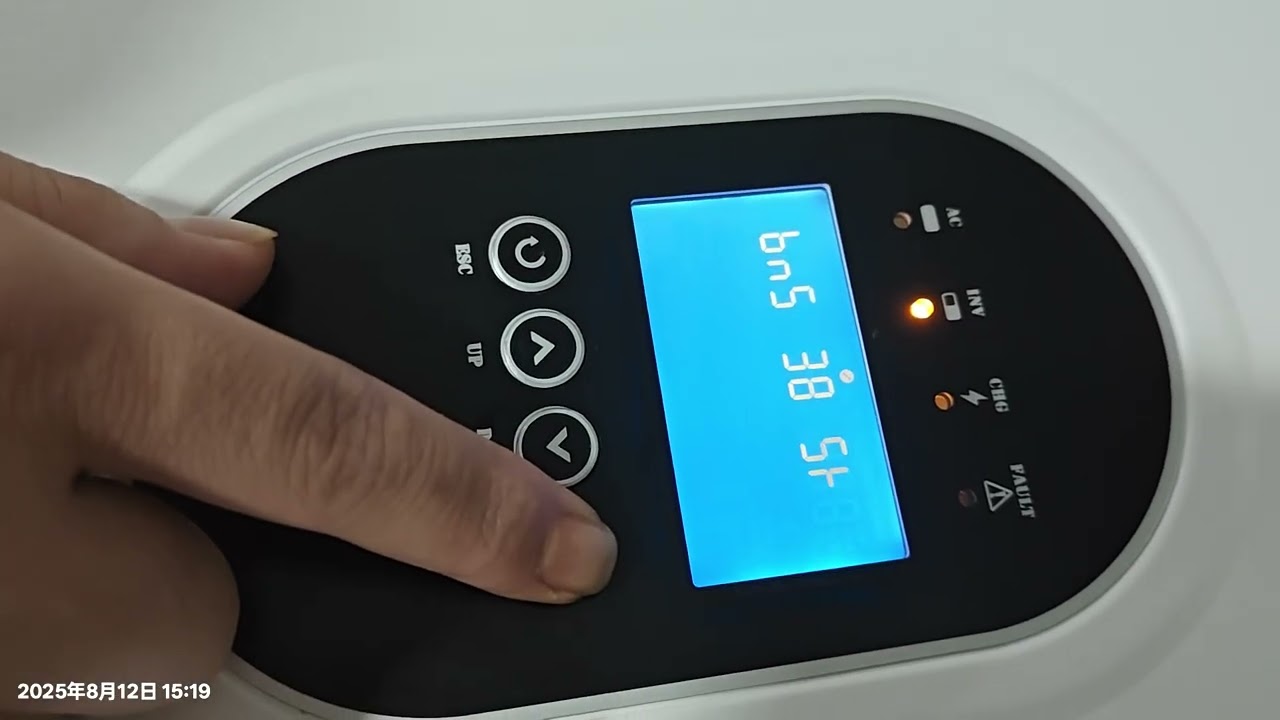
**Final Verification**: Learn the simple method to confirm that communication is established by checking the real-time SOC (State of Charge) on your inverter’s main display.
⏱️ Video Chapters:
00:00 Intro & Goal
00:20 Select Cable
00:48 Connect & Set Address
01:15 Inverter Setup
02:19 Battery Setup
02:53 Final Check
✅ Get Connected!
Was this guide helpful? Show your support with a thumbs up 👍 and *subscribe* to the SAKO channel for more expert tutorials on solar technology. Don't forget to hit the notification bell 🔔 so you never miss our latest videos!
Explore our full range of innovative solar and energy storage solutions on our official website.
**Official Website**: https://sakopower.com/
**Subscribe to Our Channel**: / @sakonewenergy
Do you have any questions about this process? Drop them in the comments below, and our technical team will be happy to assist you!
#sako #solarinverter #bmscommunication #lifepo4 #solarsetup
Повторяем попытку...
Доступные форматы для скачивания:
Скачать видео
-
Информация по загрузке: