Fixing the Motor Blower Fan | Disassembly, Breakdown, & Assembly | High Pitch Squealing from Fan
Автор: Get_Some_Hydration
Загружено: 2022-04-01
Просмотров: 998
Описание:
Hi, and thanks for watching the video! This video will go over how to remove and install a motor fan. It will also go over the struggles in the disassembly of the old motor blower fan. I know this video is long, but I wanted to document everything for everyone; please use the chapters to find the information you are looking for.
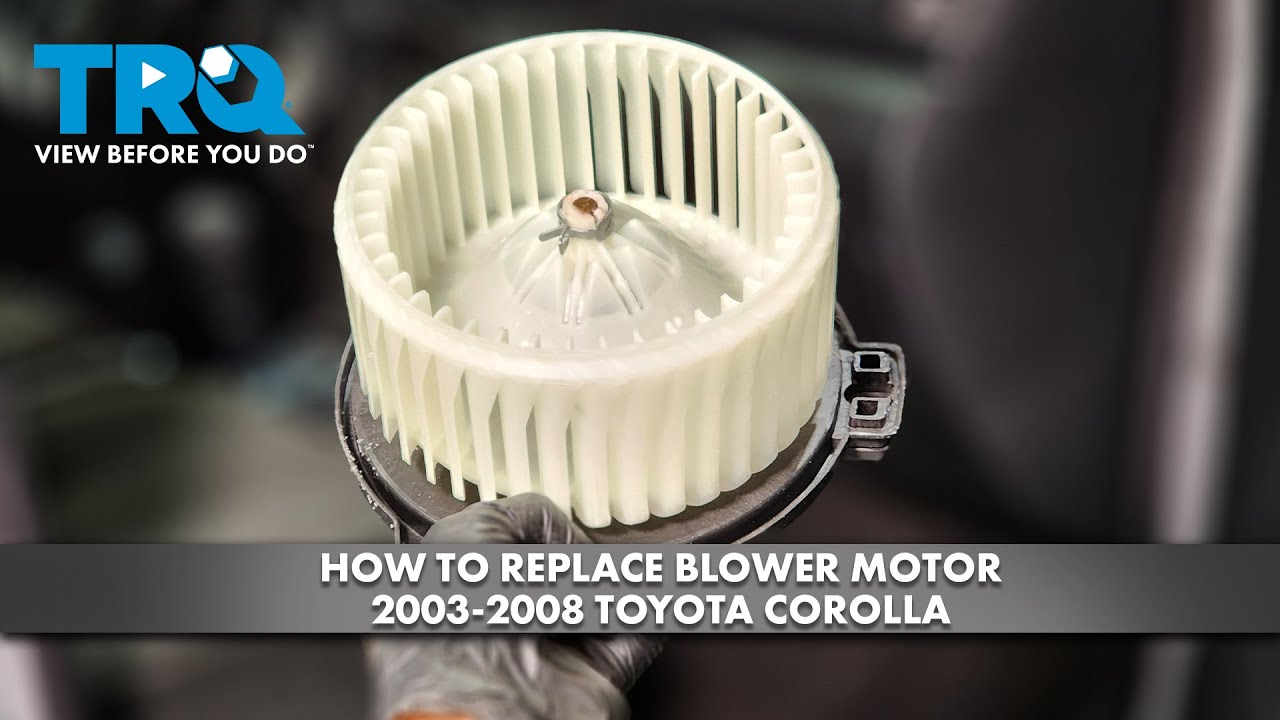
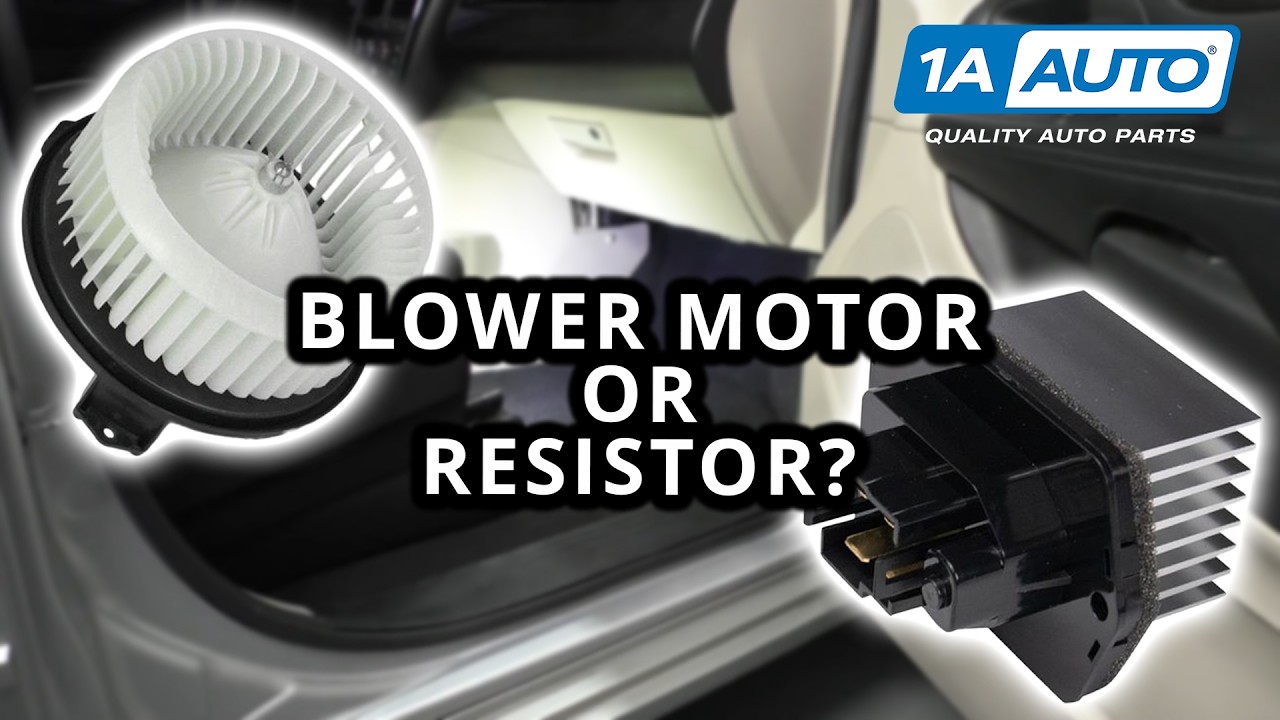
Background: The motor blower fan is used to push/circulate air in your vehicle. This air comes from your air-conditioner or heater to provide quality vehicle cabin temperatures. Fan speed and temperature are chosen by the driver/passengers. Over time the fan may start squeaking due to the bearings needed greasing or lots of dust and debris. The fan in this vehicle started squeaking, so it was taken out of the vehicle. One of the easiest preventative methods is to install an air filter to filter out the dust.
Vehicles with the same fan Assembly (Part #871030E040):
Toyota Camry 2007-2017
Toyota Avalon 2005-2018
Lexus RX 350 2010-2012
Toyota Highlander 2010-2019
Toyota Venza 2009 - 2015
Tools Required:
8mm socket wrench
Knee Pad (optional)
Trim Removal Tools
Gloves
Safety Glasses
Air compressor (optional, for cleaning motor blower)
Flat Head Screw Driver ( if you are taking the motor apart)
Philips Head Screw Driver (if you are taking the motor apart)
Motor Oil for bearings (if you are taking the motor apart)
Voltmeter (optional and if you are taking the motor apart)
regular/needle-nose pliers
Video Breakdown:
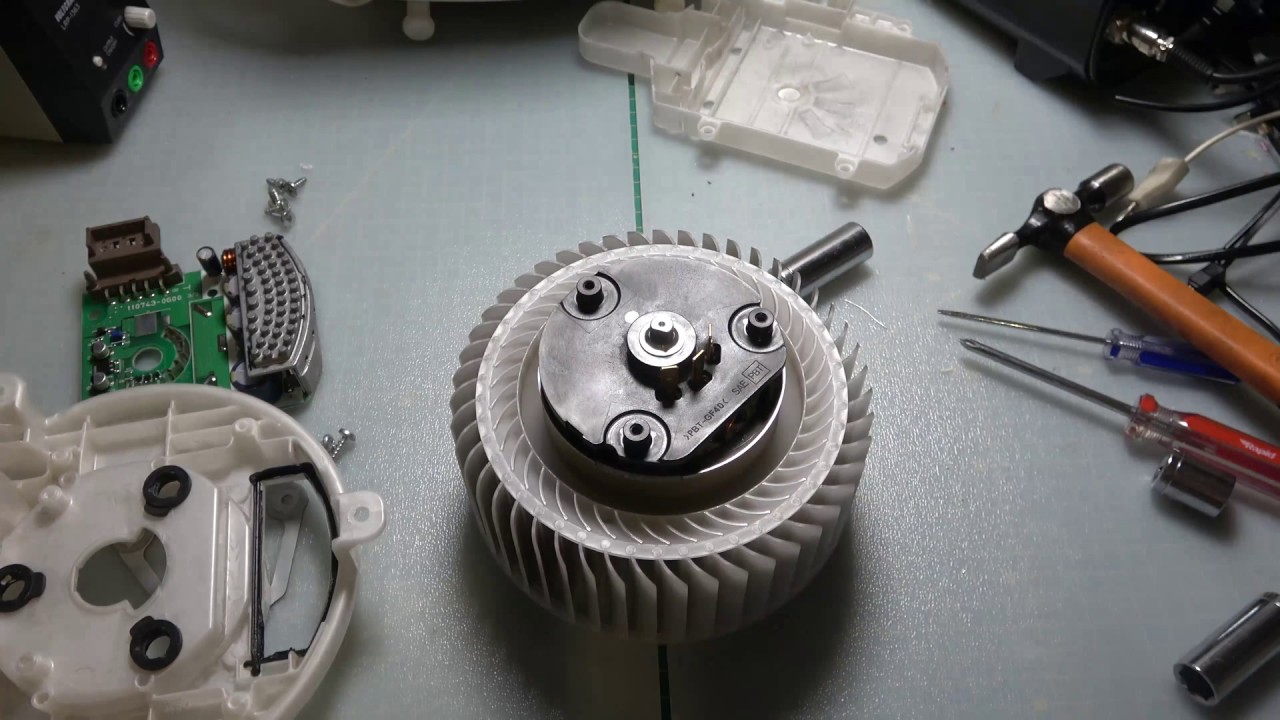
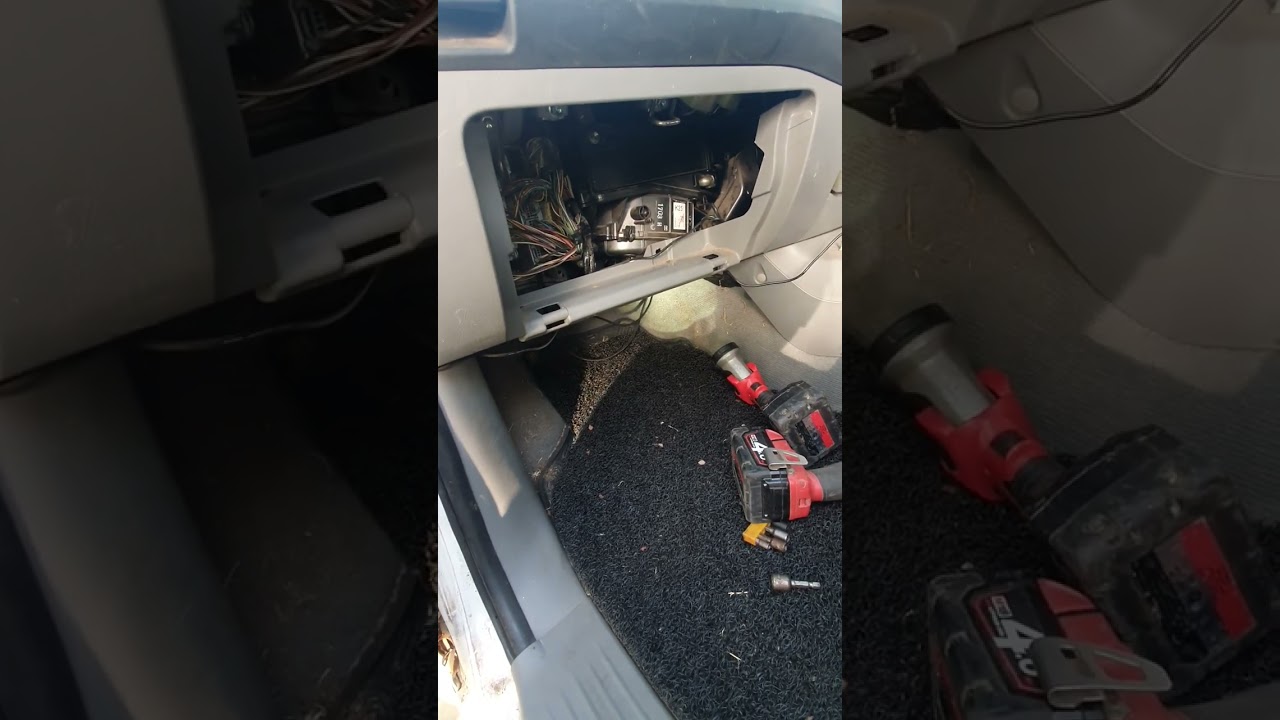
The first step is to use you trim piece to remove the protective cover under the glove box. At the front, there are four tabs that you need to stick to your trim tool and unlatch. Once the trim piece is off, you will have access to the motor blower. Use your 8mm socket wrench to unscrew three bolts holding the motor blower in place. Two bolts will be in the front, one facing the center console and the other the passenger door; the last bolt will be in the back. At this time, you can unplug the fan. PLEASE DO NOT RUN THE FAN WHEN IT IS DISASSEMBLED. With the fan unplugged, you can start disassembly using a Philips screwdriver to remove the computer chip cover. You will then have access to the bottom of the motor, where you use your flat head screwdriver and carefully pry/push the motor out of the housing. Once the motor is out, make sure to give it a really good cleaning, I used an air compressor to get the dust and dirt out. Once parts are clean, use the motor oil and dab oil on the bearing at the bottom of the motor and let it soak and spin the rod until the squeak is gone. For the assembly of the motor, use the pliers and pull the metal prongs down to easily slide into the plugins. In that case, be careful when pushing the motor in so that the metal prongs are being inserted correctly. The voltmeter will come in handy to double-check that the prongs are inserted correctly in the housing. After this, the assembly is precisely the same based on the disassembly! Make sure to watch the video for the visual aspect!
Chapters:
00:00 - Intro
01:36 - Taking Off Trim Piece
09:45 - Remove Blower Motor Fan
14:29 - Initial Looks at Removed Fan
14:59 - Testing if Squeal Comes from AC or Heat
16:38 - Testing Fan for Squeal
17:55 - Cleaning Area Where Motor Blower Fan is Installed
19:00 - Trying to Figure Out How to Take Motor Blower Fan Apart (skippable)
29:13 - Pulling Motor out of Housing
33:52 - Cleaning Dust and Dirt in Motor
36:55 - Motor Oil, Lubricating Bearing
40:26 - Assembling Motor for Testing
43:12 - First Test (Failed due to Electric Pins not Placed Correctly in Fan Housing)
44:09 - Second Test, Made the Fan Worse due to hammering
45:09 - Comments Regarding Old fan
46:26 - How to Insert Pins Correctly
48:32 - Using Volt Meter to Test if Pins are Inserted Correctly
51:30 - Unboxing New Fan
53:44 - Installing New Fan
58:38 - Testing New Fan
59:08 - Installing Trim Piece
1:00:47 - Installing Glove Box
1:02:10 - Outro
Disclaimer:
With all due respect, the people in the video and channel are not reliable for property damage, personal wellbeing, and trouble with the law from the video/channel contents. Use information at your own risk. When modifying, it is recommended to do lots of research, practice safety, have/wear/use PPE, and look into local/provincial/state/federal traffic laws. Any injury, damage, loss, or trouble with the law from the content of this video/channel is the sole responsibility of the user and not the channel or people in the video. Seek professional help if unsure about anything. Links may contain affiliation. Local/provincial/state/federal traffic laws. Any injury, damage, loss, or trouble with the law from the content of this video/channel is the sole responsibility of the user and not the channel or people in the video. Seek professional help if unsure about anything. Links may contain affiliation.
Повторяем попытку...

Доступные форматы для скачивания:
Скачать видео
-
Информация по загрузке: