Create a Seamless Title Animation in After Effects | Tutorial
Автор: DuckTUT
Загружено: 2022-10-28
Просмотров: 84193
Описание:
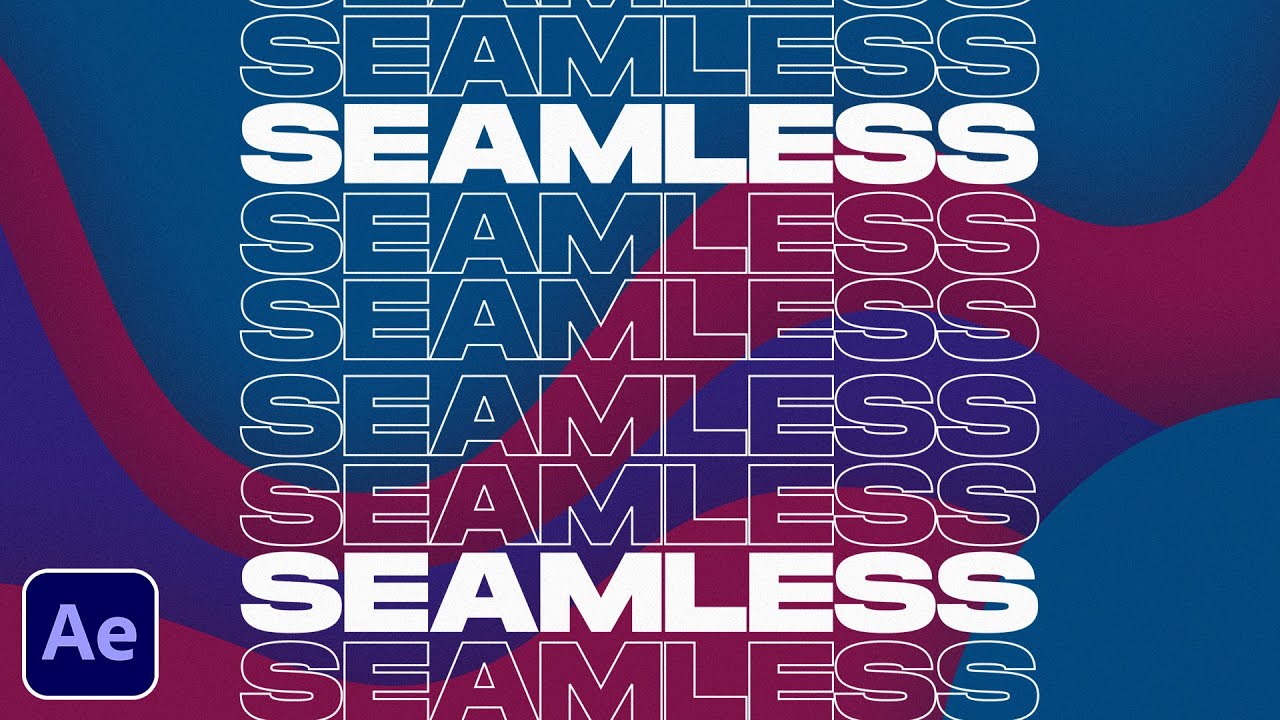
Looking to create interesting title animations in After Effects? Learn how to create a seamless title animation to boost up your motion graphics. Seamless titles are easy to create an allow for a lot of flexibility. For example, you can have the same title scroll endlessly, or you can create unique variations of a title. In this After Effects tutorial, learn how to create a seamless title with multiple variations to ensure your projects stand out!
Here's the breakdown from the Tutorial:
1. Type out your title.
2. Duplicate your title several times.
3. Pre-compose all of your titles.
4. Go back into the Pre-Comp and change the height to fit around your text.
5. Back in your main composition, go to effect - stylize - motion tile.
6. Increase the output height.
7. Then animate the Tile Center to animate your seamless title.
And that's how easy it is to make a seamless title!
17,000+ Templates For After Effects and Premiere Pro: https://bit.ly/UnlimitedEditingTemplates
Save time and produce amazing work with our Extension Window that allows you to preview templates in After Effects and Premiere. Then quickly change your template within seconds to fit your needs!
#aftereffects #sonduckfilm #motiongraphics
Повторяем попытку...
Доступные форматы для скачивания:
Скачать видео
-
Информация по загрузке: