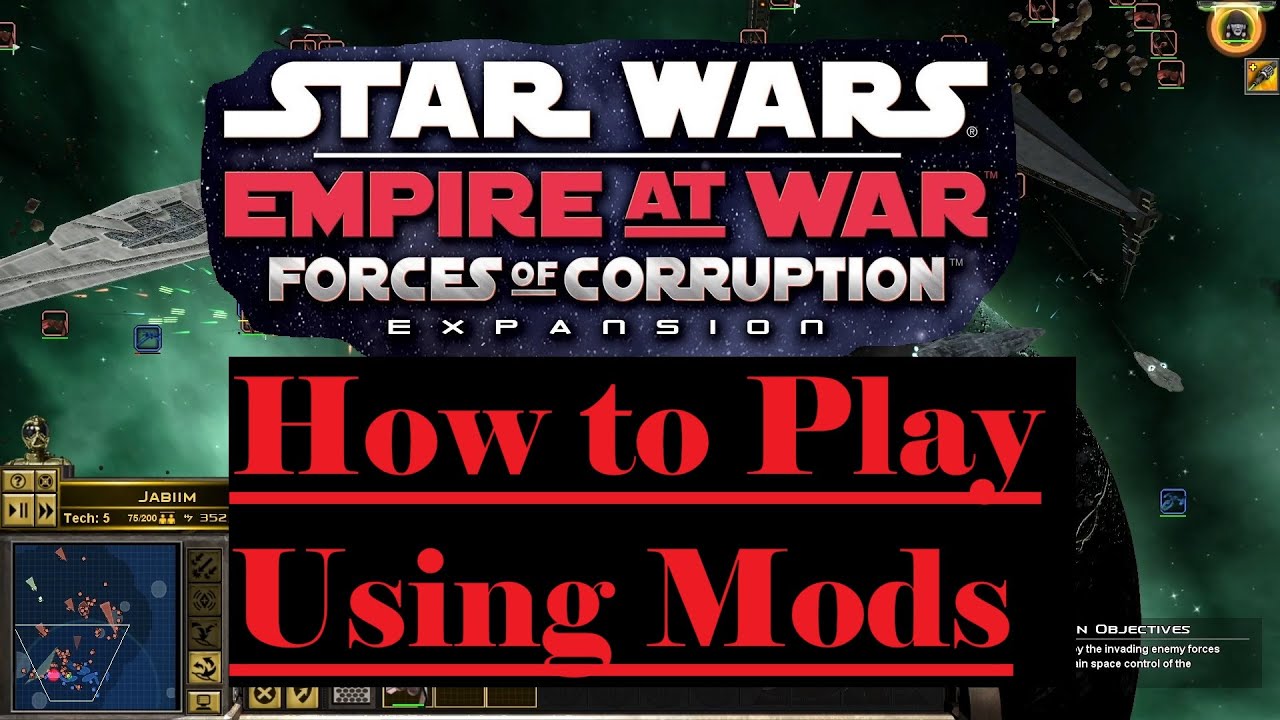
Star Wars Empire at War - How to Play Using Mods (Steam Workshop 2025)
Автор: CЯz H
Загружено: 2025-02-20
Просмотров: 2689
Описание:
Star Wars: Empire at War: Forces of Corruption modding
How to install mods. A quick, and simple guide for getting Steam Workshop mods working for Star Wars: Empire at War: Forces of Corruption.
Before you get into modding, make sure the game functions properly while unmodded.
If you have any questions, you're welcome to comment, but I'm unlikely to help beyond what I've spoken about in the video. If your preferred mod isn't working, list the exact name that's given on the Steam Workshop, and give its ID number.
Other things to consider:
I haven't tested this out because it's not interesting for me, but from what I read, submods require their main mod be installed first. To get your submods working with their main mods, you will type in the Launch Options box: "STEAMMOD=(first mod's ID) STEAMMOD=(second mod's ID)" (exclude quotes)
I said to do exactly as I said, but I would expect you know it's not required that you use YodenMod. That was just my preference. You use your preference of mod following the rest of the instructions.
To speak on YodenMod, it gets updated occasionally, and that can break your saves. To prevent mods from updating, you'd need to copy them to a folder you'd call Mods in the game directory. Doing that would make them local files, and then you'd have to set the launch options to load from there (I'm too lazy to learn how). Also, destroying capital ships on land battles can cause heavy stuttering that almost looks like freezing. Maybe I don't have enough RAM to use this mod. It is awesome how massive space battles can get. The enemy puts up a real challenge there.
Before you get into modding, I recommend you enjoy Tyber Zann's campaign in the game's original form to get the true feeling of corrupting the galaxy with some struggle.
If you listen closely, you can hear lots of clicking sounds in my mic recording. Sorry if you listened that closely and realized that. I don't know why it's so bad. I was thinking I need to use a pop filter, but I'm not sure if that'd fix it, so I'm not wanting to buy one yet. Maybe I've got to change my approach to my mic. I don't think these clicks will interfere with any playthroughs with audio covering it. Maybe I forgot to turn on my fans. I think that helps.
Star Wars, How to, Tutorial, Guide, Walkthrough, Installation, Modding, Yodenmod, Gaming, RTS, Real-Time Strategy, Steam Workshop
Повторяем попытку...
Доступные форматы для скачивания:
Скачать видео
-
Информация по загрузке: