How to Create a New User Account in Windows 11 Like A Pro (Easy Guide)
Автор: BHTG English
Загружено: 2026-11-19
Просмотров: 24
Описание:
#BestHowToGuides #HowToGuides #howto
How to Create a New User Account in Windows 11 Like A Pro (Easy Guide)
How to Create a New User Account in Windows 11 Like A Pro (Easy Guide)
How to Create a New User Account in Windows 11 Like A Pro (Easy Guide)
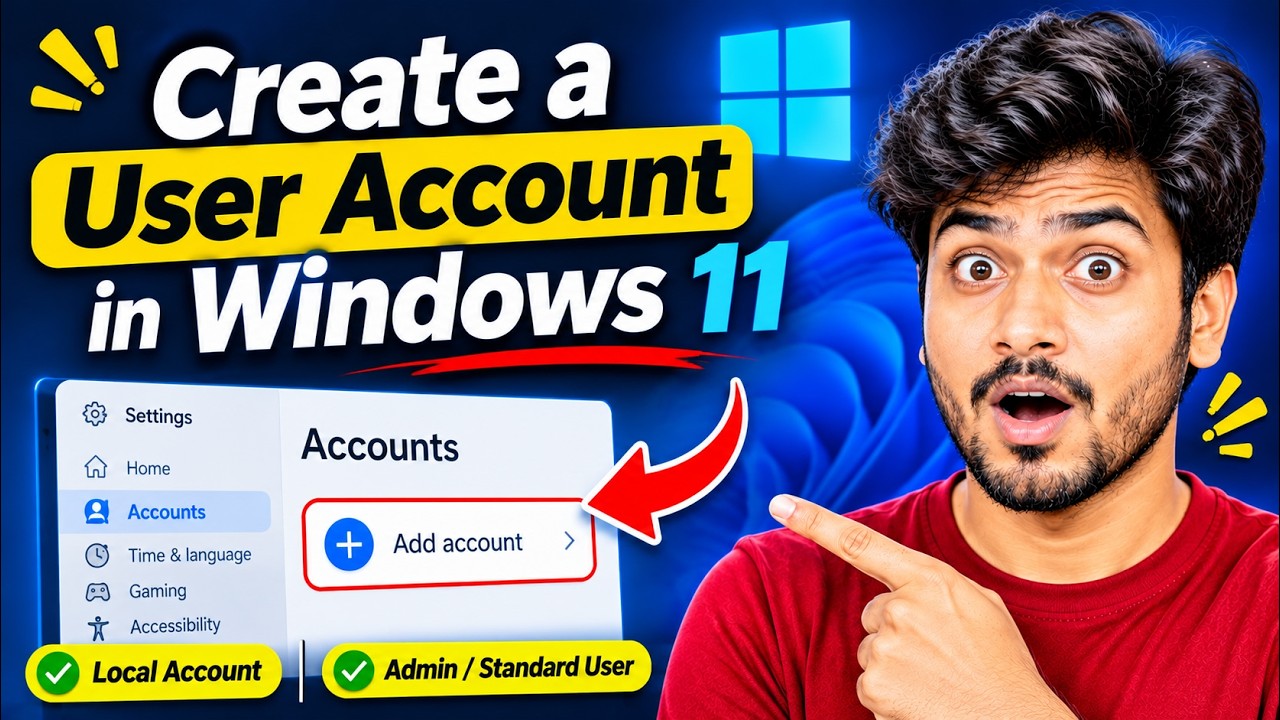
Create a new user account in Windows 11 in a few steps. This tutorial covers local accounts (no Microsoft login), Microsoft accounts, and how to make the new user a standard user or administrator.
What you need: an administrator account on the PC.
Chapters:
0:00 intro
0:10 Open Settings - Accounts - Other users (Family & other users on older builds)
0:23 Add a Microsoft account user
0:40 Add a local user without a Microsoft account
1:15 Outro
Menu name: on Windows 11 24H2 and later it's "Other users"; on earlier versions it's "Family & other users". The steps are the same.
About this video: a step-by-step Windows 11 guide to adding a user in Settings, choosing between a local account and a Microsoft account, and setting account permissions (standard user vs administrator). Related: Windows 11 Settings, Command Prompt, PowerShell, netplwiz, Computer Management (Pro only).
#Windows11 #WindowsTutorial #TechTips
Повторяем попытку...
Доступные форматы для скачивания:
Скачать видео
-
Информация по загрузке: